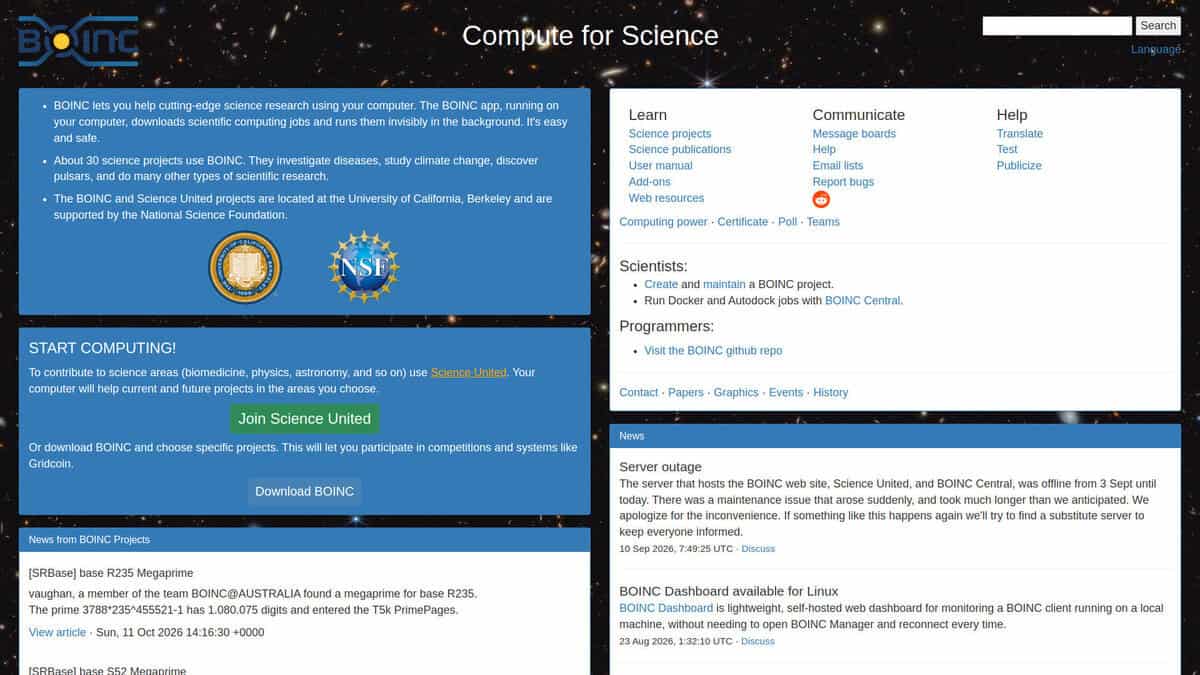
BOINC (Berkeley Open Infrastructure for Network Computing) is free, open-source software that lets people donate their computer’s spare processing power to scientific research. It was created at UC Berkeley’s Space Sciences Laboratory, originally to run SETI@home, and was released as a general platform in 2002.
How it works: You install the BOINC client and choose which research projects to support. When your computer is idle, or running at a limit you set, the client downloads small chunks of work from the project’s server, computes them, and uploads the results. The project then combines results from thousands or millions of volunteer machines. Redundancy (the same task sent to multiple volunteers) helps catch errors and cheating.
Our view: obviously it can be seen from both sides of the coin: as a calculation tool (for the scientists creating a calculation project for it), or as a sponsor (for users hosting the GOINC P2P tool to help on the calculations for the chosen projects … and also earn some Gridcoin as rewards).
What it’s used for: projects span astronomy (Einstein@Home searches for gravitational waves and pulsars), biology and medicine (Rosetta@home for protein structure, World Community Grid for health and sustainability research), climate modeling (climateprediction.net), and mathematics (projects searching for prime numbers and number-theoretic patterns).
Why it matters: volunteer computing gives research groups supercomputer-scale throughput at a tiny fraction of the cost. Many projects have contributed to published papers and real discoveries.
Practical points:
- It runs on Windows, macOS, Linux, and Android.
- You control CPU usage, when it runs (e.g., only when idle or plugged in), and which projects participate.
- It does use electricity and generates some heat, so it’s worth setting sensible limits on laptops.
- Participants earn “credits” for work done, which fuels friendly competition between individuals and teams.
The official site is boinc.berkeley.edu, where you can download the client and browse the list of projects.