SageMathCell compared with Mathematica, Maple and MATLAB Symbolic Math Toolbox| SageMathCell | Mathematica | Maple | MATLAB Symbolic Math Toolbox |
|---|
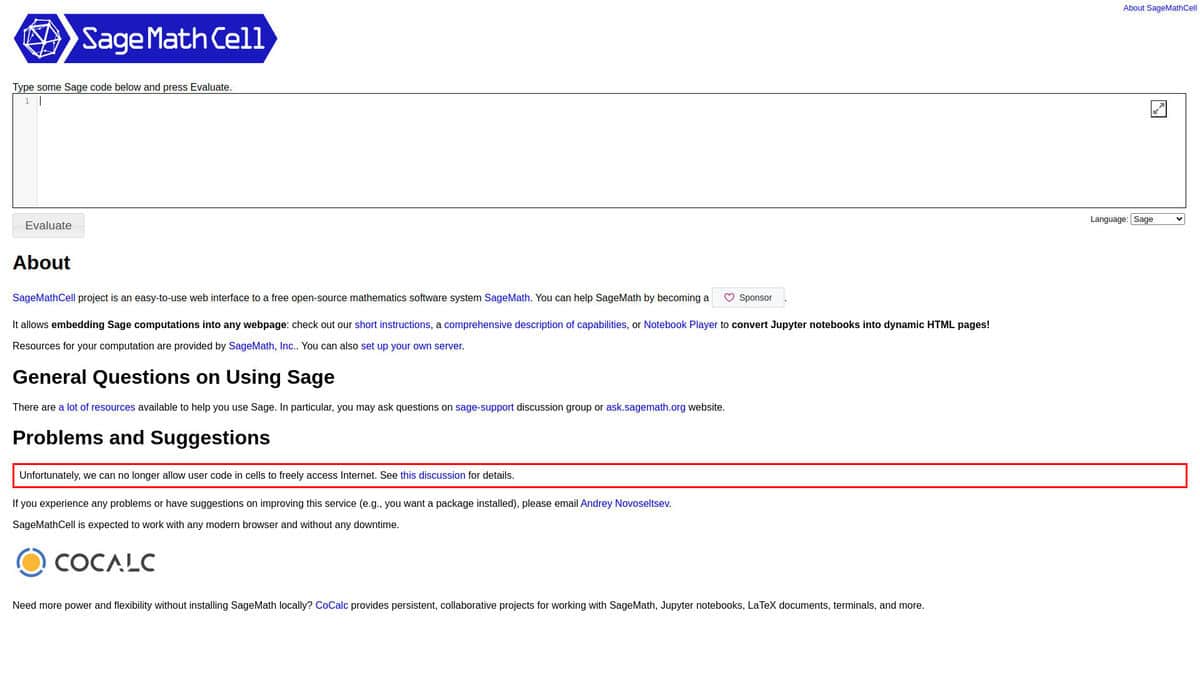
| Access and installation: It is a web interface to Sage that runs in the browser, so nothing is installed locally. The cell can also be embedded in other web pages with two script tags and a small HTML block. | Access and installation: It is a desktop application for Windows, macOS and Linux, and cloud access in a browser is included with the subscription licence. Installation and activation are needed for desktop use. | Access and installation: It is a desktop application for Windows, macOS and Linux. Maple 2026 lists support for 64-bit Windows 10 and 11, several Linux distributions and recent macOS versions. | Access and installation: It is an add-on to MATLAB, so a MATLAB installation is a prerequisite. Symbolic work can be done in the MATLAB Live Editor. |
| Computation scope: Sage is the core system, offered here as a web service that evaluates code cells. Cells can also be switched to evaluate R code. | Computation scope: Mathematica is offered with the Wolfram Language, compute kernels and cloud storage and computation in the same product. It is a full environment, not a single-cell service. | Computation scope: Maple is mathematical software from Maplesoft focused on symbolic algebra and calculus. It simplifies, differentiates, integrates and solves equations symbolically, and includes graphing tools. | Computation scope: The toolbox provides symbolic calculus, equation solving, symbolic linear algebra, integral transforms, units and dimensional analysis, and variable-precision arithmetic inside MATLAB. |
| Sharing and export: Results are shared as a permalink that encodes the code in the URL. A shortened temporary link stores the code in a database and only lasts while that database keeps it. | Sharing and export: Cloud access from a browser or the Wolfram Cloud app is part of the subscription, which allows work to be opened without a local installation. | | Sharing and export: Symbolic expressions can be turned into MATLAB functions, Simulink function blocks, Simscape equations and C code. Work can also be exported as live scripts, HTML, Word, LaTeX or PDF. |
| Licence and cost model: SageMathCell is open source. The server stack (Tornado, ZeroMQ, SQLite, optionally nginx and HAProxy) can be self-hosted under your own server name. | Licence and cost model: Mathematica is commercial software sold as an auto-renewing subscription with desktop and cloud access, or as a perpetual desktop licence. A perpetual licence stops cloud access and upgrades after the subscription ends. | Licence and cost model: Maple is commercial software. Universities offer student single-user, home-use and institution network licences for instruction and research. | Licence and cost model: The toolbox is a paid MATLAB add-on, licensed through MathWorks together with MATLAB. |