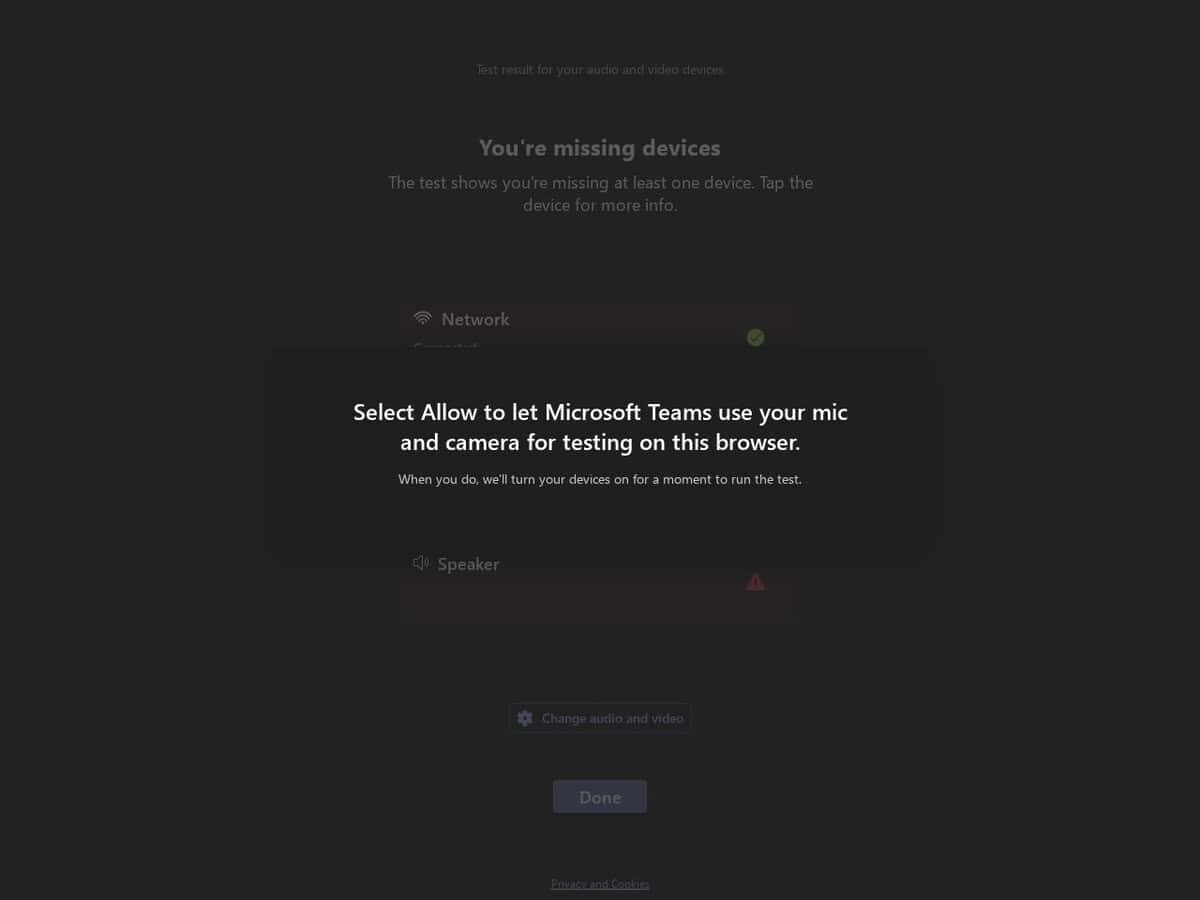
MS Teams Audio & Camera Tester compared with Zoom Test and Webcam Test| MS Teams Audio & Camera Tester | Zoom Test | Webcam Test (typical) |
|---|
| Purpose and ecosystem: Checks audio and camera for use in Microsoft Teams, from the Teams authors. It targets the Teams environment and the way Teams handles devices. | Purpose and ecosystem: The Zoom test meeting at zoom.us/test opens a meeting where the user is the only participant. It checks audio and video and also screen sharing and chat, in the Zoom environment. | Purpose and ecosystem: Typically a generic browser page for any application. It shows a live preview to confirm that the camera works and judge its image. |
| What is evaluated: Microsoft certifies USB peripherals for Teams against criteria such as wideband audio without echo or distortion, and video quality in noise, color, image detail, jitter, latency, frame rate and field of view. Call control such as answer, hang up and mute is part of certified devices. | What is evaluated: A functional check in a real meeting session: audio, video, screen sharing and chat. The Zoom article describes no measured quality values. | What is evaluated: Typically a preview, plus in some sites a readout of resolution and frame rate (one checked site labels SD, 720p, 1080p or 4K and counts decoded frames per second) or brightness and contrast adjustment (another checked site). |
| Installation and account: Works without the Zoom desktop client, and Chrome is a good choice. If the desktop client is installed, the test meeting opens in the client instead. The article describes no sign-in step. | Installation and account: Typically runs entirely in the browser with no software to install. One checked site (imageonline.io) works in Chrome, Edge, Firefox and Safari and works offline once loaded. |
| | Data handling: Typically the sites state that video is not uploaded or stored (statements checked on imageonline.io and trtc.io), but these are the sites own claims. |