Wokwi Arduino and ESP32 Simulator compared with Proteus, Tinkercad Circuits and PlatformIO| Wokwi | Proteus | Tinkercad Circuits | PlatformIO |
|---|
| Technical scope: Simulates embedded firmware in the browser together with virtual displays, sensors, motors and WiFi. The firmware runs on a simulated chip, so serial output and peripheral responses can be observed without a board. | Technical scope: Combines microcontroller models with mixed-mode SPICE circuit simulation, so analogue behaviour and firmware can be studied in one schematic. Schematic capture also feeds PCB layout, which Wokwi does not cover. | Technical scope: Simulates Arduino circuits on an interactive breadboard and supports block-based coding. Its scope is an introduction to circuits and microcontrollers. | Technical scope: A development toolchain with a build system, static code analyzer, unified debugger and remote unit testing for real hardware. It is aimed at producing and testing firmware, not at virtual circuit design. |
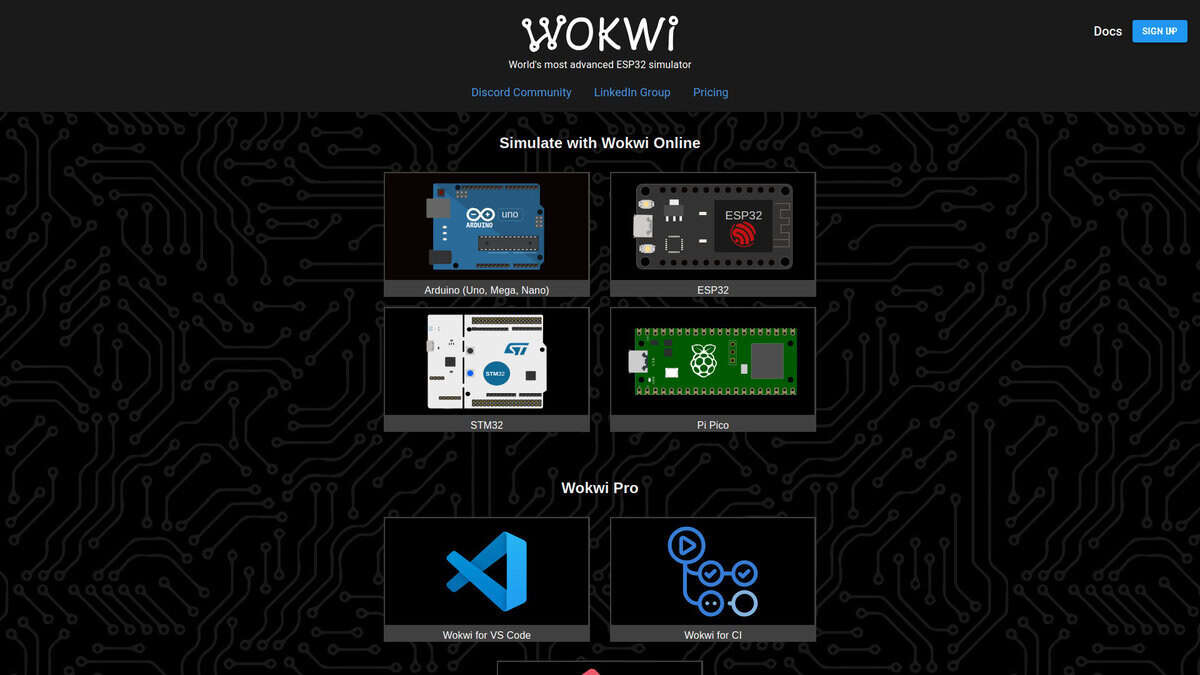
| Hardware targets: Arduino (Uno, Mega, Nano), ESP32, STM32 and Raspberry Pi Pico, plus a Chips API for custom parts. GDB debugging is documented for Arduino and Raspberry Pi Pico. | Hardware targets: Over 750 microprocessor variants with their I/O ports, interrupts, timers and USARTs. Version 9.2 adds expanded simulation of STM32CubeIDE projects. | Hardware targets: Arduino boards and microcontrollers. | Hardware targets: Supports ARM, AVR, Espressif ESP8266 and ESP32, FPGA, 8051, MSP430, Nordic nRF, NXP i.MX RT, PIC32, RISC-V, STM8, STM32 and Teensy, with frameworks such as Arduino, ESP-IDF, FreeRTOS, Zephyr and STM32Cube. |
| Testing and automation: Wokwi CI can detect memory leaks in ESP-IDF firmware by tracking free heap and failing the test, without changes to the firmware. A VS Code extension is available. | | | Testing and automation: Remote unit testing, continuous integration support and a firmware file explorer with memory inspection are listed features. |
| Licence and cost model: Free for personal use, and commercial users and professionals need a paid plan. The paid plans add the VS Code extension, CI integration and faster builds. Some functions, such as binary SD card uploads, are limited to paying users. | Licence and cost model: Sold as purchasable VSM packages, with a separately purchasable Advanced Simulation option for frequency, noise and sweep analyses. A free demo allows trying sample designs. | Licence and cost model: Free, with no paid licence or subscription required. | Licence and cost model: Open source under the Apache 2.0 licence, which allows commercial and personal projects. Telemetry is enabled by default and can be configured. |
| Platform and installation: Runs in the browser without an account. Saving projects to the cloud requires an account, and projects can also be simulated from VS Code. | Platform and installation: Desktop software. Proteus 9 has a 64-bit architecture. | Platform and installation: Runs entirely in a web browser, needs an internet connection and no installation. | Platform and installation: Python package (Python 3.6 or later on the version page checked) that integrates with desktop IDEs and CI systems. |