PMKS Planar Mechanism Simulator compared with SolidWorks Motion, Autodesk Inventor and MeKin2D| PMKS Planar Mechanism Simulator | SolidWorks Motion | Autodesk Inventor | MeKin2D |
|---|
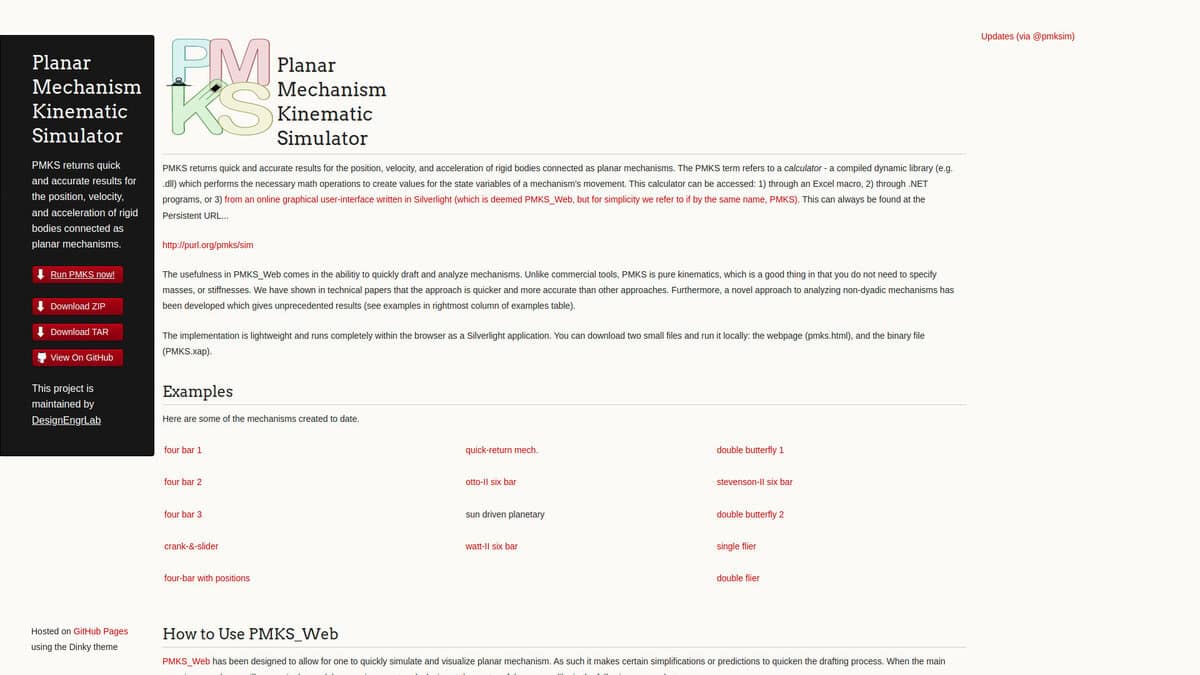
| Analysis type: It is pure kinematics for planar mechanisms: position, velocity and acceleration of rigid bodies, with no masses or stiffnesses to specify. | Analysis type: Motion Analysis performs rigid-body dynamics and kinematics with a solver powered by ADAMS. It returns forces, torque and power, which helps to size motors, and handles 3D contact. | Analysis type: Dynamic Simulation analyzes mechanism motion over time and calculates forces, torques, velocities, accelerations and joint reactions for 3D assemblies. | Analysis type: It simulates the motion of planar linkages by kinematics. It plots point paths, velocity vectors, normal and tangential acceleration vectors, and hodographs. |
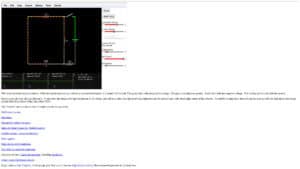
| Model definition: Mechanisms are defined by joints in a table, and each joint start position at t = 0 sets the geometry. Joints can be dragged in the graphical interface. Examples include four-bar, six-bar, slider-crank, gear train and planetary mechanisms. | Model definition: The model is the CAD assembly. Mates must be physically correct, and motors, springs, dampers, bushings and contact settings are added. | | Model definition: The mechanism is programmed as modular Free Pascal subroutines. Link shapes can be generated automatically or read from ASCII files. |
| Outputs and data exchange: Position, velocity and acceleration values are produced. The calculator can also be driven from an Excel macro or from .NET programs. | Outputs and data exchange: Trace paths can be converted to sketches, and design studies show the effect of parameter variations. Event-based studies give cycle time estimates. | Outputs and data exchange: Load conditions at any motion state can be exported to Stress Analysis, which links the motion to part stress. | Outputs and data exchange: DXF files are exported with each simulation frame on its own layer, and data goes to ASCII files. |
| Platform and access: The online interface is described on the project page as a Silverlight application running in the browser, with files that can be downloaded and run locally. The page shows a copyright date of 2014, so its current browser compatibility is uncertain. | Platform and access: It is an add-in of SOLIDWORKS and must be enabled. Time-based Motion Analysis requires SOLIDWORKS Premium or a Simulation package. | Platform and access: It runs on Microsoft Windows as part of the Inventor CAD environment. | Platform and access: It runs on Windows with a command-line interface. The project page shows its last update in July 2018. |
| Licence and cost model: The project is maintained by DesignEngrLab on GitHub. No fee or licence terms are stated on the page. | Licence and cost model: Commercial software. Event-based motion requires SOLIDWORKS Simulation Professional or higher. | Licence and cost model: Sold as a subscription, with a free trial available. | Licence and cost model: Open source under the MIT licence. |