Compiler Explorer Assembly Viewer compared with Visual Studio Disassembly and Binary Ninja| Compiler Explorer | Visual Studio Disassembly | Binary Ninja |
|---|
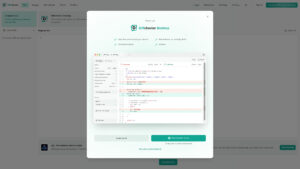
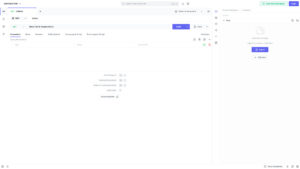
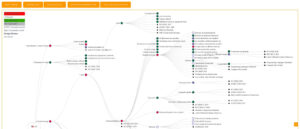
| Purpose and workflow: Compiles source code live with a chosen compiler, version and flags, and shows the generated assembly next to the source. Output updates as you type, and two compilers can be compared in a diff view. | Purpose and workflow: Shows the assembly instructions the compiler generated for the program being debugged. For managed code (C# and Visual Basic) these are the native instructions produced by the JIT compiler, not the MSIL. | Purpose and workflow: Analyses existing binaries with a disassembler, decompiler and debugger. The work starts from a compiled file, not from source code. |
| Input: Source code in many languages. The public instance supports over 70 languages, according to NVIDIA. | Input: The project being debugged. The window is only available when address-level debugging is enabled, and not for script or SQL debugging. | Input: Binary files in PE, Mach-O and ELF formats and some minor formats, as well as arbitrary file formats. |
| Output and analysis: Assembly, LLVM IR, optimization remarks, control flow graphs and preprocessor output. For CUDA it also shows PTX and can run code on NVIDIA GPUs. | Output and analysis: Optional display of instruction addresses, source lines, code bytes and symbol names, used alongside the Registers window. Basic knowledge of assembly is needed. | Output and analysis: Decompilation to C or to the BNIL intermediate languages, a triage view with an entropy graph, and patching tools. Disassembly covers x86, x86_64, ARMv7, ARMv8, PowerPC, MIPS, RISC-V, MSP430 and TriCore, among others. |
| Openness and integration: Open source on GitHub, and anyone can run a local instance or host their own. Short links share the code, compiler settings and output. | Openness and integration: Part of the Visual Studio debugger. | Openness and integration: Scripting API with bindings for C++, Python and Rust. The free edition has no API or plugin access, and headless use needs Commercial or Ultimate licences. |
| Licence and platform: Web-based, with a public instance at godbolt.org. | | Licence and platform: Runs on Windows, macOS and Linux. The free edition is for non-commercial use or evaluation and decompiles only x86, x86_64, ARMv7 and ARMv8. A free browser version exists but requires uploading binaries to Vector 35. |