Product Design, Manufacturing & Innovation Resources
Home » Online Tools » Diffchecker Text and File Compare

Diffchecker Text and File Compare

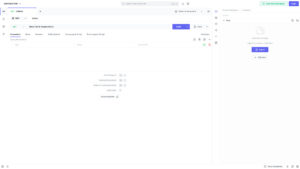
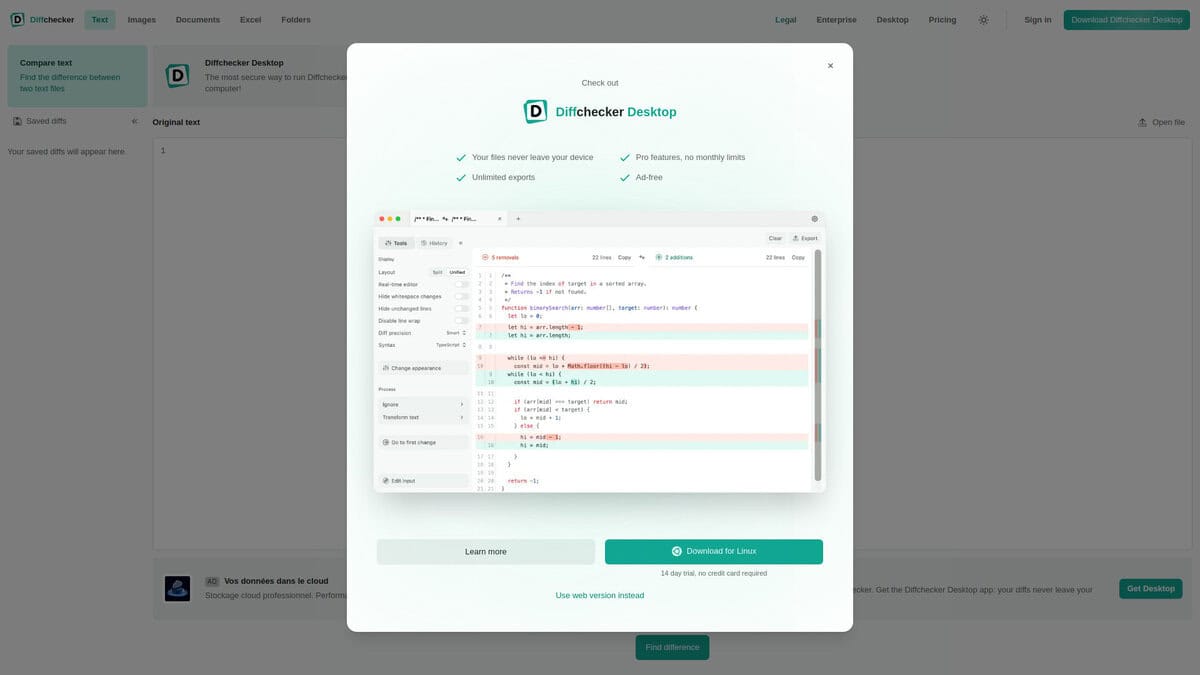
Diffchecker compares two versions of a text, code file or data file and highlights every insertion, deletion and change. It offers side by side and unified views, character, word or smart precision, custom ignore rules for timestamps or identifiers, and a mode that hides unchanged lines.

The editor recomputes the diff while you type on either side. Separate tabs compare images, Word and PDF documents, Excel files and folders. Comparing text needs no sign up. An account is required only to save or share a diff as a link. The desktop app and the Pro plan are paid.

Engineers use it to check configuration files, logs, API responses and CSV exports between two runs. Scientists compare data files or revisions of a manuscript, and product developers review changes between two versions of a specification.
Disciplines: Software engineering, Technical writing, Legal, Data engineering, Publishing.
Free alternative to Beyond Compare, WinMerge, Git diff.
Diffchecker Text and File Compare compared with Beyond Compare, WinMerge and Git diff
DiffcheckerBeyond CompareWinMergeGit diff
What is compared: Text, code and data files, plus images, Word and PDF documents, Excel files and folders, each in its own tab. Spreadsheets can be compared cell by cell.What is compared: Source code, folders, images and data, including files inside zip archives and on remote services such as FTP sites.What is compared: Two or three folders or files shown as visual text differences. Binary contents can be shown, but WinMerge is not a hex editor.What is compared: Text differences, with options documented for word-level output and whitespace handling.
Comparison options: Side by side and unified views, character, word or smart precision, custom ignore rules for timestamps or identifiers, and a mode that hides unchanged lines.Comparison options: Can synchronize folders and validate copies. Standard and Pro editions exist.Comparison options: Supports comparing, synchronizing and merging, with syntax highlighting for several programming languages and file formats.Comparison options: Word diff modes (color, plain, porcelain), three whitespace options (end of line, space change, all space) and the patience diff algorithm.
Platform and sharing: Runs in the browser and as a desktop app. Comparing text needs no sign up, an account is needed to save or share a diff as a link, and private sharing is end-to-end encrypted.Platform and sharing: Windows, macOS and Linux.Platform and sharing: Windows only.
Licence and cost model: Free text comparison in the browser. The desktop app and Pro plan are paid, with a trial available.Licence and cost model: Open source under the GPL.

Privacy: we have no feedback of potential problem with this tool and author. But like many online services, you are here providing them with your own data. Depending of the criticity of your data, this is your responsibility to assess author's reputation and potential misusage, and to check and accept their terms and conditions, or not.

More Coding, Text Related tools

Suggest your best online tool:

Do you know a better, a complementary or a replacement website to the one listed above ?

> Suggest it here <

10th year anniversary

Full size images and downloads are only available, 100% free, for registered members.

> Login <