Squoosh compared with TinyPNG, ImageOptim and Adobe Photoshop Save for Web| Squoosh | TinyPNG | ImageOptim | Adobe Photoshop Save for Web |
|---|
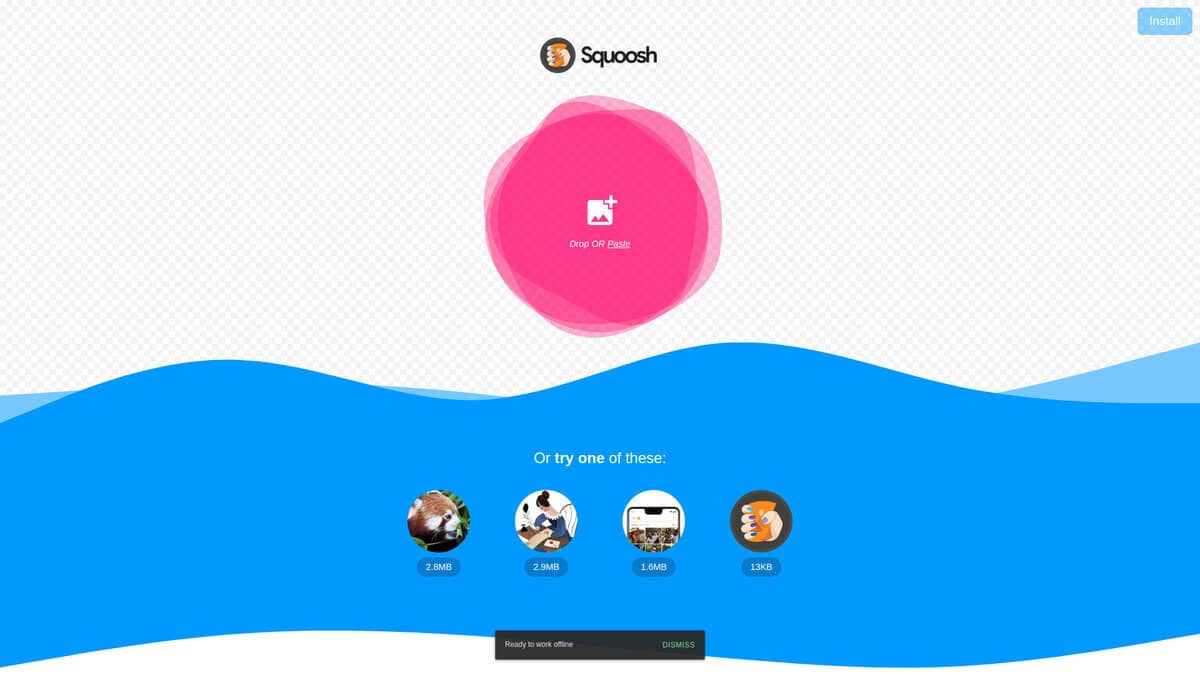
| Where processing happens: Squoosh encodes images locally in the browser. The site states that images never leave the device, although Google Analytics collects basic visitor data and before and after size values. | Where processing happens: TinyPNG is a web compressor with a developer API. The page checked did not carry a privacy statement. | Where processing happens: ImageOptim is a Mac app. It also offers a web service and API and command line use. | Where processing happens: Save for Web is a feature of the Photoshop desktop application and works on the open document, preserving the original PSD file. |
| Formats and codecs: The tool offers codecs such as AVIF, WebP and MozJPEG, and the library example also shows JPEG XL. Each codec has its own settings. | Formats and codecs: The web compressor accepts AVIF, JXL, WebP, PNG and JPG. Its conversion options are JXL, WebP, JPEG and PNG. | Formats and codecs: ImageOptim handles JPEG, PNG, SVG and animated GIF. It does not list AVIF or WebP on its product page. | Formats and codecs: The legacy dialog exports GIF, JPG, PNG and WBMP. WebP is only available through Save a Copy, according to one tutorial. |
| Quality control and preview: A slider compares the original with the compressed image, and two encodings can be previewed side by side. The exact quality loss is visible before saving. | Quality control and preview: The engine applies smart lossy compression automatically. The page claims size reductions of up to 80 percent, with no per codec settings described. | Quality control and preview: ImageOptim is lossless by default. An optional lossy minification setting trades quality for size, and metadata stripping (EXIF, GPS, camera serial number, thumbnails, comments) can be switched off. | Quality control and preview: Save for Web has 2-Up and 4-Up previews, presets, an Optimize to File Size option, fine metadata control, animated GIF creation and slicing with HTML and CSS output. |
| Scale and batch limits: libSquoosh, an experimental Node library on which the Squoosh command line tool is built, was announced for automation, with a warning to expect bugs. | Scale and batch limits: The free web version accepts up to 20 images with a maximum of 5 MB each. The Developer API, with client libraries for several languages, automates larger volumes. | Scale and batch limits: ImageOptim also offers a web service and API and command line use, which support automation. | |
| Openness and cost model: Squoosh is open source under the Apache-2.0 licence, and the source is on GitHub. | Openness and cost model: TinyPNG offers a web compressor with stated usage limits and a developer API. | Openness and cost model: ImageOptim is free and open source under GPL v2 or later, with optional donations. It requires macOS 11 or later. | Openness and cost model: Save for Web is part of Photoshop. Adobe labels the feature as legacy. |