Product Design, Manufacturing & Innovation Resources
Maison » Outils en ligne » Testeur audio et caméra de MS Teams

Testeur audio et caméra de MS Teams

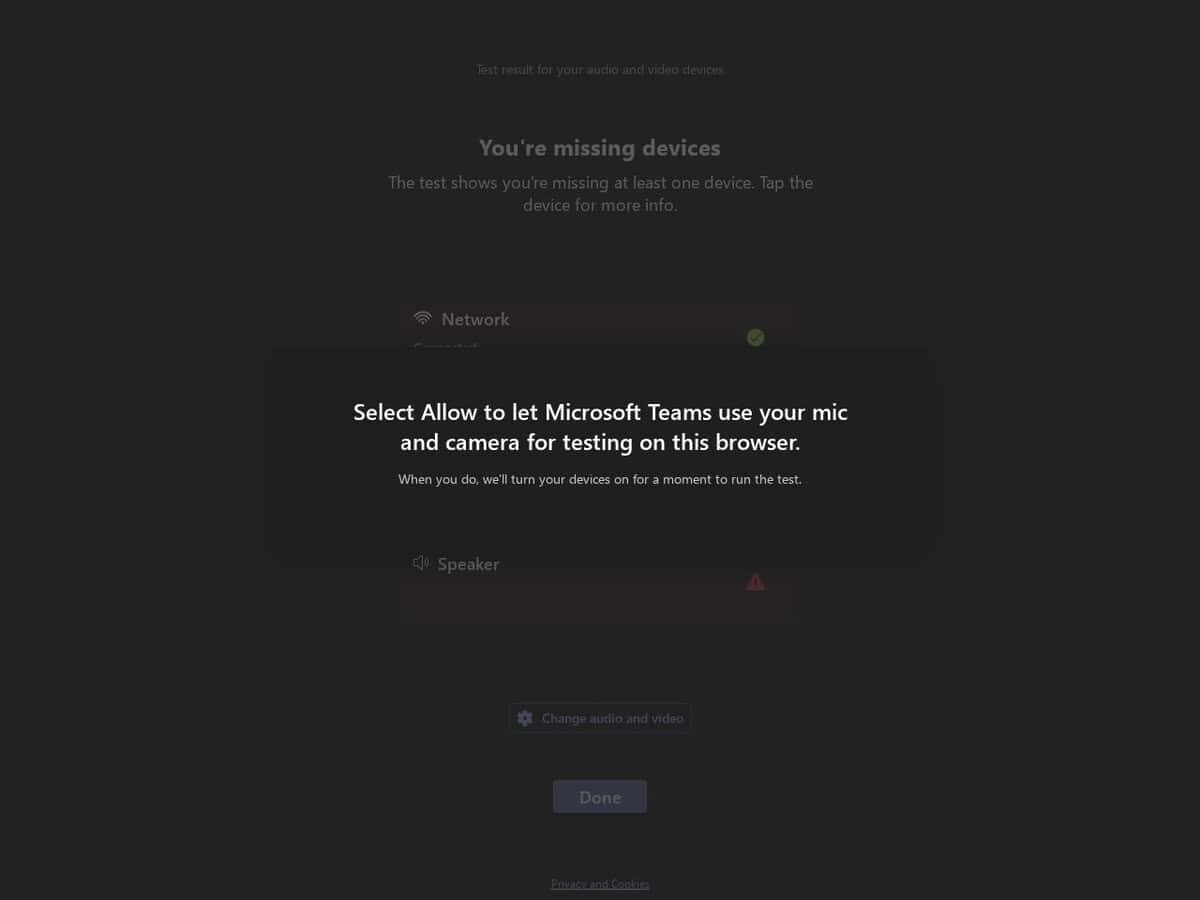
Avant tout appel important, assurez-vous que votre configuration audio et vidéo Teams fonctionne correctement. Fourni par Microsoft, les créateurs de Teams.

Simple et efficace.

The Microsoft Teams Device Test portal provides a technical validation environment for hardware manufacturers to certify audio and video peripherals for the Microsoft Teams ecosystem. It offers automated diagnostic suites that measure hardware performance against specific certification standards, focusing on audio fidelity, video clarity, and control synchronization.

It evaluates Human Interface Device (HID) commands, such as mute state synchronization and call control, while assessing signal processing capabilities including acoustic echo cancellation and background noise suppression to ensure seamless software-hardware integration.


Disciplines : Télétravail, administration informatique, éducation, télécommunications.
Alternative gratuite à Zoom Test et Webcam Test.
MS Teams Audio & Camera Tester compared with Zoom Test and Webcam Test
MS Teams Audio & Camera TesterZoom TestWebcam Test (typical)
Purpose and ecosystem: Checks audio and camera for use in Microsoft Teams, from the Teams authors. It targets the Teams environment and the way Teams handles devices.Purpose and ecosystem: The Zoom test meeting at zoom.us/test opens a meeting where the user is the only participant. It checks audio and video and also screen sharing and chat, in the Zoom environment.Purpose and ecosystem: Typically a generic browser page for any application. It shows a live preview to confirm that the camera works and judge its image.
What is evaluated: Microsoft certifies USB peripherals for Teams against criteria such as wideband audio without echo or distortion, and video quality in noise, color, image detail, jitter, latency, frame rate and field of view. Call control such as answer, hang up and mute is part of certified devices.What is evaluated: A functional check in a real meeting session: audio, video, screen sharing and chat. The Zoom article describes no measured quality values.What is evaluated: Typically a preview, plus in some sites a readout of resolution and frame rate (one checked site labels SD, 720p, 1080p or 4K and counts decoded frames per second) or brightness and contrast adjustment (another checked site).
Installation and account: Works without the Zoom desktop client, and Chrome is a good choice. If the desktop client is installed, the test meeting opens in the client instead. The article describes no sign-in step.Installation and account: Typically runs entirely in the browser with no software to install. One checked site (imageonline.io) works in Chrome, Edge, Firefox and Safari and works offline once loaded.
Gestion des données : Typically the sites state that video is not uploaded or stored (statements checked on imageonline.io and trtc.io), but these are the sites own claims.

Vie privée : nous n'avons aucun retour d'information concernant un problème potentiel avec cet outil et son auteur. Mais comme pour de nombreux services en ligne, vous leur fournissez ici vos propres données. En fonction de la criticité de vos données, il est de votre responsabilité d'évaluer la réputation de l'auteur et les abus potentiels, et de vérifier et d'accepter leurs conditions générales, ou non.

Plus Réseau et Web outils

Suggérez votre meilleur outil en ligne :

Connaissez-vous un site web meilleur, complémentaire ou de remplacement à celui mentionné ci-dessus ?

> Proposez-le ici <

10e année anniversaire

Les images en pleine résolution et les téléchargements sont uniquement disponibles, et 100% gratuits, pour les membres inscrits.