Product Design, Manufacturing & Innovation Resources
Heim » Online-Tools » MS Teams Audio- und Kameratester

MS Teams Audio- und Kameratester

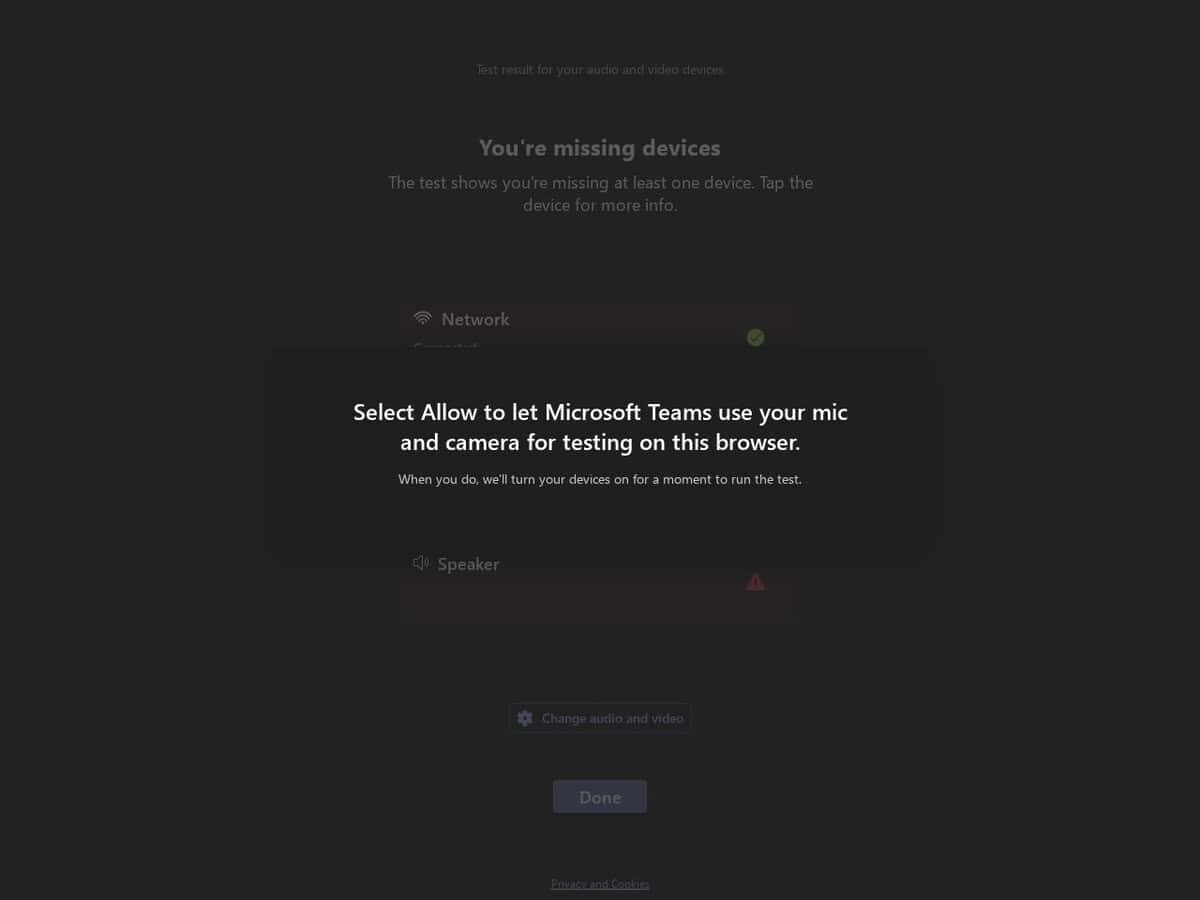
Stellen Sie sicher, dass Ihre Audio- und Videoeinstellungen in Microsoft Teams vor wichtigen Anrufen einwandfrei funktionieren. Bereitgestellt von den Entwicklern von Microsoft Teams.

Einfach und effektiv.

The Microsoft Teams Device Test portal provides a technical validation environment for hardware manufacturers to certify audio and video peripherals for the Microsoft Teams ecosystem. It offers automated diagnostic suites that measure hardware performance against specific certification standards, focusing on audio fidelity, video clarity, and control synchronization.

It evaluates Human Interface Device (HID) commands, such as mute state synchronization and call control, while assessing signal processing capabilities including acoustic echo cancellation and background noise suppression to ensure seamless software-hardware integration.


Disziplinen: Fernarbeit, IT-Administration, Bildung, Telekommunikation.
Kostenlose Alternative zu Zoom Test, Webcam Test.
MS Teams Audio & Camera Tester compared with Zoom Test and Webcam Test
MS Teams Audio & Camera TesterZoom TestWebcam Test (typical)
Purpose and ecosystem: Checks audio and camera for use in Microsoft Teams, from the Teams authors. It targets the Teams environment and the way Teams handles devices.Purpose and ecosystem: The Zoom test meeting at zoom.us/test opens a meeting where the user is the only participant. It checks audio and video and also screen sharing and chat, in the Zoom environment.Purpose and ecosystem: Typically a generic browser page for any application. It shows a live preview to confirm that the camera works and judge its image.
What is evaluated: Microsoft certifies USB peripherals for Teams against criteria such as wideband audio without echo or distortion, and video quality in noise, color, image detail, jitter, latency, frame rate and field of view. Call control such as answer, hang up and mute is part of certified devices.What is evaluated: A functional check in a real meeting session: audio, video, screen sharing and chat. The Zoom article describes no measured quality values.What is evaluated: Typically a preview, plus in some sites a readout of resolution and frame rate (one checked site labels SD, 720p, 1080p or 4K and counts decoded frames per second) or brightness and contrast adjustment (another checked site).
Installation and account: Works without the Zoom desktop client, and Chrome is a good choice. If the desktop client is installed, the test meeting opens in the client instead. The article describes no sign-in step.Installation and account: Typically runs entirely in the browser with no software to install. One checked site (imageonline.io) works in Chrome, Edge, Firefox and Safari and works offline once loaded.
Datenverarbeitung: Typically the sites state that video is not uploaded or stored (statements checked on imageonline.io and trtc.io), but these are the sites own claims.

Privacy: we have no feedback of potential problem with this tool and author. But like many online services, you are here providing them with your own data. Depending of the criticity of your data, this is your responsibility to assess author's reputation and potential misusage, and to check and accept their terms and conditions, or not.

More Netzwerk & Web tools

Empfehlen Sie Ihr bestes Online-Tool:

Kennen Sie eine bessere, ergänzende oder alternative Website zu der oben genannten?

> Hier vorschlagen <

10. Jahr Jubiläum

Bilder in voller Größe und Downloads sind ausschließlich für registrierte Mitglieder kostenlos verfügbar.

> Login <