Product Design, Manufacturing & Innovation Resources
Home » Online Tools » Webpage to Markdown Converter

Webpage to Markdown Converter

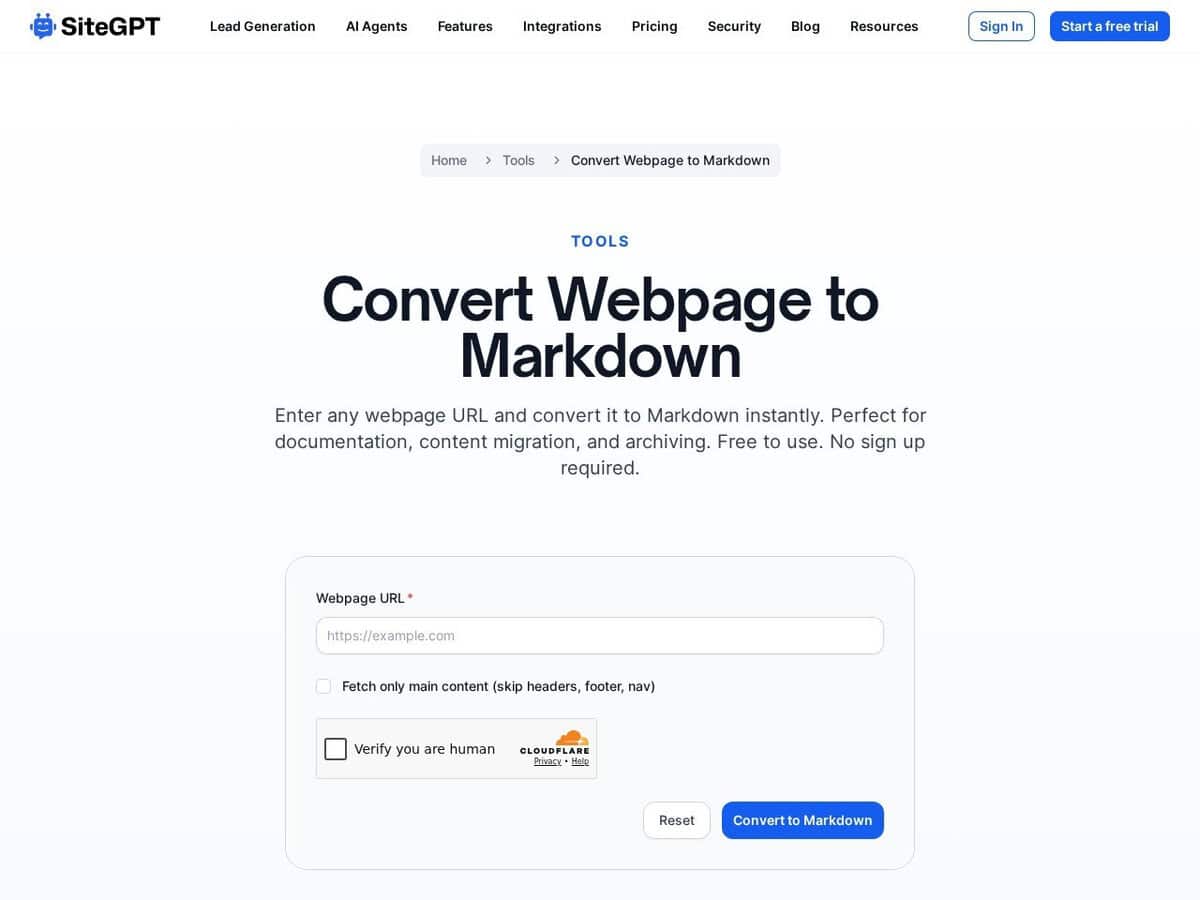
This Webpage to Markdown tool is a specialized utility designed to extract core content from a URL and transform it into a clean, structured Markdown format. By stripping away non-essential HTML elements such as navigation bars, footers, and tracking scripts, the service isolates the primary text, headers, and links. This conversion facilitates the ingestion of web-based data into Large Language Models, knowledge bases, and documentation systems that require lightweight, human-readable syntax.

It ensures that the resulting output maintains the original document’s hierarchy without the overhead of complex markup, making it suitable for automated data pipelines and technical content migration.

Engineers and quality assurance professionals can utilize this tool to aggregate technical specifications and regulatory standards into centralized repositories. In manufacturing and engineering environments, converting web-based documentation into Markdown facilitates:

  • The creation of training datasets for RAG-based AI assistants specialized in equipment maintenance and troubleshooting.
  • Standardization of technical documentation from multiple vendors for version control in Git-based systems.
  • Integration of web-hosted compliance guidelines into quality management systems for real-time auditing and process verification.
  • Rapid extraction of data from scientific research papers or patent filings during the innovation and R&D phases.

Disciplines: Artificial intelligence, Software engineering, Content management, Technical writing, Data science.
Free alternative to Jina Reader, Pandoc, Firecrawl.
Webpage to Markdown Converter compared with Jina Reader, Pandoc and Firecrawl
Webpage to Markdown Converter (SiteGPT)Jina ReaderPandocFirecrawl
Input and output: The tool takes a URL and returns the main text, headers and links as Markdown, after removing navigation bars, footers and tracking scripts. The output is meant for LLM ingestion, knowledge bases and documentation systems.Input and output: Reader is used by prepending r.jina.ai to a URL. Markdown is the default output, and JSON with URL, title, content and timestamp is returned when the Accept header asks for it. Structured extraction is possible through a schema header and the ReaderLM-v2 model.Input and output: Pandoc is a document converter that works between many markup formats, including HTML, several Markdown flavours, LaTeX, docx, EPUB and Jupyter notebooks. It converts documents you already hold, and it is not presented as a web content extractor.Input and output: A scrape returns Markdown, HTML, screenshots or structured JSON. Parse converts PDF and DOCX files to Markdown, and Map returns the links discovered on a site.
Scale of use: The description presents a utility that converts a URL at a time.Scale of use: Reader also has a search mode, s.jina.ai, which returns the top five results with their content. Rate limits depend on the key tier, and a free key is listed at 500 requests per minute for Reader.Scale of use: Pandoc runs as a command-line program and as a Haskell library.Scale of use: Crawl, Batch Scrape and Search endpoints allow whole sites and many pages to be processed through an API.
Openness and self-hosting: The Reader service code is on the GitHub organization of Jina AI. The ReaderLM-v2 model is under CC-BY-NC 4.0, which the vendor states is not an open-source licence, with commercial use needing a separate licence.Openness and self-hosting: Pandoc is free software released under the GPL, with copyright held by John MacFarlane.Openness and self-hosting: The main repository is under AGPL-3.0, with SDKs under MIT. Self-hosting is possible with Docker Compose, but the vendor documents that the default stack is not production ready, and that advanced anti-bot handling and screenshots are cloud features.
Access and cost model: Basic use works without a key at the lowest rate limit, listed at 20 requests per minute. A key raises limits, and paid use is billed in tokens based on content length. New keys include free tokens.Access and cost model: Free software with no account or quota.Access and cost model: A free plan exists with 1,000 credits per month and no card required. A scrape costs 1 credit per page, JSON extraction adds credits, and paid subscriptions and pay-as-you-go top-ups are available.

More AI, Network & Web, Text Related tools

Suggest your best online tool:

Do you know a better, a complementary or a replacement website to the one listed above ?

> Suggest it here <

10th year anniversary

Full size images and downloads are only available, 100% free, for registered members.

> Login <