Free Wordcloud Generator (WordClouds.com) compared with WordArt.com| Free Wordcloud Generator (WordClouds.com) | WordArt.com |
|---|
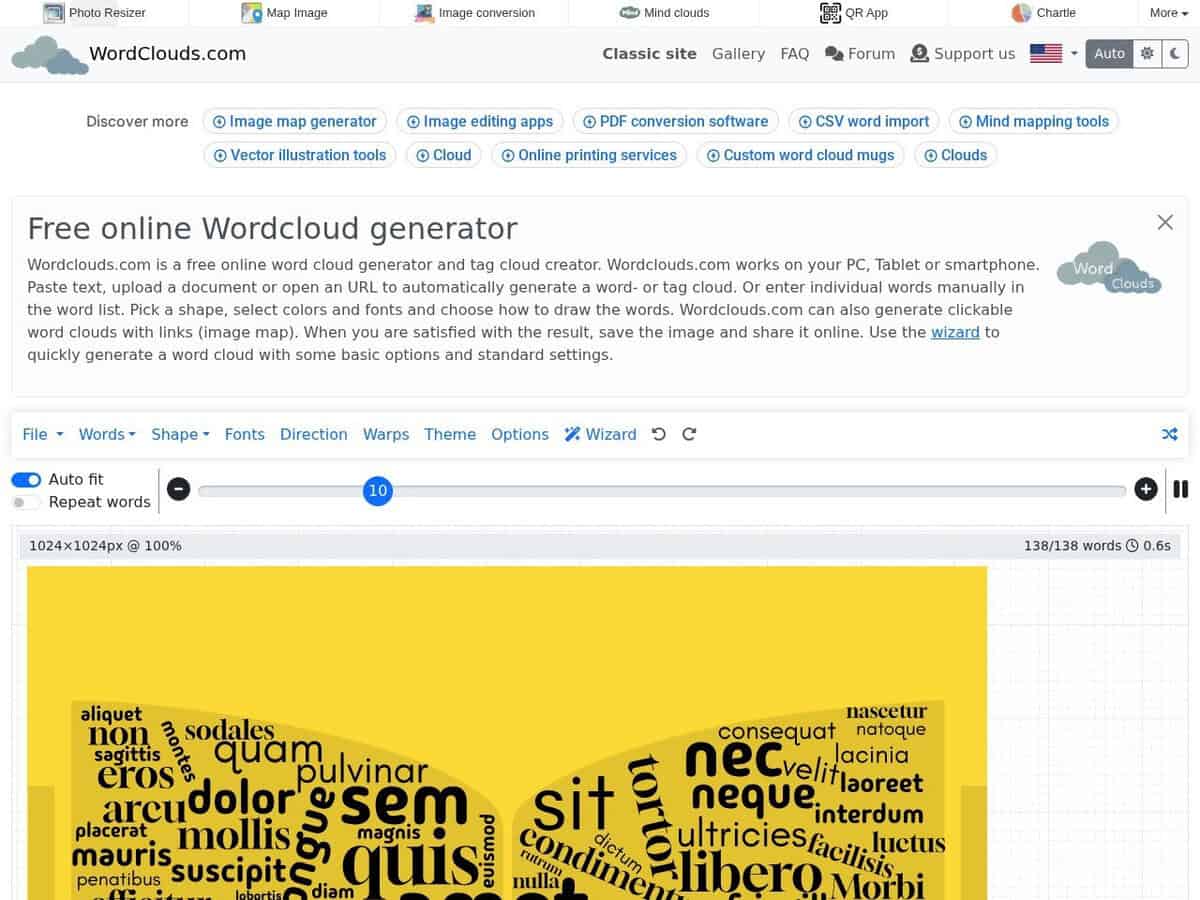
| Inputs: Text can be pasted, uploaded as a document, loaded from a URL or entered as an edited word list. Word lists can be imported and saved as CSV. A cloud can also be generated from a short description or a single word with AI. | Inputs: The site describes an AI-powered generator where words, shapes, fonts, colors and layouts can be customized. The pages checked did not detail the accepted input types. |
| Shapes and layout control: Built-in shapes or an uploaded custom shape, with settings for word rotation, margins, warps and direction. Clickable clouds with links (image map) are possible. | Shapes and layout control: Shapes are customizable and users report locking words in place. No shape list was found on the pages checked. |
| Export formats: JPG and PNG images, HD image, SVG vector graphic, video, CSV word lists and .wcld3 project files that can be reopened. The default canvas is 1024 x 1024 px. | Export formats: Free downloads are limited to standard quality of about 700 x 700 px and are not for commercial use. SVG and PDF are only in the paid high quality export, at about 5500 x 5500 px. |
| Licence and cost: Free, no registration, with an optional donation link. The site says it is free without restrictions. | Licence and cost: Free for personal non-commercial use. High quality packs are sold for one image up to 25 images, and unlimited plans cover one month up to 12 months, all as one-time payments. |
| Data privacy: The site says it does not store data on its server. Documents are kept only temporarily for word extraction and edits are processed in the browser. | Data privacy: The privacy policy was not reviewed. |
| Status and platform: Web application, active. Vector export and no account make it practical for print and layout work. | Status and platform: Web application, active, with a site copyright notice of 2009 to 2026. Account is optional. |