Wireframe.cc Wireframing Tool compared with Balsamiq, Figma and Sketch| Wireframe.cc Wireframing Tool | Balsamiq | Figma | Sketch |
|---|
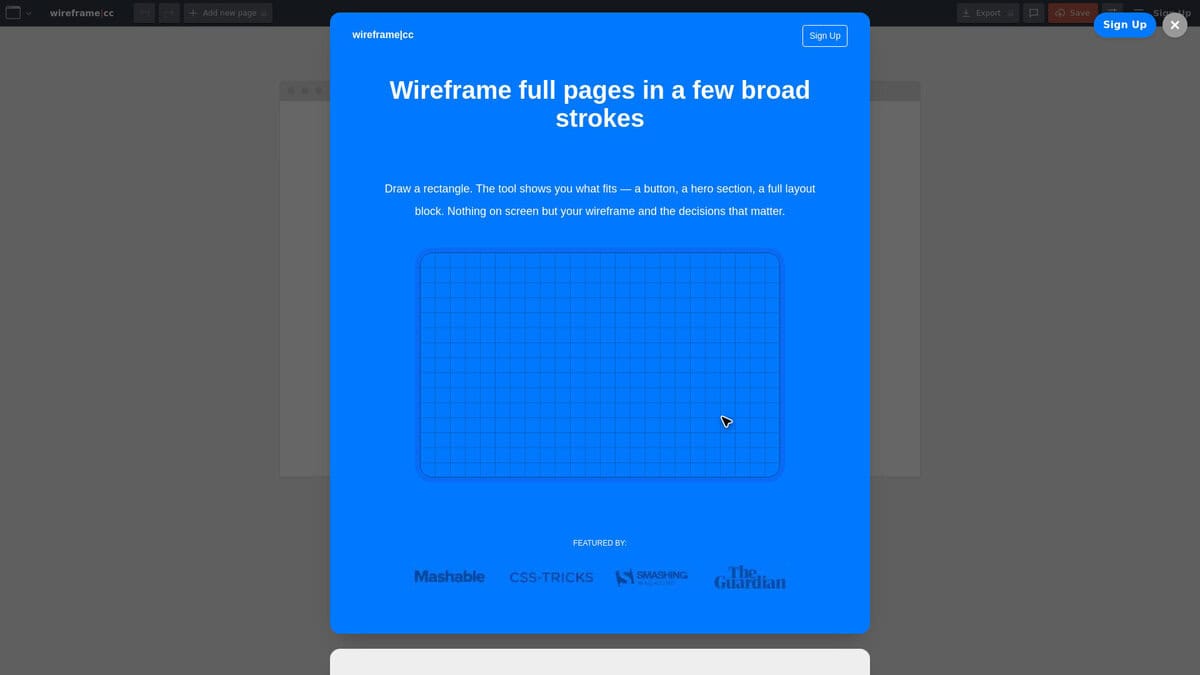
| Fidelity and element set: Wireframe.cc offers a small, black and white set of elements: boxes, text, images, buttons, icons, inputs, dropdowns, sliders, progress bars and lines, plus page sections such as navbar, hero and footer. The restriction keeps attention on structure. | Fidelity and element set: Balsamiq is a low-fidelity wireframing tool with sketch-style screens built from a component library. Balsamiq AI can draft a wireframe from a screenshot, hand sketch or text prompt. | Fidelity and element set: Figma Design is positioned for designing and prototyping in one place. It is a general interface design tool, so the level of visual detail is not restricted. | Fidelity and element set: Sketch is a macOS vector editor with an infinite canvas, nestable frames, stack layouts, templates and component libraries, so it is built for detailed interface design. |
| Prototyping: Pages can be linked into clickable prototypes. Multi-page and clickable wireframes belong to the Premium plan, while the free plan is limited to a single page. | Prototyping: Clickable prototypes are generated from selected screens, so flows can be tested before development. | Prototyping: Prototyping is part of Figma Design, with frames linked into clickable flows. | Prototyping: Prototypes support Smart Animate, overlays for modals and menus, and hover, press, drag and swipe interactions. They can be tested in a browser, on iPhone or on iPad. |
| Platform: It is a browser-based app. Premium officially supports the latest Chrome, Safari and Firefox, and other browsers may work without a guarantee. | Platform: Balsamiq runs in the browser with nothing to install, or as a desktop app. | Platform: Figma runs in the browser and also has a desktop app offered on its downloads page. | Platform: The Mac app requires macOS Sequoia (15.0.0) or newer and works offline. Web and iOS companions complement it. |
| Cost model and sharing: No account is needed on the free plan, but saved wireframes are public and available by link. Premium adds a private account, private wireframes and preview-only links. | Cost model and sharing: A free 14-day trial is available. Boards are shared by link, with comments and reactions and real-time work. | Cost model and sharing: A free sign-up is offered, and the pricing page describes the plans in detail. Several people can edit one file in real time. | Cost model and sharing: A free trial is offered. Documents or password-protected previews can be shared, with pinned comments and real-time co-editing. |
| Export and handoff: PDF and PNG export is a Premium feature. | Export and handoff: Wireframes can be saved as PNG, PDF or HTML and embedded in Jira, Confluence and Notion. | Export and handoff: Dev Mode translates designs into code and presents design properties for developers. | Export and handoff: Developers can inspect files, download assets and export tokens at no cost. |