Markmap compared with Xmind, MindMeister, Coggle and Obsidian| Markmap | Xmind | MindMeister | Coggle | Obsidian |
|---|
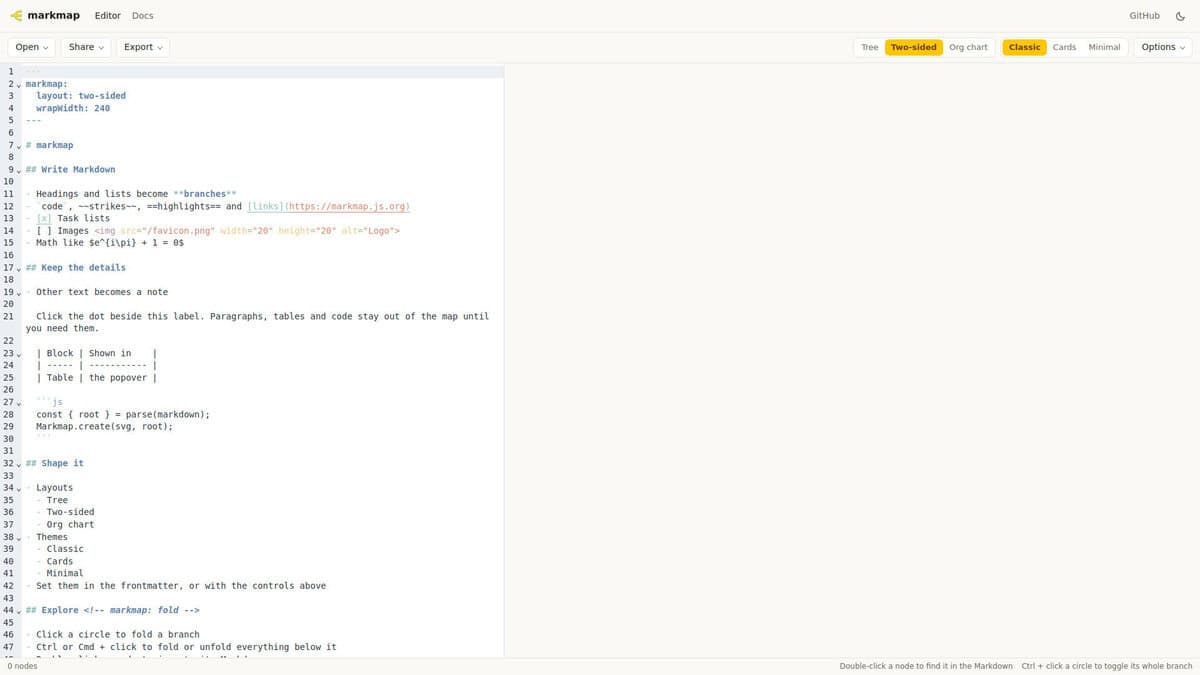
| Source format and structure: The map is generated from Markdown text, so the text file stays the editable source. Editor integrations exist for VS Code, Vim, Neovim and Emacs, and a code block syntax lets a map render inside Markdown documents. | Source format and structure: Maps are built in a graphical editor. Each map can hold several sheets, and the app also offers pitch slides and Gantt charts. The Premium plan adds editable Gantt charts and tasks with assignees. | | Source format and structure: Diagrams are built in the browser. They allow branch connections, loops, several starting points in one diagram and a flowchart mode with customizable shapes. | Source format and structure: Notes are stored on the device as local plain-text Markdown files, with no account needed. Obsidian is a note application, so a mind map is not its core function. |
| Export formats: The free plan exports PNG, one map at a time. The Pro plan adds SVG, PDF, Markdown and Office formats without a watermark, and allows exporting all maps at once. | Export formats: The free plan lists no file exports. File exports and printing start with the Personal plan, and the Pro and Business plans add exports to Microsoft formats. | Export formats: Exports are PDF, PNG and Visio-compatible files. | |
| Licence, cost model and free-tier limits: Open source under the MIT license, so it is free to use and modify. | Licence, cost model and free-tier limits: Subscription model with Free, Pro and Premium tiers. The free tier allows 10 online maps, 3 sheets per map and 3 days of version history. Yearly plans include a 7-day free trial. | Licence, cost model and free-tier limits: Freemium with Free, Personal, Pro and Business plans. The free plan is limited to 3 mind maps. | Licence, cost model and free-tier limits: Freemium. The free plan allows 3 private diagrams, unlimited public diagrams and up to 3 collaborators per diagram. Paid plans are Awesome, Organisation and Enterprise. | Licence, cost model and free-tier limits: Free for personal and work use, with all features available and no limits. Commercial licenses are optional, and the Sync and Publish services are paid add-ons. |
| Platform and offline use: Runs in the browser through the online REPL, and through the editor extensions listed above. | Platform and offline use: Desktop apps for Windows, macOS and Linux, mobile apps for iOS, iPadOS and Android, and a web app. | | Platform and offline use: Browser-based only. There is no offline editing and no native desktop app. | Platform and offline use: Notes remain on the local device. |