Product Design, Manufacturing & Innovation Resources
Home » Online Tools » Site Requests Map Generator

Site Requests Map Generator

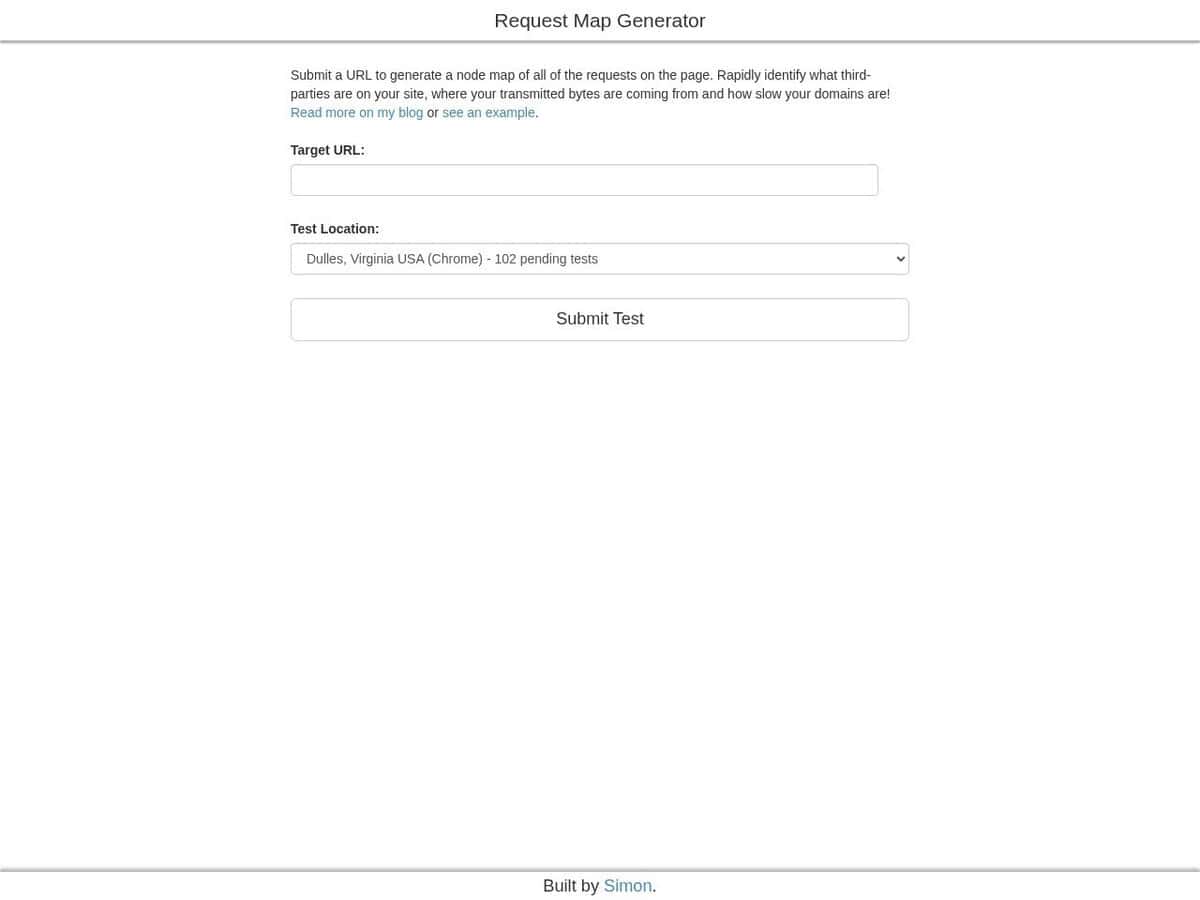
Provide any site or url of a page, and the tool will map all other sites, url, IP or remote services that the page is calling on the front-end, in other words, informing them of your request.

As most of the sites may serve you a different content based on your location (different language, but not only), this service permits to chose a huge list of various request locations around the world to make the test.

Additionally to the graph of the requests, it tries to classify the nature of each remote request, such as

Note: this free service is impacted by its success; while the queue is treated relatively fast, you may need to try several times or different locations to avoid an error. From our experience, loading this page in a different browser may also help if you encounter an “API error” that may be due to the rendering of their interactive graph.


Disciplines: Web development, Web performance, Privacy, Cybersecurity, SEO.
Free alternative to Chrome DevTools Network panel, WebPageTest.
Site Requests Map Generator compared with Chrome DevTools Network panel and WebPageTest
Site Requests Map GeneratorChrome DevTools Network panelWebPageTest
Where the test runs: The page is loaded remotely from more than 40 cities across several continents. Each location offers Chrome, Chrome Beta and Chrome Canary, so location-dependent content can be compared.Where the test runs: Requests are recorded in your own browser, and only while DevTools is open. The result reflects your own location and network.Where the test runs: Tests run on real browsers in locations around the world. The Dulles, VA location supports Chrome, Firefox, Edge, Internet Explorer, Android and iOS.
Output: The result is a node map of every request, built to show which third-party assets a page loads, where transmitted bytes come from and how slow each domain is.Output: A chronological log lists each resource with status, type, initiator, size and time. Tabs show headers, response, initiator chain and timing, and the log can be searched and filtered.Output: The details page has a waterfall of requests and connections, and the filmstrip shows keyframes of the page as it loaded. Results are given for the median and repeat runs.
Network conditions: A throttling drop-down defaults to no throttling and can simulate slower connections such as 3G. Request blocking lets you test the page without chosen resources.Network conditions: Tests can run over any number of customizable network conditions, and emulated mobile devices can apply CPU throttling.
Repeatability and capacity: Each location shows the number of pending tests. At the time of reading, queues ranged from 1 to 72, so a run may wait.Repeatability and capacity: Empty Cache And Hard Reload forces every resource to be fetched from the network, which gives a cold-cache measurement.Repeatability and capacity: Repeat runs can be selected before a test starts, which allows the spread between runs to be seen.

Topics covered: Site Requests Map Generator, front-end, mapping, request locations, CDN, analytics, advertisement services, remote requests, content delivery, geographic testing, API error, interactive graph, web performance, network analysis, content variation, browser compatibility, load testing ISO/IEC 27001, ISO/IEC 25010, ISO 9001, ISO/IEC 12207, and ISO/IEC 25012..

More Network & Web tools

Suggest your best online tool:

Do you know a better, a complementary or a replacement website to the one listed above ?

> Suggest it here <

10th year anniversary

Full size images and downloads are only available, 100% free, for registered members.

> Login <