JSON Validator compared with Postman, Visual Studio Code and JSON Formatter| JSON Validator (JSONLint) | Postman | Visual Studio Code | JSON Formatter (typical, browser extension checked) |
|---|
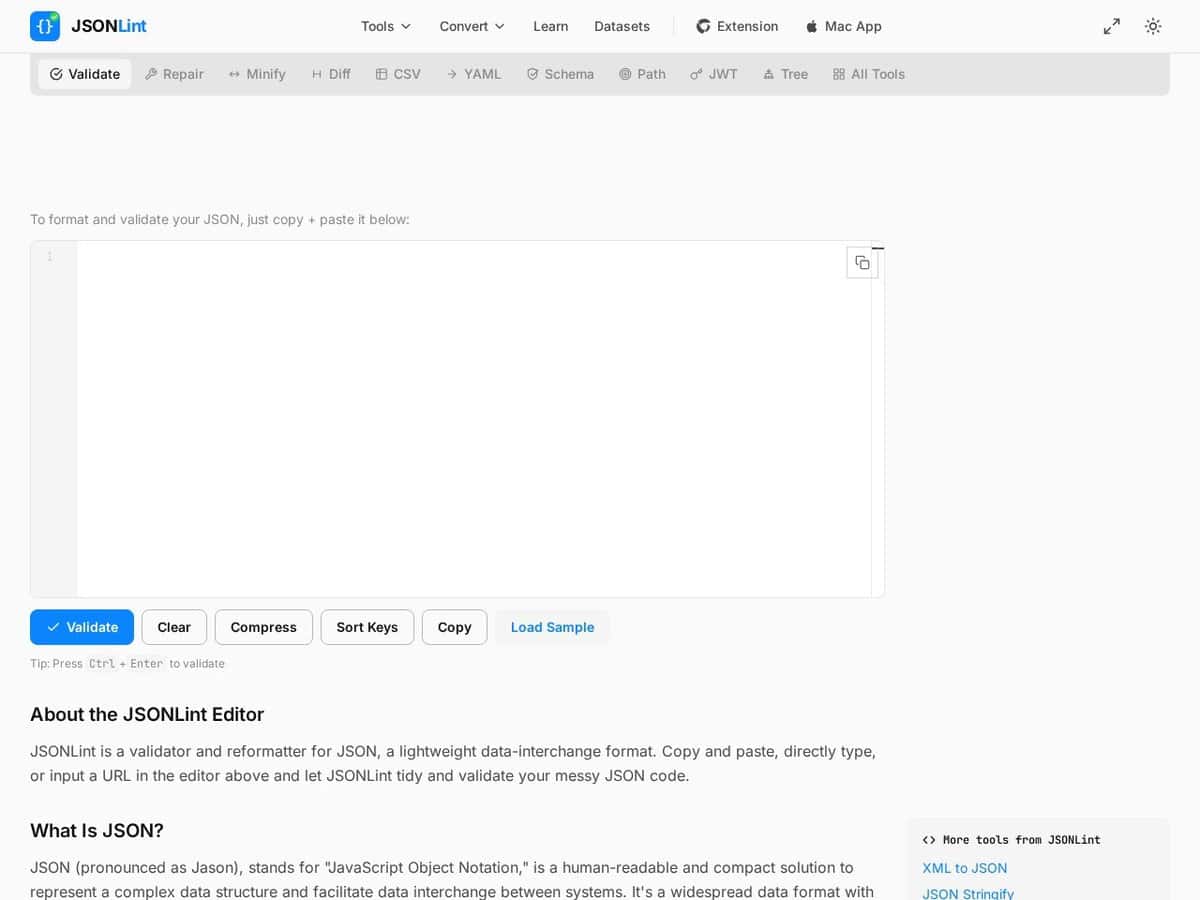
| Validation approach: JSONLint reports errors with line numbers, using the @jsonlint/core engine, which reports every error and warning at once. It also pretty-prints and offers a Compress button for minifying. | Validation approach: Postman is an API client rather than a JSON checker. Its plans list the API client, specs and mock servers, a Collection Runner and Performance Testing runs. The pages consulted do not describe JSON syntax validation. | Validation approach: VS Code validates JSON against an associated schema and marks problems with red squiggles. It offers IntelliSense, Format Document, and folding of objects and arrays. | Validation approach: Typically the tool formats and highlights JSON rather than validating it. The extension described by freeCodeCamp supports JSON and JSONP, syntax highlighting, collapsible nodes and a raw view. |
| Schema and file variants: JSONLint links separate schema validator and generator tools. The page names no JSON specification version. | | Schema and file variants: VS Code associates a schema through a $schema key or the json.schemas setting. Drafts 4 to 7 are fully supported, and drafts 2019-09 and 2020-12 have limited support. A JSON with Comments mode accepts // and /* */ comments and warns on trailing commas. | |
| Data privacy: The formatter page states that everything runs in the browser, so pasted JSON is not uploaded for server-side formatting. The home page does not state this for the validator, so check before pasting confidential payloads. | | Data privacy: Editing is local to the machine. Schema download over http or https can be turned off with json.schemaDownload.enable, which matters for offline or restricted networks. | Data privacy: Typically runs inside the browser. The article describing the extension does not address how it handles data, so this cannot be assumed. |
| Platform and cost: A free web page that can also fetch JSON from a URL. A Chrome extension and a Mac app (JSONLint Pro) are linked from it, with no prices listed. The core engine is open source on npm and GitHub. | Platform and cost: Desktop and web. The pricing page lists a Free plan for one user, a paid Solo plan and a paid per-seat Team plan, both billed annually. | Platform and cost: A desktop code editor whose JSON support is built in. Its documentation page does not state platform support or file size limits. | Platform and cost: Typically a free browser extension. The one checked works in Chrome and Firefox and is an open-source project. |
| When to choose it: Choose it for a quick syntax check of a payload or configuration file, with exact line and column errors. | When to choose it: Choose it when you also need to call, test and document the API that produces the JSON. | When to choose it: Choose it when JSON files are edited daily and must conform to a schema, for example project configuration. | When to choose it: Choose one when you only need to read JSON returned by a web page, as formatted text with collapsible nodes. |