FSWizard Speeds and Feeds Calculator compared with Sandvik CoroPlus, Harvey Tool speeds and feeds and G-Wizard| FSWizard Speeds and Feeds Calculator | Sandvik CoroPlus | Harvey Tool speeds and feeds | G-Wizard |
|---|
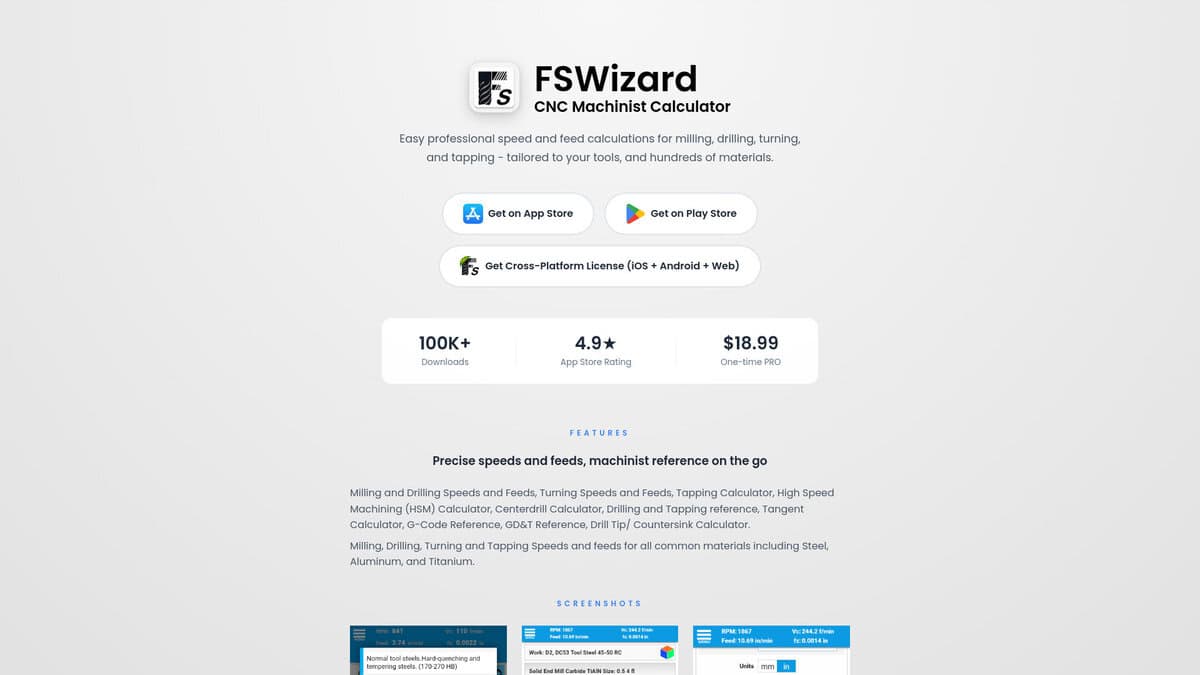
| Scope of the cutting data: Calculates speeds and feeds for milling, drilling, turning and tapping, with calculators for high speed machining, centerdrills, drill tips and countersinks. It covers hundreds of workpiece materials such as steel, aluminum and titanium. | Scope of the cutting data: The CoroPlus Tool Library gives tool and cutting data recommendations. Unlike FSWizard, it is a library tied to the manufacturer, and the Fusion add-in builds tool assemblies from it. | Scope of the cutting data: The Speeds & Feeds Library covers Harvey Tool products: miniature end mills, material specific end mills, specialty profiles, holemaking, threading and tool holders. Its charts give suggested starting values that may be increased with an optimal setup. | Scope of the cutting data: Compensates for radial chip thinning, lead angle, depth of cut, v-bits and ballnose cutters, and adds a chatter calculator and deep-hole drilling guidance. Micro-cutter compensation applies to cutters under 1/16 inch. |
| Inputs: Material and tool description with machine data. The page states calculations are tailored to your tools. | | Inputs: Machining Advisor Pro takes the end mill, tool path, material and machine setup, and is described as being for Harvey Tool end mills. | Inputs: Machine profiles with horsepower, spindle speed and feedrates, a tool crib, and imported manufacturer or custom data. Spreadsheet import and export is supported for tool tables. |
| Depth of analysis: Returns spindle speed and feed rate as cutting data, together with reference charts for G-code and GD&T. | | Depth of analysis: Machining Advisor Pro generates custom running parameters for Harvey Tool end mills. | Depth of analysis: The Cut Optimizer adjusts speeds, feeds, depth and width of cut and stepover, and can analyze tool deflection and optimize stickout. A Cut Knowledge Base records cut results. |
| Cost model and access: A one-time purchase for the PRO version, with no subscription or in-app purchases stated. It is available on iOS, Android and the web, with no sign-in mentioned. | Cost model and access: The Fusion add-in is listed as free. Calculations and tool assembly building run on CoroPlus servers. | Cost model and access: No price is shown for either resource on the speeds and feeds page. | Cost model and access: Offered with a free trial. The licensing model is not described on its feature page. |
| Integration: Stand-alone calculator and reference. It is not linked to a CAM system. | Integration: Connects to Autodesk Fusion through an add-in, and Sandvik Coromant also provides a Mastercam add-in. Turning tools are not yet supported in the Fusion add-in. | | |