WBO Online Whiteboard compared with Miro and Microsoft Whiteboard| WBO Online Whiteboard | Miro | Microsoft Whiteboard |
|---|
| Access model: A public board is open to everyone, or a private board is reached with a unique code. A self hosted server can add JWT authentication and read only boards. | Access model: Boards belong to a team, and on the free plan only the three most recent boards stay editable. | Access model: A Microsoft account is needed to view, edit and share boards. |
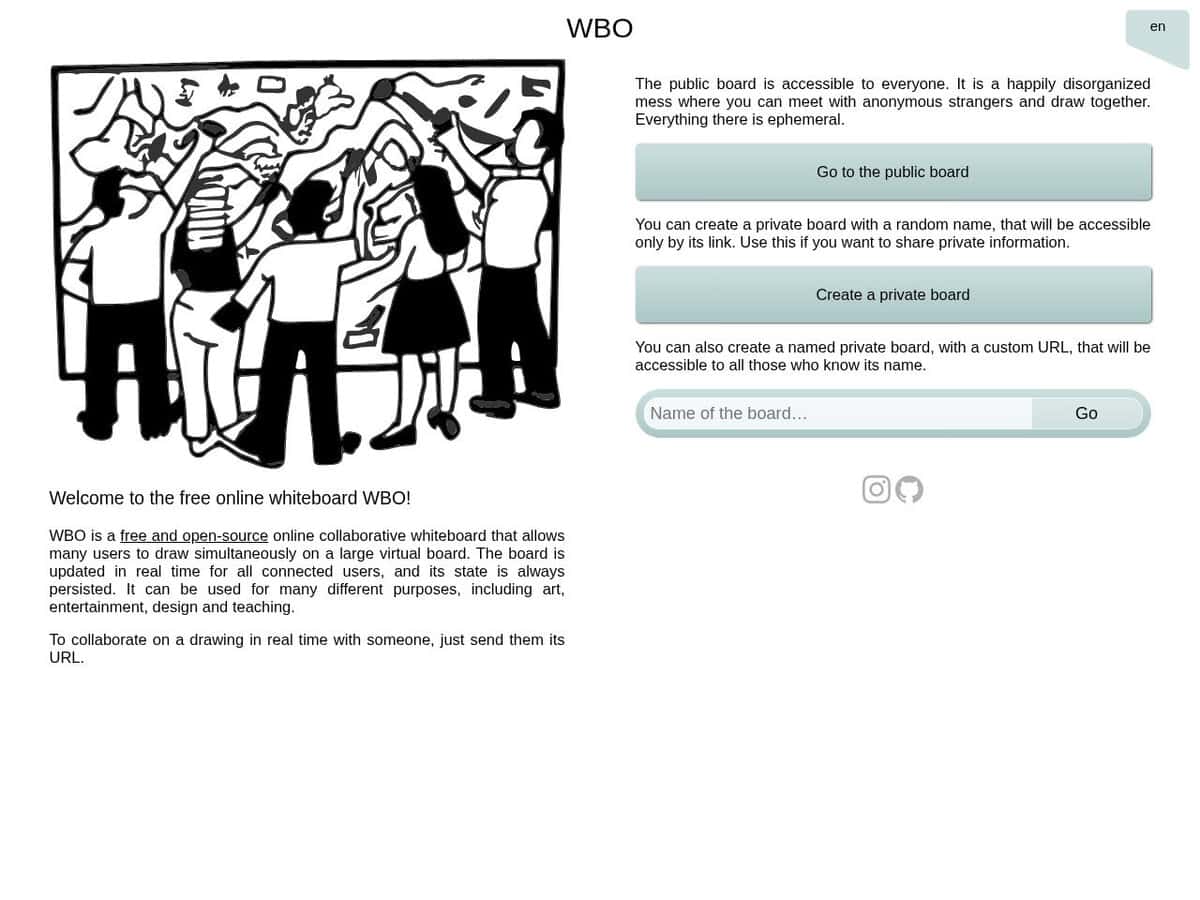
| Drawing tools: Deliberately simple: a free pencil, basic shapes and text in any color, plus an optional grid. Changes appear in real time for all connected users. | Drawing tools: An infinite canvas with templates (more than 6,000 are cited), flowcharts, Mermaid diagrams and AI assisted generators. | Drawing tools: Inking with shape recognition, sticky notes, text boxes, stickers, images, adjustable grid lines and templates. |
| Hosting and privacy: The source is on GitHub under AGPL-3.0, with an official Docker image, so an organization can run its own server. Boards are stored on that server as SVG files. | Hosting and privacy: It is a hosted service. The vendor lists ISO 27001, SOC 2 and GDPR compliance. | |
| Saving and export: Each board is stored as an SVG file, and the preview address downloads an SVG, which the project says is not 100 percent faithful to the live board. | Saving and export: The free plan exports low resolution boards only, and high resolution frame export to JPG or PDF starts with the Starter plan. | Saving and export: The sources consulted do not describe export options. |
| Status and cost: The hosted version at wbo.ophir.dev is presented as a demo server of an active open source project. No price is listed. | Status and cost: Starter and Business are paid per-seat plans, billed yearly, with a free plan limited to three editable boards. | Status and cost: The app is free, and the Windows version was last listed in June 2026. |