Pinokio Local AI 1-click Install compared with Docker Desktop and Stability Matrix| Pinokio | Docker Desktop | Stability Matrix |
|---|
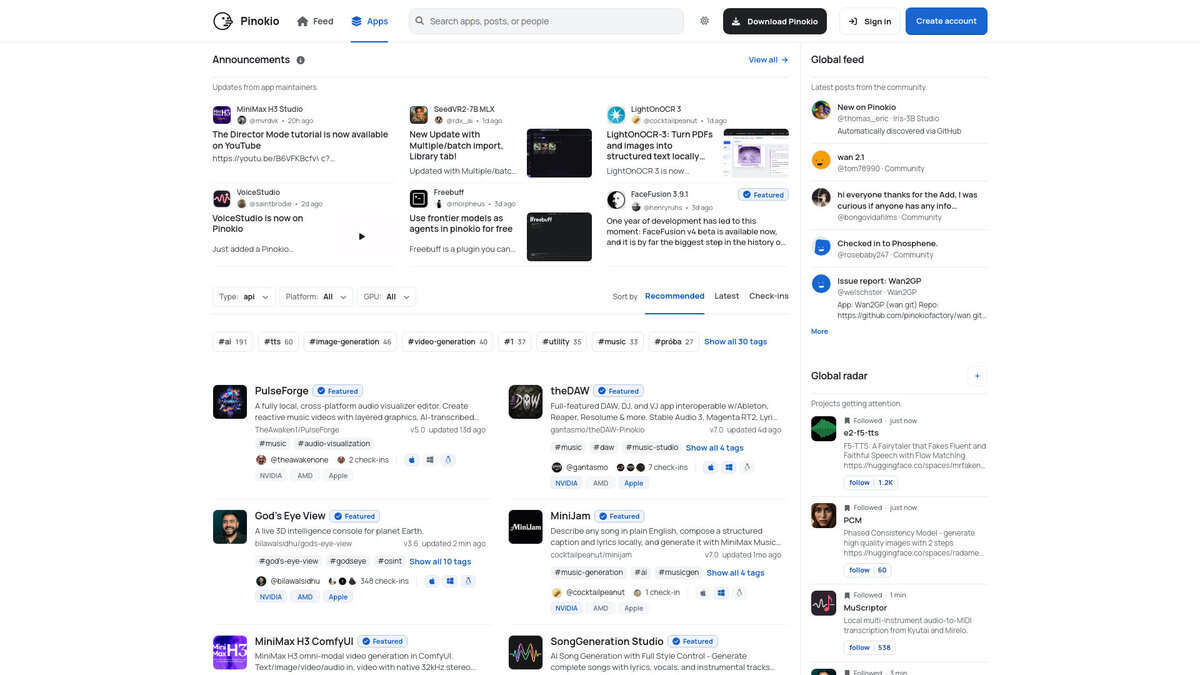
| Technical purpose: Pinokio is a desktop launcher that installs and runs open-source AI applications and other tools from shared scripts. Python, Node.js and Git are bundled, so image, audio or text generators run on the local machine without manual setup. | Technical purpose: Docker Desktop is a graphical environment to build, share and run containerized applications and microservices. It packages software for deployment and does not provide turnkey AI applications. | Technical purpose: Stability Matrix is a package manager and inference interface dedicated to Stable Diffusion front ends such as ComfyUI, Automatic1111, Forge, Fooocus, SwarmUI and InvokeAI. It is narrower than Pinokio but goes deeper on image generation. |
| Expertise required: Low. Applications are installed with one click from a catalogue, each in its own environment. You still need to read the hardware notes of each app before installing. | Expertise required: Medium to high. Working with images, volumes, port mappings and container definitions assumes the habits of a software or DevOps engineer. | Expertise required: Medium. Package installation is one click, but choosing checkpoints, samplers and launch arguments assumes some familiarity with Stable Diffusion workflows. |
| Platforms and hardware: Windows 10 and 11, macOS and Linux are covered according to the community wiki. GPU needs depend on the app, for example 4 GB VRAM for SD 1.5 and 8 GB for SDXL (listed as not verified), and most apps need at least 50 GB of disk. | Platforms and hardware: Runs on Mac, Linux and Windows. On Windows it relies on Hyper-V or WSL 2. It offers no model management specific to AI workloads. | Platforms and hardware: Windows, Linux (AppImage and an Arch package) and macOS on Apple silicon. It embeds its own Git and Python and keeps a shared model folder for all installed packages. |
| Licence and cost: The Pinokio repository is under the MIT licence and the software is free to download. Each installed app keeps its own licence, which you should check before commercial use. | Licence and cost: The Personal plan is free. Free use in a company is limited to fewer than 250 employees, and government entities must buy a subscription. Paid plans use per-seat licensing. | Licence and cost: Source code is under AGPL-3.0, while the binaries fall under a separate end user licence agreement. It is free to download. |
| When to choose it: Choose Pinokio to try many different open-source AI projects (images, audio, video, text) on one PC with minimal setup, and to run them offline once installed. Only the Discover catalogue and model downloads need a connection. | When to choose it: Choose Docker Desktop when the goal is reproducible deployment of software in containers, not running a ready-made AI application. | When to choose it: Choose Stability Matrix when your work is limited to Stable Diffusion tools and you want one place to manage packages, models and updates. |