Mermaid Sketches Live Editor compared with Microsoft Visio, Lucidchart and PlantUML| Mermaid Sketches Live Editor | Microsoft Visio | Lucidchart | PlantUML |
|---|
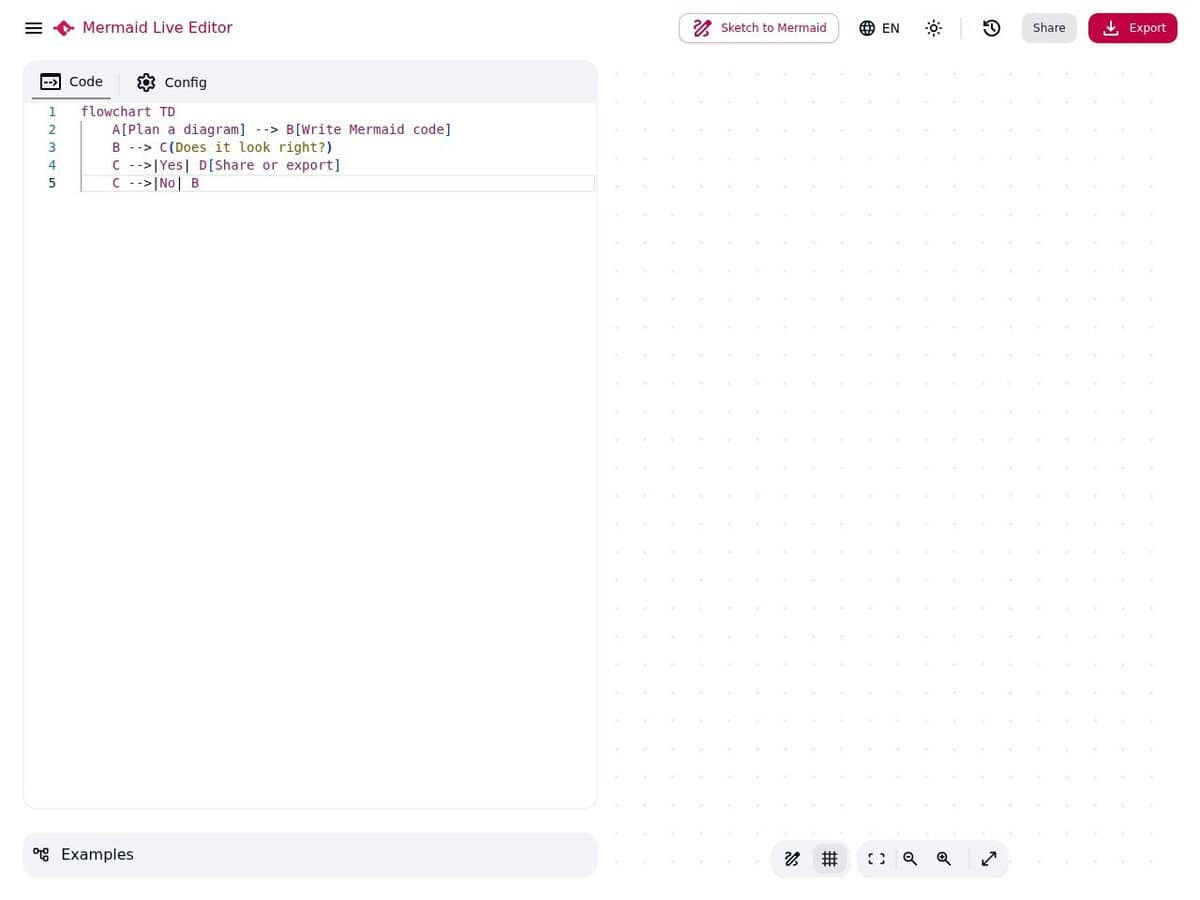
| Authoring approach and diagram scope: Diagrams are written as Markdown-inspired text and rendered live in the browser. The site lists 33 diagram types and offers templates and examples to start from. | Authoring approach and diagram scope: Visio Plan 1 adds extra templates, stencils and shapes and UML 2.5 support. Plan 2 adds Power Automate export, database reverse engineering and better AutoCAD support. | Authoring approach and diagram scope: Lucidchart has a diagram as code editor for Mermaid with 11 supported types, including flowchart, sequence, Gantt, C4 and XY chart. A diagram generated from code must be changed by editing the code. | Authoring approach and diagram scope: PlantUML builds UML diagrams from text. Its FAQ calls it a drawing tool rather than a modeling tool, because it does not block inconsistent diagrams. Types include sequence, class, activity, state, deployment, Gantt, mind map and network diagrams. |
| Licence and cost model: The editor, templates, live preview, link sharing and exports are described as free, and no account is mentioned. | Licence and cost model: Subscription plans (Plan 1 and Plan 2), Visio included with eligible commercial Microsoft 365 subscriptions, and one-time purchase on-premises editions (Standard 2021 and Professional 2021). | Licence and cost model: A free plan exists with limits on editable documents and on objects per document, according to Lucid community staff. Paid Individual, Team and Enterprise plans include the Mermaid feature. | Licence and cost model: Free software under the GNU GPL version 3 or later. A paid option removes sponsored messages that may appear on welcome or error images. Generated images belong to the author of the source text. |
| Platform and installation: Runs in a web browser with no local installation. The upstream project can also be run locally with Docker. | Platform and installation: The web version is included in the plans and Microsoft Teams is supported. The Plan 2 desktop app is listed for Windows 11, 10, 8.1 and Windows Server 2019 and 2016, on up to five PCs per person. | | Platform and installation: PlantUML runs as a Java JAR. Graphviz is used for some diagram types, and fontconfig may be needed on servers without fonts. |
| Openness, export and data handling: Exports are PNG, SVG, PDF and MMD source. The site says content is processed in the browser. The upstream repository mermaid-js/mermaid-live-editor is MIT licensed, but the site at this address does not state its own licence or affiliation. | | | Openness, export and data handling: Output formats include PNG, SVG and EPS, and PNG files embed the source text. The public server does not store diagrams, but traffic is plain HTTP, so the FAQ recommends a local server for sensitive diagrams. |