W3C Markup Validation Service compared with HTMLHint and Total Validator| W3C Markup Validation Service | HTMLHint | Total Validator |
|---|
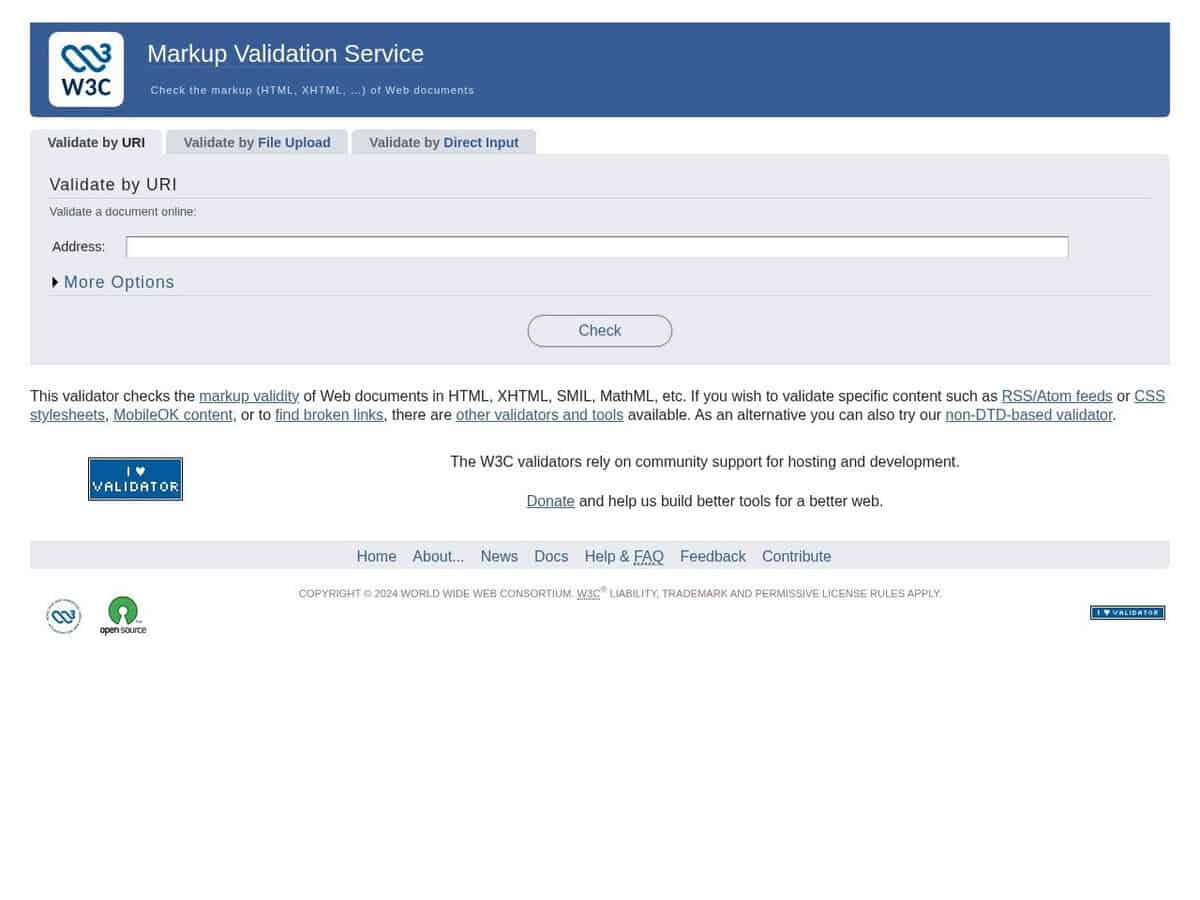
| Checking approach: It checks HTML, XHTML, SMIL, MathML and similar formats against their document types. Input is a URI, an uploaded file or pasted markup. | Checking approach: HTMLHint is a static code analysis tool that applies configurable lint rules, such as tag-pair and id-class-value. Rules are set in a .htmlhintrc file, on the command line or in an HTML comment. | Checking approach: It checks HTML and XHTML against W3C and WHATWG standards. It adds accessibility tests against WCAG 2.2, 2.1 and 2.0, US Section 508 and ARIA, plus broken link and mixed content searches and spell checks in five languages. |
| Inputs and scale: Character encoding and document type can be forced, but only when the document does not declare them. Messages can be listed sequentially or grouped by type, and an outline of the document can be shown. | Inputs and scale: It runs on a file, a glob pattern or a URL from the command line. The HTMLHint.verify() function returns a list of hints for use in code. | Inputs and scale: The Basic version checks one page at a time. The Pro version validates all pages across one or more websites, including password-protected areas, and adds CSS validation. |
| Licence and cost: The page describes the project as certified Open Source/Free Software. | Licence and cost: HTMLHint is released under the MIT License. | Licence and cost: Basic and Pro are sold as separate licences, and the pages consulted show no prices. Pro is for one person only and may not be embedded in an automated system or in your own service. |
| Platform: It is used through a web page. | Platform: It requires Node.js 22 or later. It installs with npm, either locally as a dev dependency or globally. | Platform: It runs on Windows, macOS and Linux and can check pages on intranets or other private websites. DOM testing is limited and needs the browser extensions. |