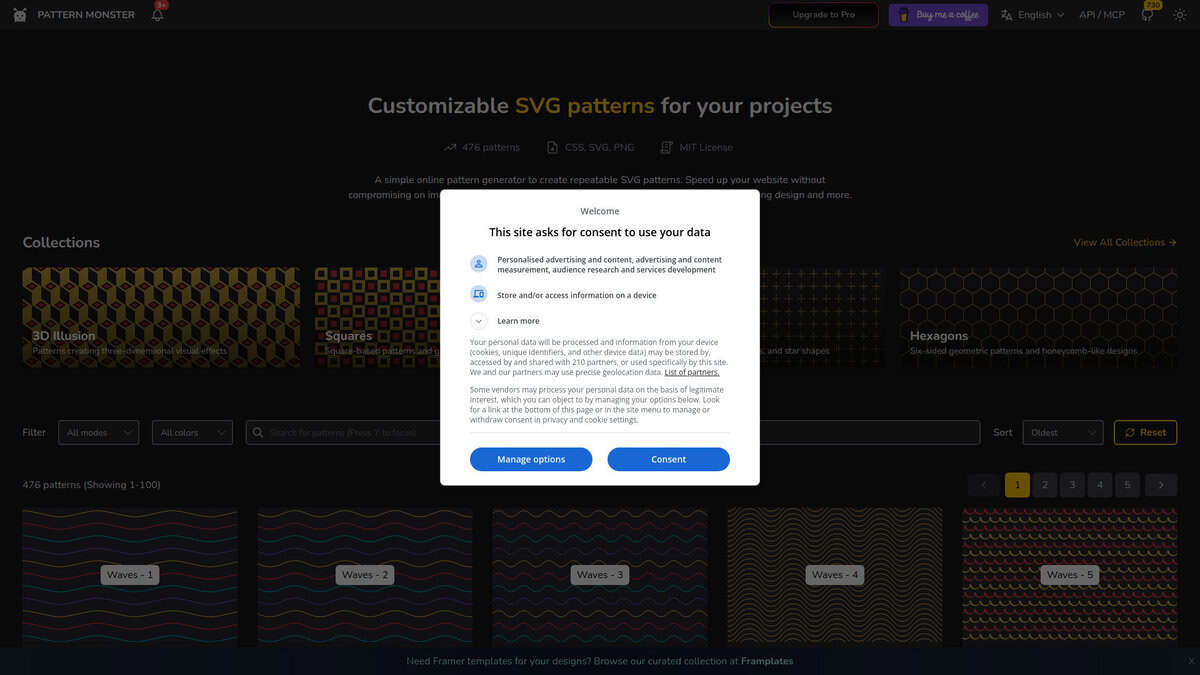
Free SVG Pattern Library & Generator compared with Adobe Illustrator and Canva| Free SVG Pattern Library & Generator (Pattern Monster) | Adobe Illustrator | Canva |
|---|
| Approach: A catalogue of ready-made repeatable SVG patterns whose colors and parameters can be adjusted. The site is described as a simple online pattern generator for repeatable SVG patterns. | Approach: Vector drawing software that supports predefined and custom patterns for fills and strokes. Patterns are built from your own artwork, and repeat features such as radial, grid and mirror exist. | Approach: The pattern tool uses AI generation (PatternedAI), a gallery of free patterns, or a manual repeat built from your own elements. The free plan gives 20 credits, one pattern per credit. |
| Output formats: SVG is the format described on the site. Other export formats such as inline CSS code or PNG were not confirmed on the pages checked. | Output formats: Vector artwork that can be exported to SVG among other formats. Patterns remain editable in the document. | Output formats: The page names JPG as the download format for a patterned image. Vector output is not mentioned. |
| Control over the design: Control is limited to the parameters of each catalogued pattern. Tile seams are already solved, which saves construction work. | Control over the design: Full control over tile content, spacing and layout, and the ability to edit the pattern later. Needs design skills. | Control over the design: Limited to templates and generated results, with editing in the Canva design. |
| Typical use: Lightweight website backgrounds, apparel, branding and packaging, according to the site. | Typical use: Print, packaging and brand systems where the pattern is part of a larger vector design. | Typical use: Social media, campaigns and merchandise ordered through Canva Print. |
| Licence and cost: Free to use on the site. A separate Pro site with a pricing page and API and MCP documentation exists. Its terms were not readable, and the licence of the free patterns is not stated. | Licence and cost: Needs an Adobe subscription. The single-app Illustrator plan is a paid subscription on an annual plan billed monthly. | Licence and cost: A free plan and a paid Pro plan, as listed on the Canva pricing page. |