GTmetrix compared with Google PageSpeed Insights, WebPageTest and Pingdom| GTmetrix | Google PageSpeed Insights | WebPageTest | Pingdom |
|---|
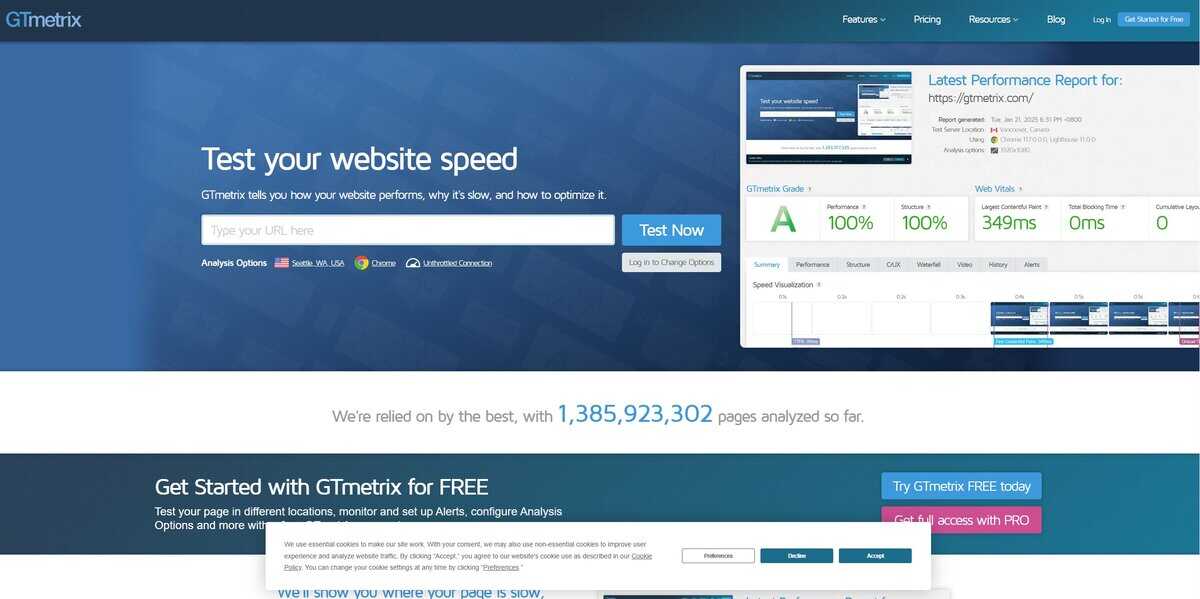
| Test engine and metrics: Reports are powered by Lighthouse, introduced at GTmetrix in November 2020, and the API v2.0 returns Lighthouse data including Web Vitals. The report breaks a page down into elements with timing, size and detected issues. | Test engine and metrics: Combines lab data from Lighthouse with field data from the Chrome User Experience Report over the previous 28 days. Field values use the 75th percentile, and Core Web Vitals pass only when INP, LCP and CLS are all good. Lab runs can vary between tests. | Test engine and metrics: Offers waterfall views, Core Web Vitals testing, scripted multi-step tests, API access and experiments for A/B comparison, according to a third-party listing of the Pro plan. | Test engine and metrics: The speed test result lists a grade, time to interactive, number of requests and page size. The Page Speed feature of the monitoring product captures a filmstrip with a screenshot every 500 ms. |
| Locations and devices: Free accounts can test from 2 global regions, and select PRO plans reach up to 25 locations. PRO mobile testing includes more than 55 simulated devices, with adjustable resolution, pixel ratio, DNS and user agent. | Locations and devices: Lab runs simulate a mid-tier mobile device (Moto G4) on a mobile network, or an emulated desktop on a wired connection. The location is not user selectable. | Locations and devices: Pro plans add custom test locations and private agents. | Locations and devices: Synthetic monitoring runs from a network of more than 100 servers worldwide, so performance can be compared by region. |
| Accounts and cost: A single test needs no registration. Free registration adds automatic monitoring, and paid PRO plans add location and browser choice and more monitored pages. Free reports are kept for one week. | | Accounts and cost: A free tier with basic tests exists next to paid Pro plans. WebPageTest was acquired by Catchpoint in 2020 and began as open source under Pat Meenan. | Accounts and cost: A free speed test is hosted at tools.pingdom.com, separate from the paid monitoring platform that offers a free trial. Pingdom is described as a SolarWinds product. |
| Monitoring and history: The free account includes 1 monitored slot at daily frequency with alerts. PRO plans add more slots, multi-location monitoring and hourly frequency on select plans. | | | Monitoring and history: Uptime monitoring, transaction monitoring and alerting, with checks as frequent as every minute. |