Cumulative Layout Shift Analyse compared with Lighthouse, WebPageTest and Chrome DevTools| Cumulative Layout Shift Analyse | Lighthouse | WebPageTest | Chrome DevTools |
|---|
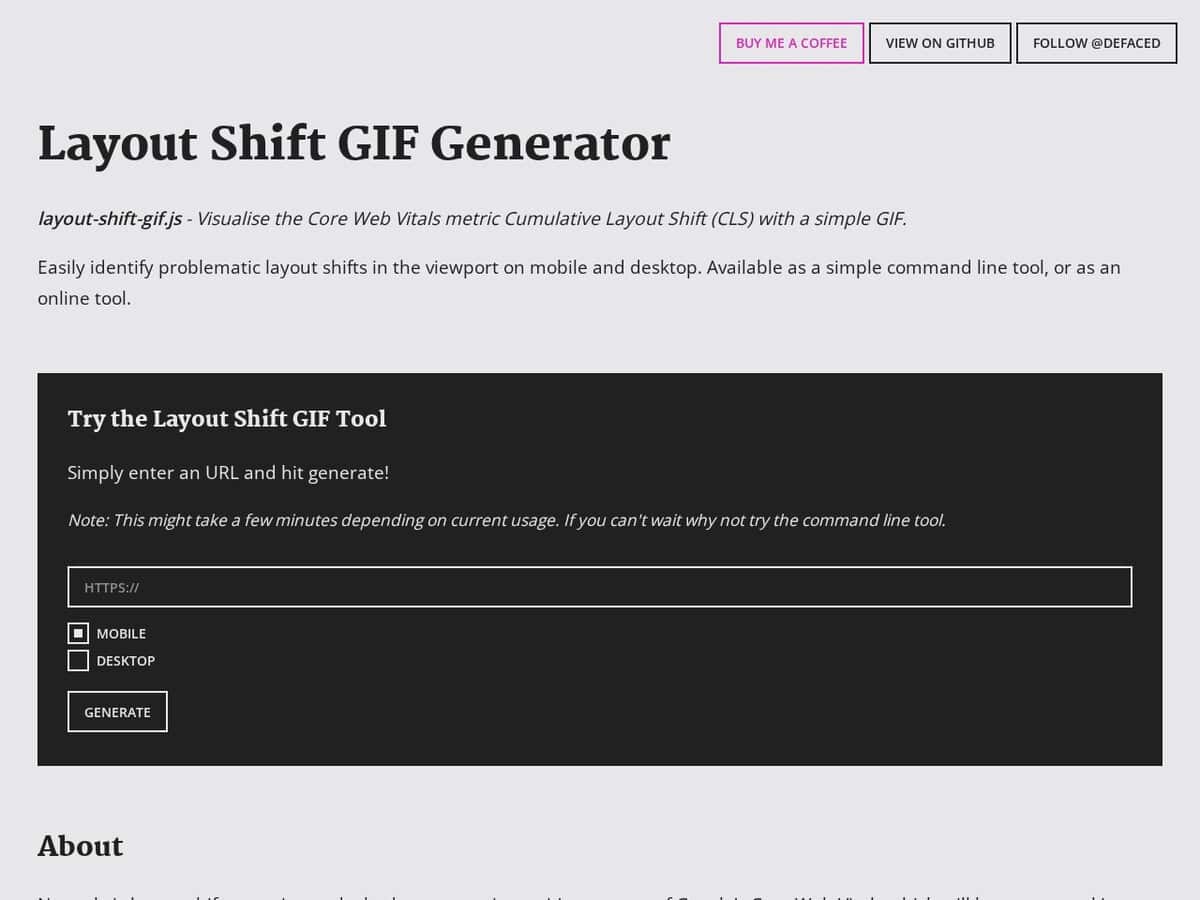
| Output: It produces a GIF showing which elements move in the viewport and returns the CLS score. Pages with a lot of vertical movement can make it hard to tell which elements shifted. | Output: The report lists CLS among First Contentful Paint, Speed Index, Total Blocking Time and Largest Contentful Paint. The default output is an HTML report, and JSON is available with a flag. | Output: The filmstrip shows keyframes of the load, and waterfalls carry a red line synced to the filmstrip. The documentation defines CLS as the measure of how much the layout within the viewport shifts while the page loads. | Output: The Layout shifts track in the Performance panel shows shifts as purple diamonds, grouped into clusters. Hovering highlights the element in the viewport, and the Summary tab gives timings, scores, affected elements and potential culprits. |
| Test conditions: The desktop viewport is fixed at 1920 by 1080. Mobile uses the Lighthouse Nexus 5X profile, and CPU and network are throttled to simulate good 3G. | Test conditions: It runs on a local Chrome, from DevTools, the command line, a Node module or PageSpeed Insights. The command line needs Node 22 or later. | Test conditions: Tests run on real browsers from locations around the world under customizable network conditions. Chrome gives the most information. | |
| CLS definition: Version 1.2.0 uses the maximum session window metric. Throttling is applied during the test. | CLS definition: Lab tools such as Lighthouse capture shifts only during page load, so values can be lower than what real users experience. | CLS definition: The same lab limitation applies. The score is the product of impact fraction and distance fraction, and 0.1 or less is the target. | CLS definition: Each shift has its own score in the Summary tab. CLS groups shifts into session windows of up to 5 seconds, with gaps under 1 second. |
| Openness and automation: A command-line version is installed with npm (layout-shift-gif). It takes url, device and output options, an optional cookie file and supports self-signed HTTPS certificates. The page asks for optional Ko-fi donations. | Openness and automation: Lighthouse is Apache-2.0 licensed. It can run in CI through Lighthouse CI and as a Node module. | Openness and automation: The repository has a master branch under Polyform Shield 1.0.0 and an apache branch under Apache 2.0. It documents running your own instance and a REST API. Most Experiments require WebPageTest Pro. | |