Colormind compared with Adobe Color and Coolors| Colormind | Adobe Color | Coolors |
|---|
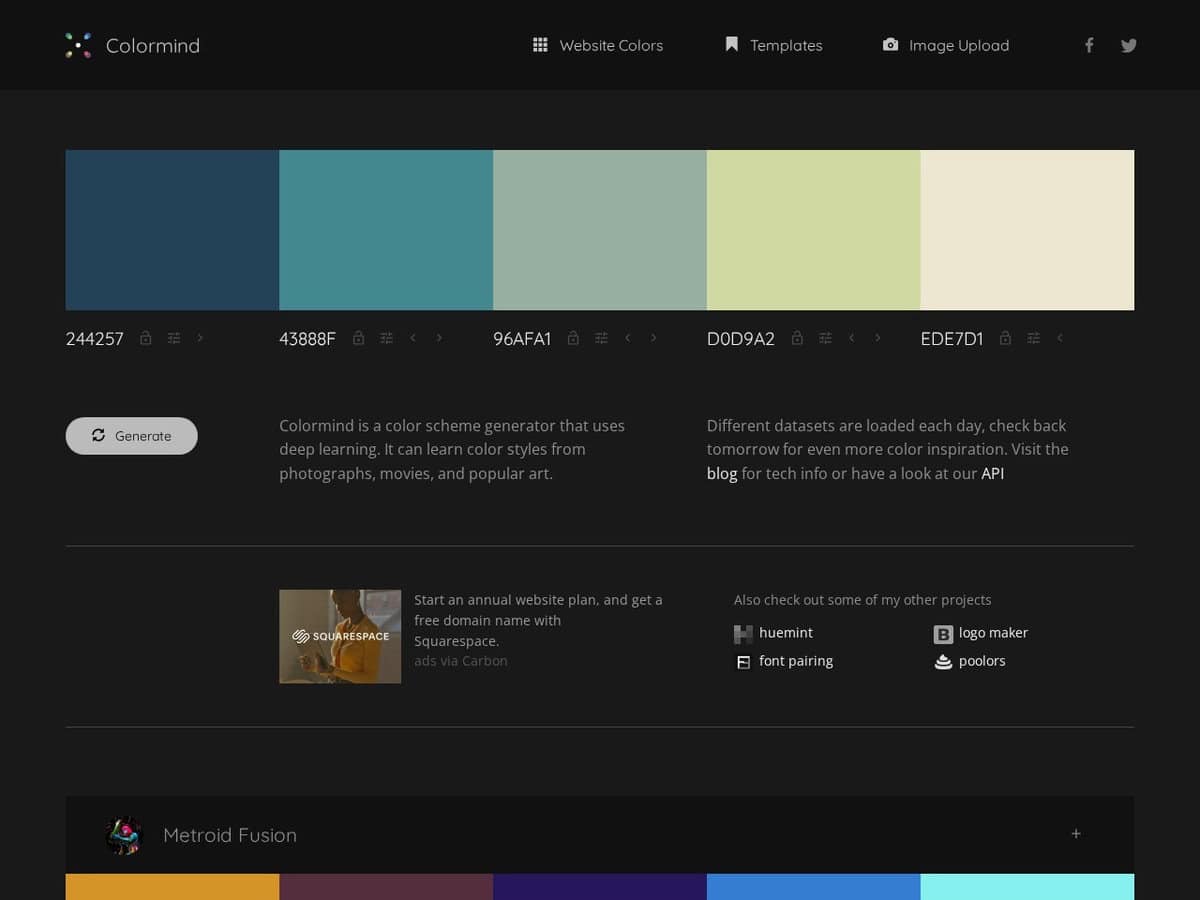
| Generation method: Uses deep learning models trained on photographs, films and popular art. Datasets rotate daily, so the same lock can give different results from one day to the next. | Generation method: Applies explicit colour rules such as analogous, triadic or split-complementary to a base colour, so results are predictable and explainable. | Generation method: Presents ready-made colour schemes and a palette editor. The free plan lists over 10,000 ready schemes and Pro lists over 10 million. |
| Control and image input: You lock the colours you need and the model fills the other slots. Lock position matters: complementary colours at opposite ends tend to produce useful intermediate shades. The site also links an image upload section. | Control and image input: Lets you upload an image to extract a palette or a colour gradient, and the scheme follows a chosen rule from your base colour. | Control and image input: Lets you pick colours from an image on both free and Pro plans. Palettes are limited to 5 colours on the free plan and 10 on Pro. |
| Accessibility checks: Includes a WCAG contrast checker and a colour blindness preview of the palette. | Accessibility checks: Palette contrast checks are listed as a Pro feature. |
| Cost and licence: The API is free for personal and non-commercial use. Commercial applications require contacting the site owner by email. The page lists no prices or tiers. | | Cost and licence: The free plan has no time limit but shows ads and limits saved palettes to 10. Pro is a paid plan. |
| When to choose it: Choose it for fast exploration around one or two fixed brand colours, or when you need to script palette generation through its API. | When to choose it: Choose it when each colour choice must be justified by a harmony rule and checked for contrast. | When to choose it: Choose it when you need to save, organise and export many palettes over time. |