AI Mindmap compared with Miro, Xmind and MindMeister| AI Mindmap (MyMap.AI) | Miro | Xmind | MindMeister |
|---|
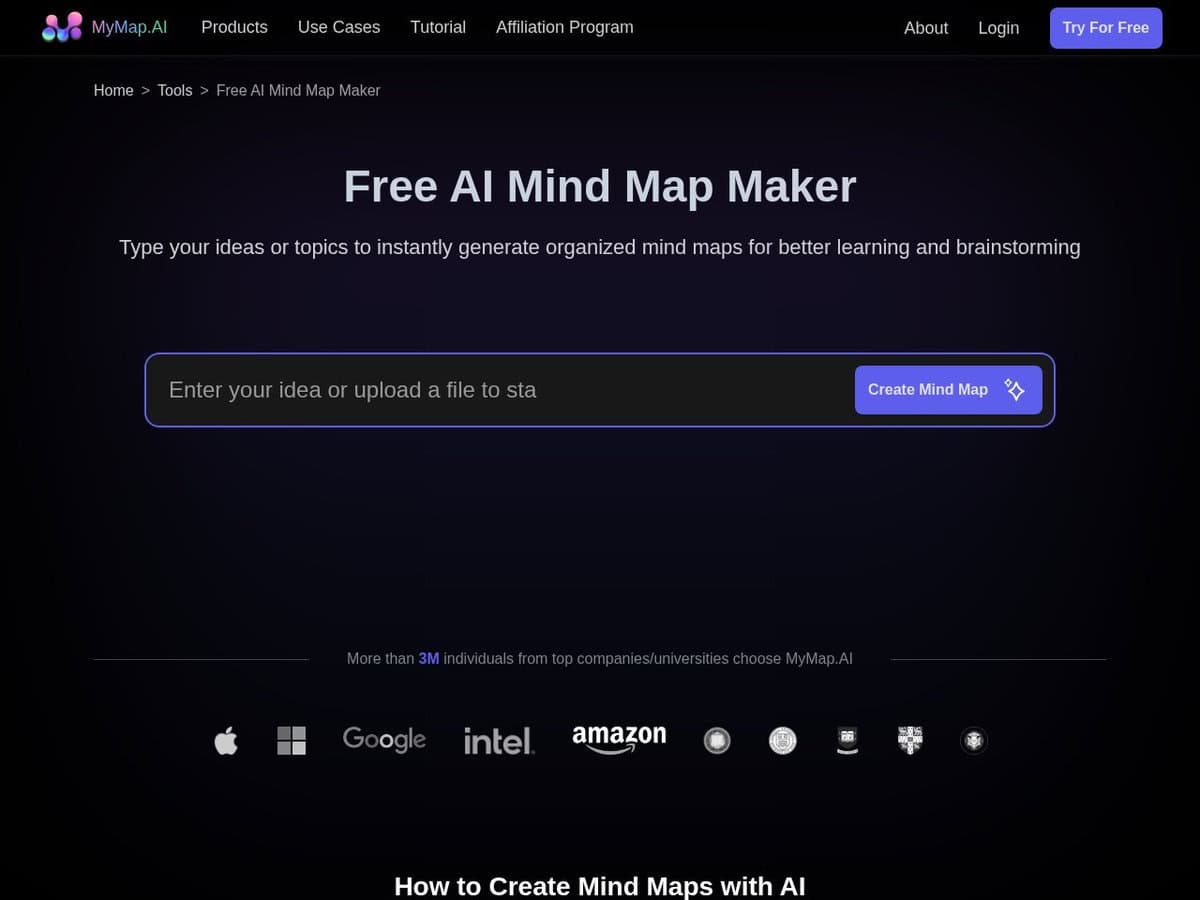
| Starting point: You enter a concept or a few words and the tool generates a mind map that you then edit. This suits the ideation stage of marketing or product design. | Starting point: A board-based collaboration tool, so a mind map is one of many layouts on a shared canvas. Boards are the unit of the free plan. | Starting point: A mind mapping application where the user builds the map, with AI credits available to generate maps, to-do lists and expanded ideas. | Starting point: A mind mapping tool with templates, presentation and focus modes. Create and edit with AI is listed as a beta feature on every plan. |
| Free tier limits: The free tier includes 5 GPT 3.5 requests per day, 1 file upload, no image generation and low-resolution export. The amount of generation is therefore very small. | Free tier limits: Free allows 3 editable boards, with unlimited team members. AI credits are listed as a limited trial. | Free tier limits: Free allows up to 10 online maps and 50 AI credits, with a 3-day version history. Maps generated with AI are capped at 3 sheets each. | Free tier limits: Free allows 3 mind maps, with unlimited collaborators. File exports, version history and attachments are not included. |
| Export and sharing: Free exports are low resolution. Paid plans list PNG, SVG, PDF, CSV and Markdown output, according to a third-party review. | Export and sharing: Not detailed on the pricing page. Paid plans add private boards and visitor editing. | Export and sharing: The free version exports PNG one map at a time. Pro adds SVG, PDF, Markdown and Office formats without a watermark. | Export and sharing: File exports start at the Personal plan, a paid per-seat plan. Microsoft exports start at Pro. |
| Platforms: Used in the browser, with no installation. A first visit needs no registration. | Platforms: A web service with team features, billed per member. | Platforms: Windows, macOS, Linux, iOS, iPadOS and Android. | Platforms: Web, plus iOS and Android apps on the free plan. |
| When to choose: Choose it to get a first structure from a few keywords, then refine by hand. | When to choose: Choose it when the map is part of a wider team workshop on one canvas. | When to choose: Choose it for long-lived personal maps, local apps and a larger free map allowance. | When to choose: Choose it for collaborative web-based mapping where exports are not needed on the free plan. |