Email Sending Tester compared with GlockApps, Postmark Spam Check and Litmus| Email Sending Tester | GlockApps | Postmark Spam Check | Litmus |
|---|
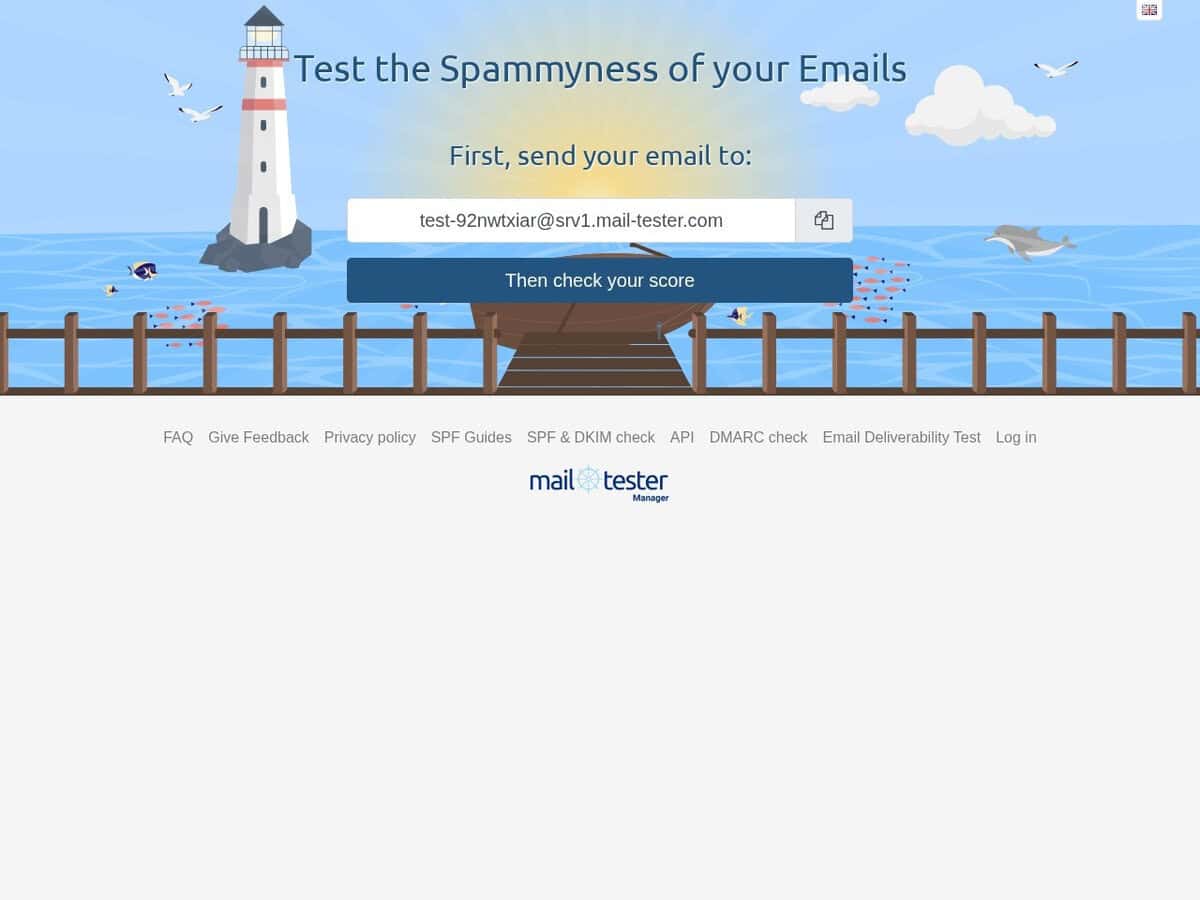
| Scoring basis: You send one message to a single-use address and the report covers the message, your mail server and your sending IP. The score comes from a default SpamAssassin install, with the scale reversed so that 10/10 is the best result. Passing does not guarantee inbox placement. | Scoring basis: Places test messages across about 30 mailbox providers and reports whether each lands in the inbox, spam or a sub-folder. It also runs SpamAssassin, Barracuda, Microsoft EOP, Proofpoint and a Google filter, so it reflects real provider behaviour more closely than a single rule set. | Scoring basis: A REST interface to SpamAssassin. You post the raw email with all headers and receive the SpamAssassin score and the list of matched rules, plus a full report when the long option is used. It measures content and headers only, not delivery to real mailboxes. | Scoring basis: Testing, deliverability and monitoring are listed as separate capabilities, and they now belong to Validity Engage. The product page does not describe the scoring method. |
| Authentication and DNS: The report shows what is configured properly and what is not on the sending side. SPF, DKIM and DMARC results, blacklist status and the header analysis are part of the standard report. | Authentication and DNS: Checks DKIM record alignment and reports the rDNS record and HELO string of the primary IP, and blocklist status for IPs in the sending chain. SPF, DKIM and DMARC record checkers are offered as separate free tools, and DMARC reporting is a separate product. | Authentication and DNS: The documented output is the SpamAssassin score, the matched rules and the optional report. The documentation does not describe separate DNS or blacklist checks. | |
| Free use and cost: Three free tests in any 24-hour period. Free results stay visible for 7 days, or 30 days with an account and your own prefix. Extra tests are sold as packs. | Free use and cost: Two free tests without a credit card. Paid plans are named Essential, Growth and Enterprise, and the product page does not list their prices. | Free use and cost: Free to use, and the documentation states no quota. The page warns that the API may be updated, removed or changed at any time. | Free use and cost: No public price on the pricing page, which sends visitors to a contact form. |
| Programmatic access: A JSON API and an iframe for embedding results are available on paid plans. Account holders can also whitelist the service and run tests from their own applications. | Programmatic access: The API is available on all plans, including the free tier. It supports automated tests, retrieval of results and organisation of clients into projects and folders. | Programmatic access: Single endpoint, POST to /filter, with JSON in and out. Client libraries exist for Perl, Ruby, Python, C# and PHP. Each call takes several seconds. | |