Characters Table compared with Windows Character Map, Unicode table sites (typical) and Emojipedia| Characters Table (CopyChar) | Windows Character Map | Unicode table sites (typical) | Emojipedia |
|---|
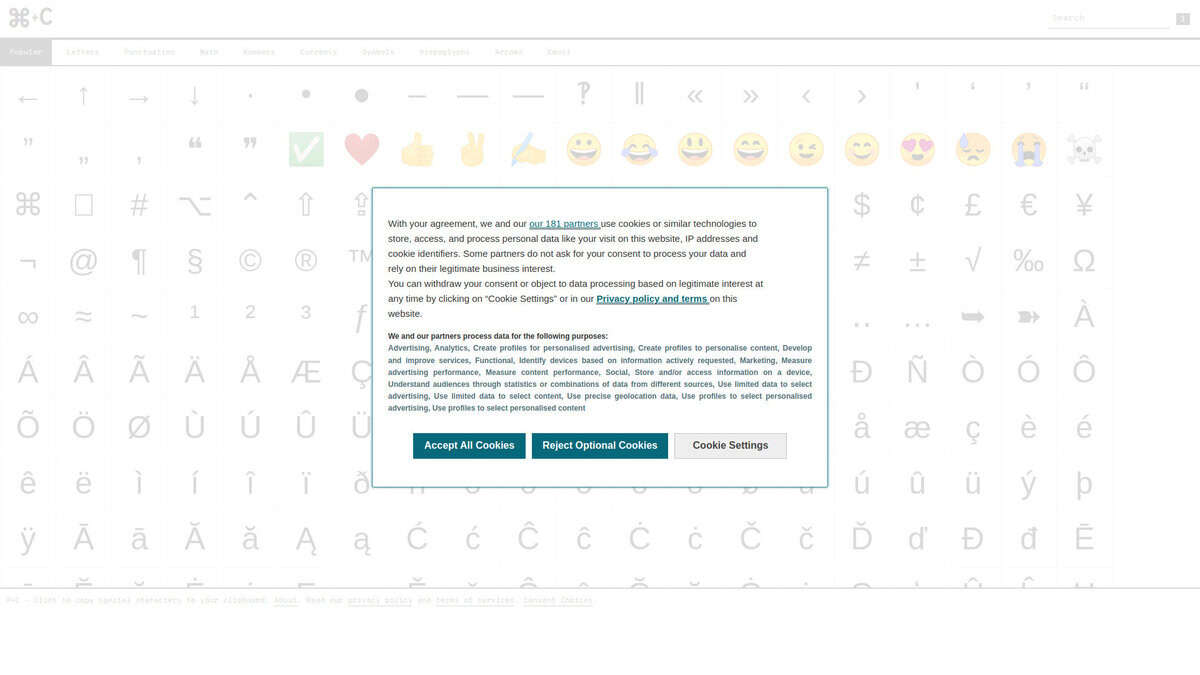
| Purpose and workflow: CopyChar is a web app with a long list of special characters on one page. Clicking a character copies it to the clipboard, and a review describes it as free. | Purpose and workflow: Character Map is a utility that ships with Windows and starts from the Run dialog or command line with charmap. It displays characters in whichever installed font you choose, so the available glyphs depend on that font. | Purpose and workflow: Member checked: the Unicode Character Database of the Unicode Consortium, a set of data files with code point names and properties, meant for implementers more than for copying a single symbol. | Purpose and workflow: Emojipedia is a reference site that explains what each emoji means, with definitions written by researchers and lexicographers. The pages checked do not mention a copy function. |
| Search and organisation: A top navigation bar lists 10 categories, such as currency, math symbols and emojis. The review does not mention a search field. | Search and organisation: Characters can be searched by Unicode code point or Unicode name, and for Unicode fonts they can be grouped by Unicode subrange. | Search and organisation: UnicodeData.txt lists code points with names and core properties. NamesList.txt and property files such as PropList.txt are also provided. | Search and organisation: The site provides search and category browsing, and pages for emoji versions, proposals and Unicode versions. |
| Unicode data depth: The review does not state whether code points or Unicode names are shown, so it should be treated as a picker and not as a technical reference. | Unicode data depth: The Advanced view shows code pages and Unicode ranges, but only plane 0 (U+0000 to U+FFFF) is covered, and some characters in that range are missing. | Unicode data depth: Files are machine-readable (semicolon-separated, UTF-8), each version is published in a numbered directory such as 18.0.0, and a published version never changes. Unihan data covers CJK ideographs. | Unicode data depth: The site shows emoji designs from vendors such as Apple, Google, Samsung, Microsoft and WhatsApp, which is useful to compare how one code point renders across platforms. |
| Platform, cost and status: It runs in a browser on any device, is built with React.js, and the creator accepts suggestions for new characters. | Platform, cost and status: It is available on Windows NT 3.1 through Windows 11. The latest stable release is 5.2.3668.0 from July 2009, and Windows 10 and 11 also include a separate emoji and symbol picker opened with Win+. | | Platform, cost and status: Emojipedia was founded in 2013, is owned by Zedge, Inc., and is a member of the Unicode Consortium. The pages checked do not state pricing or an API. |
| When to choose it: Choose it when you need to paste a symbol, arrow or currency sign quickly into a document, without installing anything. | When to choose it: Choose it when you work on Windows, need a specific installed font, or need to look up a character by code point in the basic plane. | When to choose it: Choose it when you need exact code point names, properties or data files for software, standards work or font testing. | When to choose it: Choose it when the question is about the meaning, version or platform rendering of an emoji. |