Have you ever wondered why some websites are so easy to use and others are not? It often comes down to a critical element: information architecture.
Creating a user-friendly website or app depends heavily on its information architecture. This ensures that users can navigate and find what they need with no trouble. In this introduction, we’ll look at what IA means and why it’s key in the digital world to set the groundwork for a deeper look into its parts and how to apply them.
Key Takeaways
- A well-crafted information architecture improves user experience design and makes content organization seamless.
- Understanding the needs and behaviors of users is essential for effective information architecture.
- Qualitative testing with five users can uncover 85% of usability issues.
- Quantitative methods should involve at least 50 users for statistically significant results.
- Tools and techniques like card sorting, tree testing, and first-click testing can enhance IA design.
Understanding the Basics of Information Architecture
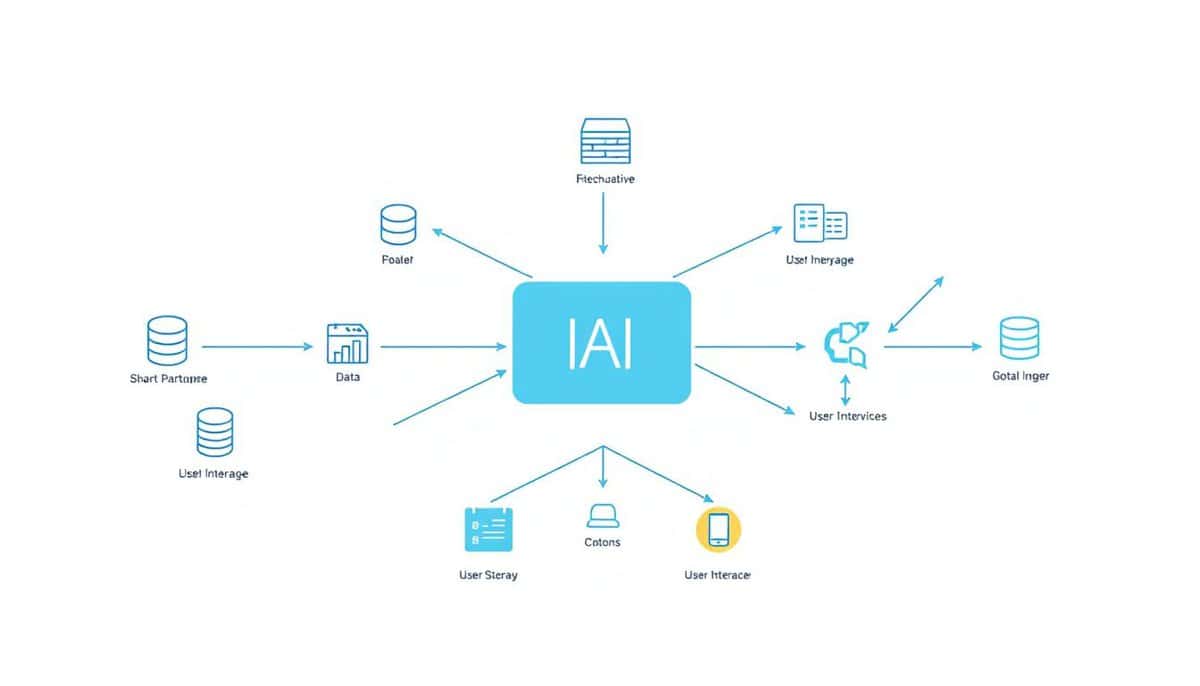
Information architecture (IA) is key in web design. It draws from fields like library science and architecture. IA involves user research, wireframing, and data modeling to improve UX.
What is Information Architecture?
IA is about making information easy to understand and use. It uses cognitive psychology to help with decision-making. IA’s use isn’t just for web design but also for museums and libraries or product design. Tasks like usability tests and user interviews help arrange information clearly.
The Importance of Information Architecture
IA’s role is crucial for good user experience (UX). It’s the structure that helps users find and interact with content easily. Information architects create navigation and hierarchy to make websites user-friendly. Techniques like card sorting improve how we find and arrange information.
Information Architecture vs UX vs UI
IA, UX, and UI are related but distinct. IA organizes information, making it usable with taxonomies. UX aims to make user journeys satisfying, using IA’s structure. UI deals with the visual style, based on IA’s organization. Wireframing connects these areas, showing layouts based on research.
Key Elements of Effective Information Architecture
Effective information architecture (IA) is essential for creating intuitive websites and apps. It deals with organizing and labeling content well. This makes it easy and meaningful for users. Knowing and using these core parts can really help improve how users feel about a site. It boosts SEO and the site’s overall function too.
Classification
Classifying content is at the heart of good information architecture. It’s about putting information into clear groups. This makes finding related content quick and easy. For instance, a news website groups similar articles to help users find topics fast. This orderly setup helps users get around and search better, boosting their experience.
Labeling
Good labeling clearly tells users what each category or content is about. Labels need to be simple, direct, and match what users are looking for. Using well-known terms helps users understand the content they’re accessing. With clear labels, navigation improves and users find what they need without confusion.
Navigation
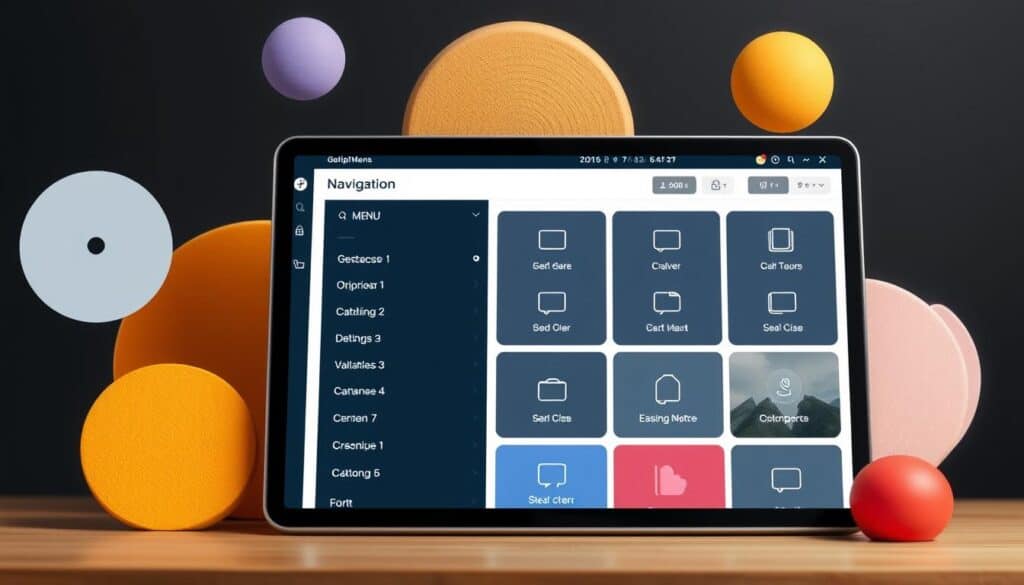
How a site is navigated is about setting up clear paths for users. This includes menus, breadcrumbs, and links for easy content access. Good navigation lowers bounce rates and keeps users coming back. It makes sure users can find information without a hitch.
Search
Search tools let users find content fast. A great search system gives accurate results quickly. Features like autocomplete, filters, and personalized suggestions make searches smoother. This makes the user’s search quick and efficient.
In conclusion, focusing on classifying content, labeling well, navigating the site, and powerful search tools can make IA better. This not only makes the site easy to use but also boosts SEO and keeps users happy. Following these principles ensures your website or app is easy to use, accessible, and interesting for everyone.
The rest of this article is reserved for members
To limit scraping bots (currently 40,000 hits per day!),
we had to restrict access to full articles and tools to registered members only.
to access all the rest.
FAQ
What is Information Architecture?
Information Architecture (IA) is about organizing information to make it usable and findable. It helps users easily find and interact with content. This improves their experience on a website or an app.
How does Information Architecture differ from UX and UI?
IA deals with content organization. UX focuses on the product’s usability and feel. UI is about the product’s design and interactive parts. IA lays the groundwork for UX and UI to make products appealing.
What are the key elements of effective Information Architecture?
An important parts of IA include Classification and Labeling. They help sort information into categories that are easy to understand. Navigation lets users find content easily. And search helps users find what they’re looking for through an efficient search system.
What types of design structures are used in Information Architecture?
We use various designs like Single Page and Flat Structures. Strict and Multi-dimensional Hierarchies are also common. The choice depends on the users’ needs and the content’s complexity.
What steps are involved in developing robust Information Architecture?
To build effective IA, understand user goals and business aims first. Analyze competitors, create a content list, and sort the content. Then, design a navigation system that guides users smoothly.
External Links on Data and Information Architecture
International Standards
(hover the link to see our description of the content)
Glossary of Terms Used
Enterprise Resource Planning (ERP): a software solution that integrates core business processes, including finance, HR, manufacturing, and supply chain, into a unified system to streamline operations, improve data accuracy, and enhance decision-making across an organization.
User experience (UX): the overall satisfaction and perception of a user when interacting with a product, system, or service, encompassing usability, accessibility, design, and emotional response throughout the entire interaction process.
User Interface (UI): a system that enables interaction between users and software applications, encompassing visual elements, controls, and overall layout to facilitate user tasks and enhance experience.