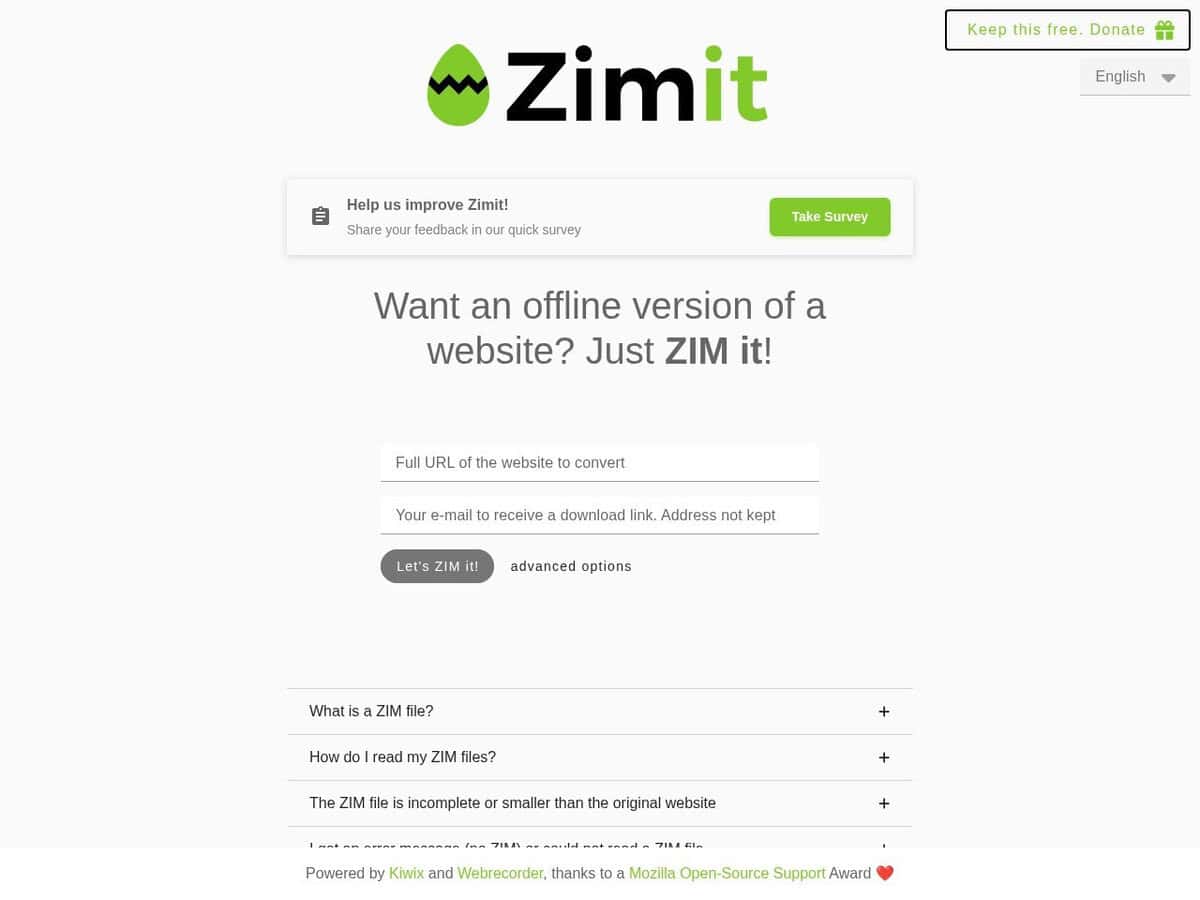
This online tool will create the .zim archive of any site for you.
Just provide the site root URL and your mail, and it will soon sent you a link once the archive is done, ready to download.
Advanced settings permit to chose the languages, how images are retrieved and many other settings that could be required if the site to archive relies heavily on dynamically generated content.
Once submitted, you will be redirected to a page indicating the status of your task and its position in the queue, permitting to eventually cancel the task. You do not need to keep that page open as you will receive both that URL and the final download link by email.
Note: unless a very particular reason (missing content, no access), we do not recommend to create a zim archive of a site that has already been archived by the Kiwix team. Save the bandwidth, save the planet, check the Kiwix repository first.
Expert Tip: if you want more control, or bypass size or time limitation, you can create the zim archive yourself, either with a local docker version of “ZimIt” or with “zimwriterfs” that can package local files.