OpenSCAD Programmatic Solid 3D CAD Modeller compared with SolidWorks, Autodesk Inventor and Autodesk Fusion| OpenSCAD Programmatic Solid 3D CAD Modeller | SolidWorks | Autodesk Inventor | Autodesk Fusion |
|---|
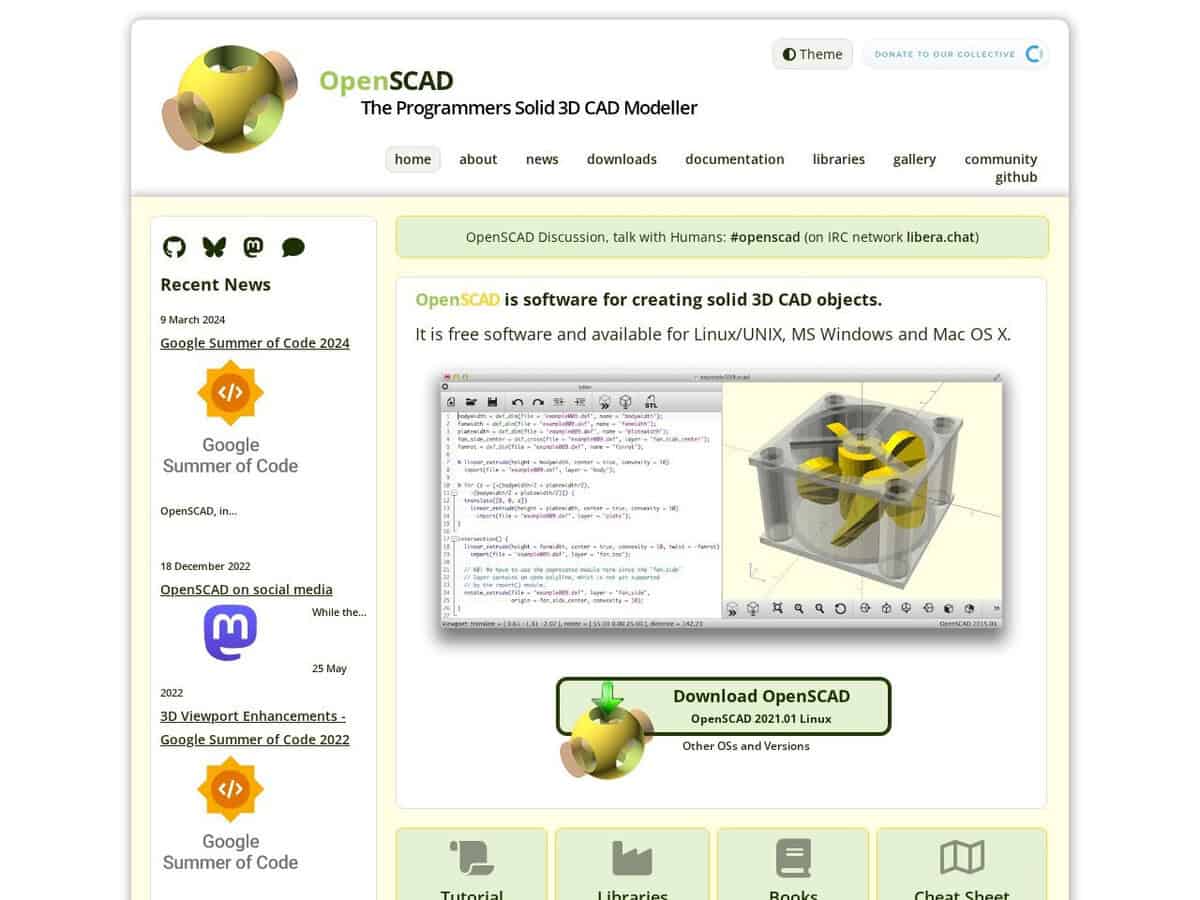
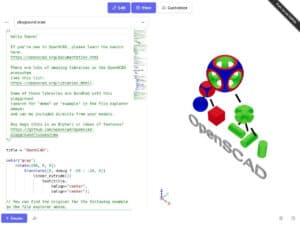
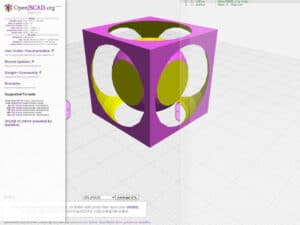
| Modelling approach: The project describes itself as not an interactive modeller. A script defines the object using constructive solid geometry and extrusion of 2D outlines, and the program compiles it to a solid. Parameter-driven designs follow naturally, since every size is a variable. | Modelling approach: Interactive part and assembly modelling with 2D drawings. The Professional plan adds a CAD library, rendering and cost estimation, and Premium adds simulation and routing. | Modelling approach: Interactive modelling that mixes parametric, direct, freeform and rules-based design. It also covers sheet metal, tube and pipe, frame design and iLogic automation, which OpenSCAD does not offer. | Modelling approach: Interactive CAD in a graphical interface with CAM in the same product. The personal plan has basic CAM only. |
| Plattform und Installation: Installed locally. Packages exist for Windows, macOS, Linux (AppImage, Snap, Flathub), BSD and Docker, and a WebAssembly build exists. Nightly snapshots can enable the Manifold geometry engine, listed as a large speed gain. | Plattform und Installation: Installed on the local computer and deployed from the cloud. Work Offline mode lasts up to 30 consecutive days. | Plattform und Installation: The vendor page states that Inventor runs on Microsoft Windows and names no other system. | Plattform und Installation: Desktop application. The personal use plan allows one user and single-user data management. |
| Inputs, outputs and formats: The project page states that it reads and creates STL and OFF models, and uses DXF for 2D outlines, which can also supply parameters. It produces meshes for printing, not the exchange formats of mechanical CAD suites. | | | Inputs, outputs and formats: The free personal plan has limited file import and export and no commercial data translators. |
| Lizenz und Kosten: Free software under the GNU General Public License version 2. No account, no seat management. | Lizenz und Kosten: Subscription. The Standard plan is a per-seat licence on the vendor store. | Lizenz und Kosten: Commercial subscription with monthly, annual and 3-year billing and a 30-day free trial. Amounts are on the vendor page. | Lizenz und Kosten: Free for non-commercial personal use only. Client work, consulting or product sales need a commercial subscription. |
| Level of expertise required: Comfort with programming concepts and geometric reasoning. Particularly suited to engineers who already script, and to parts defined by equations or data. | Level of expertise required: Professional CAD training typical for mechanical design offices. | Level of expertise required: Professional CAD training, plus iLogic if rules-based automation is used. | Level of expertise required: CAD training for design work. Fewer specialised functions than the commercial edition. |
| Wann man es wählen sollte: Choose it for parametric parts, repeated or rule-based geometry, and models kept as plain text in version control. Choose a commercial suite for assemblies, drawings and neutral CAD exchange. | Wann man es wählen sollte: Choose it for company workflows needing drawings, revision management and vendor support. | Wann man es wählen sollte: Choose it for Windows-based mechanical design with sheet metal, piping and automation needs. | Wann man es wählen sollte: Choose it for hobby projects needing CAD and CAM in one tool at no cost. |