EasyEDA compared with Altium Designer, KiCad, Fusion Electronics and OrCAD| EasyEDA | Altium Designer | KiCad | Fusion Electronics | OrCAD |
|---|
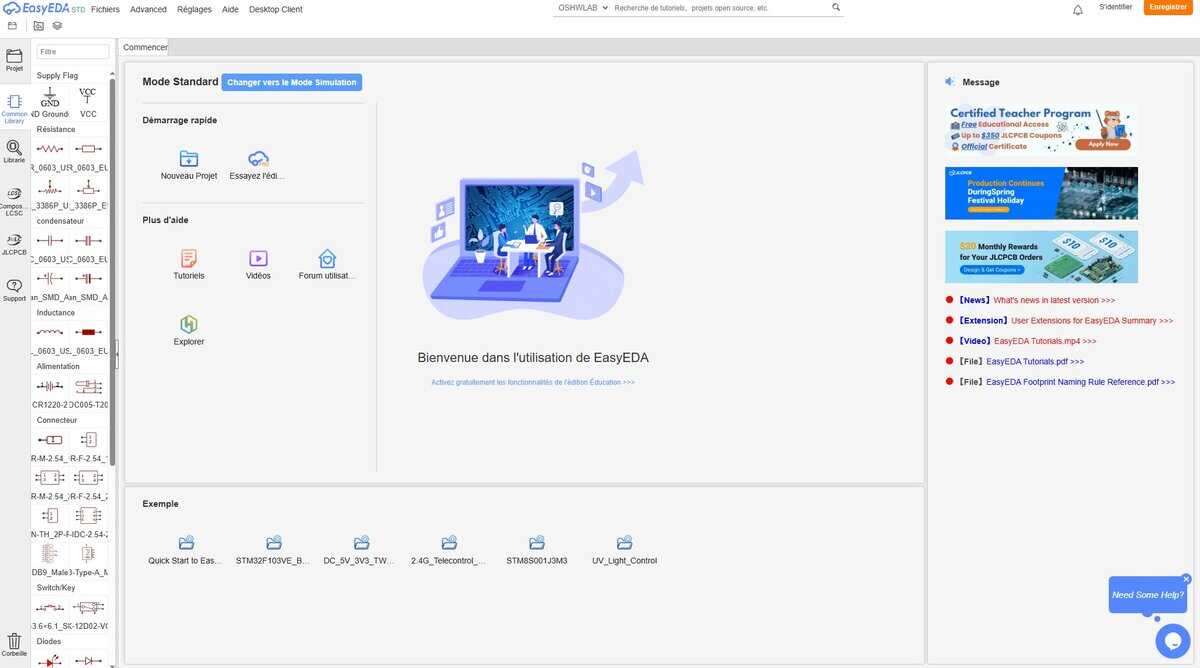
| Design size and capabilities: The Std edition supports designs of up to 300 devices or 1,000 pads, which suits students and small projects. The Pro edition is aimed at professional users with larger designs and stricter design constraints. Both offer schematic capture, PCB layout, and 2D and 3D views. | Design size and capabilities: Capabilities extend to multiboard management, HDI, rigid-flex, 3D-MID and wire bonding, with constraint management and MCAD synchronization. | Design size and capabilities: It covers schematic capture and PCB layout, with Gerber and IPC-2581 outputs for fabrication. | Design size and capabilities: The commercial Fusion subscription includes up to 999 schematics, 16 layers and unlimited board area. Schematic capture and PCB layout run side by side with live design rule checks and CAM output. The free personal use subscription gives access to the electronics environment, but the Autodesk page consulted states no limits for it. | Design size and capabilities: PCB Layout includes interactive and auto routing, in-design DRC, a 3D viewer and DFM checks, with ECAD and MCAD co-design. |
| Simulation: The Std edition includes simple circuit simulation. | Simulation: SPICE simulation and signal integrity analysis are integrated. | Simulation: The documentation lists SPICE simulation as a feature. | Simulation: Schematic capture includes SPICE-based simulation. Integration with mechanical design includes the Simulation Extension of Fusion. | Simulation: PSpice runs DC, AC and transient analysis, with Monte Carlo, worst-case, sensitivity and noise analysis, and it co-simulates with MATLAB and Simulink. |
| Libraries and file exchange: It includes the LCSC component catalog with direct links to parts, and it is linked to JLCPCB fabrication. It imports Altium, KiCad and Eagle files as well as PNG and DXF. | Libraries and file exchange: Altium 365 manages libraries and supply chain data, and offers version control with comparison across schematics, layouts, BOMs and Gerbers. | Libraries and file exchange: A built-in importer reads Eagle files, which makes it a common migration path for former Eagle users. | Libraries and file exchange: Native Eagle design and library files open directly in Fusion without export, and managed libraries on Library.io appear in the library manager. Partner and Autodesk component libraries are available, and an IPC-compliant package calculator creates components with 3D models. | Libraries and file exchange: Ultra Librarian integration gives access to verified symbols, footprints and 3D models, and a live BOM shows availability, pricing and compliance data. |
| Delivery, licence and status: It works in a browser with a registered account, as a desktop client with offline modes, or on premises on enterprise servers. The software is described as free. | Delivery, licence and status: It is subscription software offered within Altium Develop, Agile Teams and Agile Enterprise. The vendor page lists no price. | Delivery, licence and status: Free software under GNU GPL v3 for Windows, Linux and macOS, and still actively developed. | Delivery, licence and status: Fusion is cloud-based and sold as a subscription, and electronics is part of it. It is the path Autodesk gives for Eagle, which was stopped for sale and support on 7 June 2026. The operating systems supported were not listed on the page consulted. | Delivery, licence and status: Sold as Standard, Professional and Professional Plus editions on yearly terms, with a free viewer and an academic license. Prices are given by Cadence on request. |