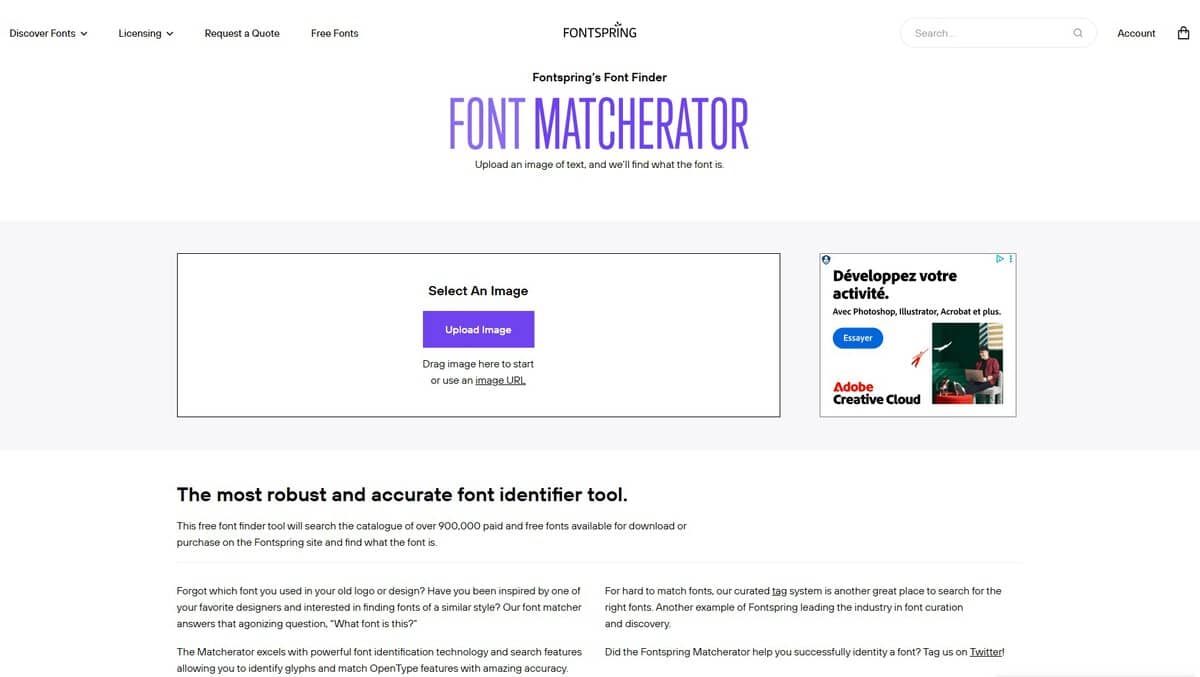
Matcherator Font Identify compared with WhatTheFont and Adobe Capture| マッチレーターフォント識別 | WhatTheFont | Adobe Capture |
|---|
| Main use: Matcherator identifies a typeface from an uploaded image, or proposes the closest match, and shows free and paid candidates side by side. It is a web tool from Fontspring. | Main use: WhatTheFont from MyFonts compares a photo or image of text with a collection of over 233,000 fonts and lists the matches with a preview of your own text. | Main use: Adobe Capture is a mobile app that turns photos into assets such as vectors, colour themes and brushes. Its Type feature identifies fonts and adds similar ones to a Creative Cloud account. |
| Input preparation: You upload an image and highlight the text to match. Crop to the letters of interest, and separate letters that touch before uploading, since they would otherwise be read as one shape. | Input preparation: The page asks only for an image of the text, either from the device or a new photo. It gives no resolution or format requirement. | Input preparation: Input is a photo taken or chosen on the phone. The page reviewed does not describe image requirements. |
| Result set: Results combine free and paid fonts for direct visual comparison, which helps when a project has no licensing budget. | Result set: The tool lists all font matches with a preview of how each looks as text. The page does not separate free from paid fonts. | Result set: Matches are similar fonts that are added to the Adobe account. The page does not say which fonts are included. |
| プラットフォームとコスト: It runs in a browser with no installation. The page itself gives no price or usage limit. | プラットフォームとコスト: The page states that it is available for iOS and Android. It gives no price. | プラットフォームとコスト: The page reviewed refers to iOS and Android, with the App Store listed. It gives no price for the app. |
| Privacy of the image: The page does not say where an uploaded image goes, so upload only the cropped part needed for the match. | | Privacy of the image: Saved results sync to Creative Cloud Libraries, which ties the output to an Adobe account. |