JSCAD Free Programmatic Online 3D Modeler compared with OpenSCAD, Autodesk Fusion and SolidWorks| JSCAD는 무료 온라인 3D 모델링 프로그램 도구입니다. | 오픈스카이드 | Autodesk Fusion | 솔리드웍스 |
|---|
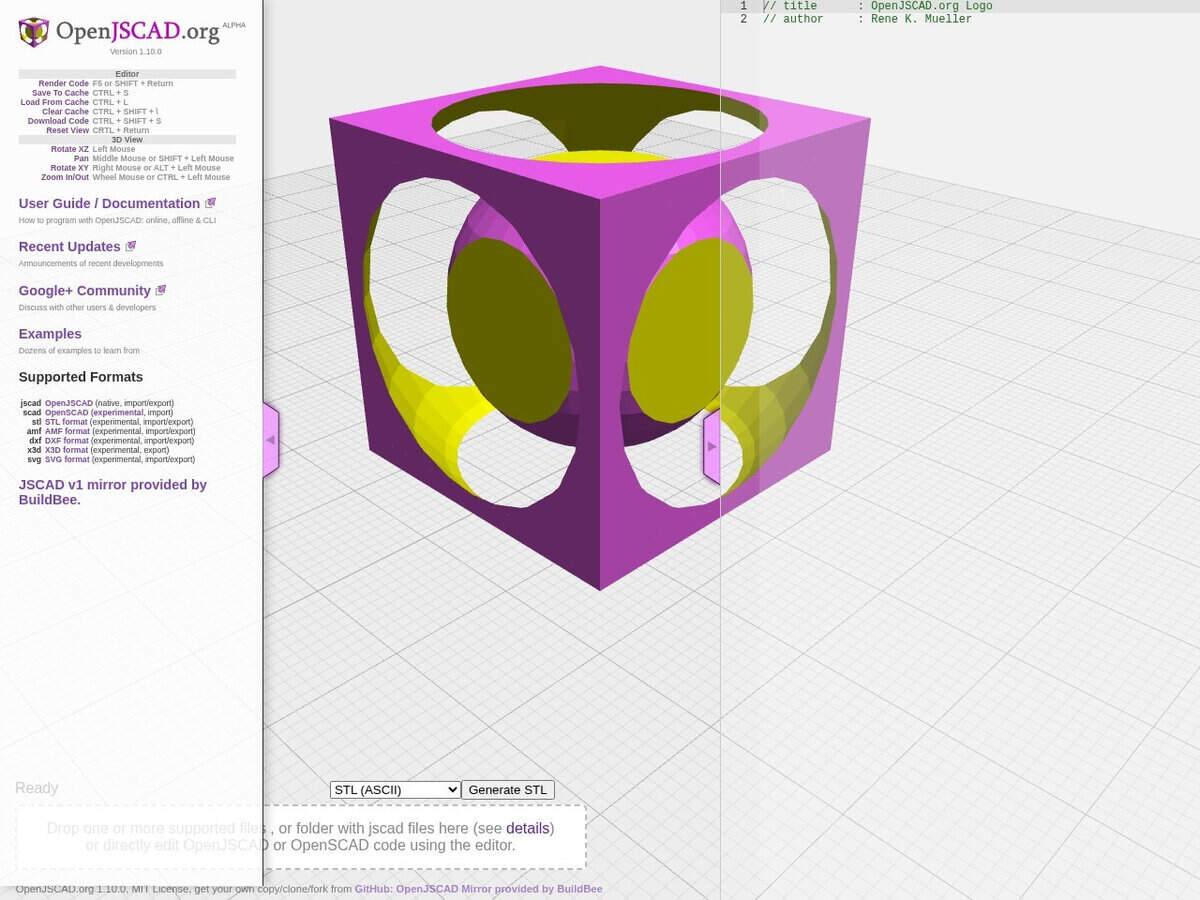
| Modelling approach: Models are written as JavaScript code and rendered in the browser. The geometry is parametric, so changing a variable regenerates the part. | Modelling approach: Models are written in its own scripting language and rendered by a desktop program. It is described as a programmers solid 3D CAD modeller. | Modelling approach: A cloud-based CAD application where features are drawn and edited with a graphical interface. | Modelling approach: A graphical CAD package, with a browser-based variant (xDesign) and desktop licences. |
| 파일 형식: The openjscad.com mirror imports and exports JSCAD, STL, AMF, DXF and SVG (all but JSCAD marked experimental). It exports X3D and imports OpenSCAD .scad files. | 파일 형식: The page consulted does not list formats. | 파일 형식: The personal licence has fewer supported import and export file types than the paid version. | |
| 라이선스 및 비용: Open source under the MIT licence, free to use online, offline and from the command line. | 라이선스 및 비용: Free software, available for Linux, Windows and Mac OS X. | 라이선스 및 비용: The personal licence is for non-commercial projects below a small annual revenue threshold and excludes company use. Commercial use needs a paid subscription. | 라이선스 및 비용: Design licences are term-based (yearly or quarterly) online, and resellers can sell perpetual licences. A free trial is available. |
| 상태: The openjscad.com page identifies itself as a JSCAD v1 mirror provided by BuildBee. The jscad.app site presents the library as the JSCAD modeling package. | 상태: Listed as active software with tutorial and library pages. | 상태: Active as a product, with personal and full subscriptions. | 상태: Active as a product, sold by term or through resellers. |
| When to choose: Choose it for quick parametric parts without installation, or when the model must be generated by JavaScript code. | When to choose: Choose it for scripted solid models in a desktop program, and for compatibility with .scad libraries. | When to choose: Choose it for free-form mechanical design with CAM and electronics, if the personal licence conditions are met. | When to choose: Choose it when production drawings and a commercial design workflow are required. |