3D Files Viewer and Converter compared with Autodesk Viewer, MeshLab and Blender| 3D 파일 뷰어 및 변환기 | Autodesk Viewer | MeshLab | Blender |
|---|
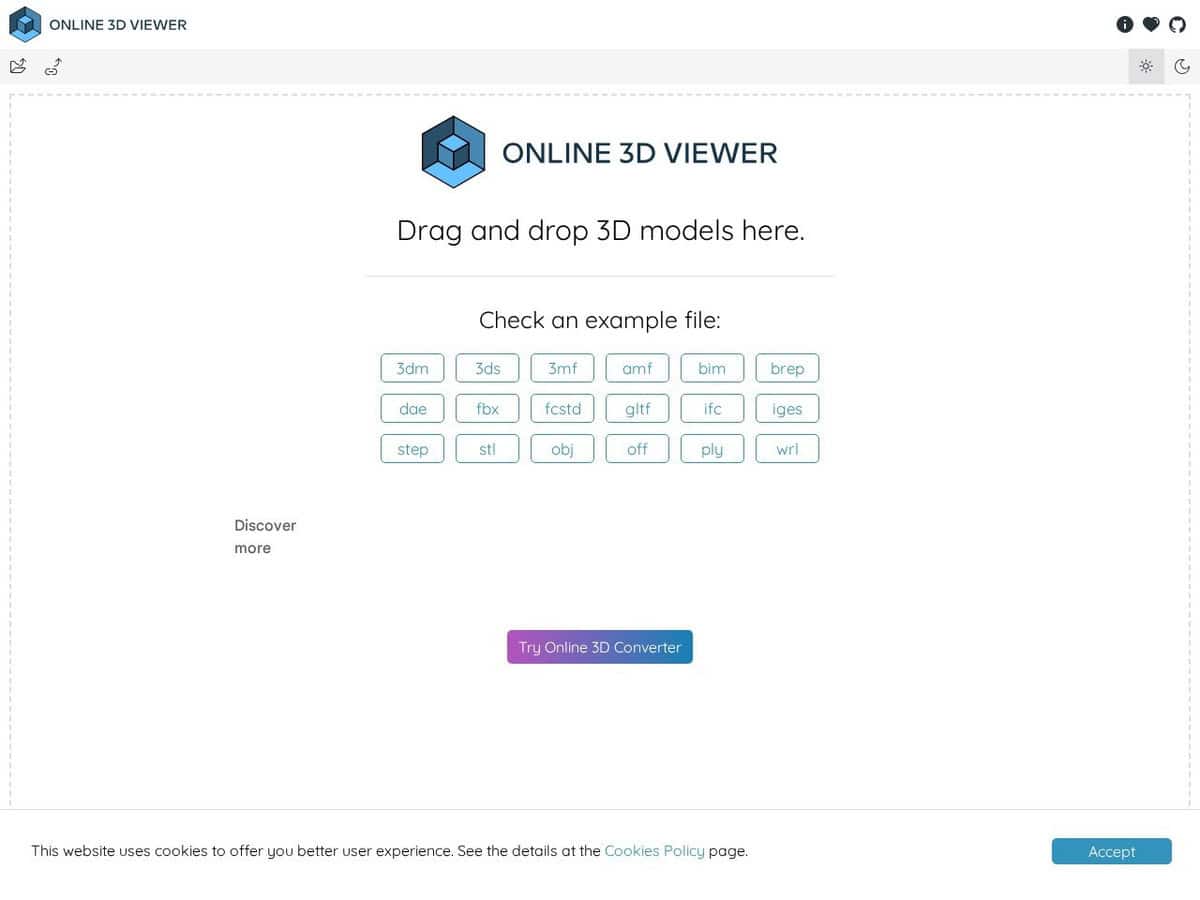
| 주요 목적: A web tool to visualise and explore 3D models in the browser, which also converts between formats. Its focus is inspection and quick conversion, not editing the geometry. | 주요 목적: A free online viewer for 2D and 3D designs, with a strong emphasis on drawings and CAD data from the Autodesk ecosystem. | 주요 목적: An open source system for processing 3D triangular meshes: editing, cleaning, healing, inspecting, rendering, texturing and converting. It targets scan data and models prepared for 3D printing. | 주요 목적: A 3D creation suite with a Python API and add-ons. It is a full production tool, far beyond viewing or conversion. |
| 입력 형식: 3dm, 3ds, 3mf, amf, bim, brep, dae, fbx, FCStd, gltf, glb, ifc, iges, step, stl, obj, off, ply and wrl. STEP, IGES, BREP and IFC are covered, which suits CAD and BIM files. | 입력 형식: Lists AutoCAD DWG and DXF, Revit RVT, Inventor IPT, STEP, SolidWorks and CATIA among many others. Strong coverage of proprietary CAD formats. | 입력 형식: Reads common mesh and point-cloud formats. Recent releases list glTF, GLB, NXS, NXZ, E57 and 3MF, and the full list is not on the home page. | |
| Output formats and conversion: Exports 3dm, bim, gltf, glb, stl, obj, off and ply. Useful for converting a CAD exchange file into a mesh for printing or web display. | Output formats and conversion: The page describes a viewer, not a converter, and gives no export list. | Output formats and conversion: Can export meshes, with U3D export and direct upload to Sketchfab mentioned on the project page. | |
| 개방성과 라이선스: The source code is open and published on GitHub under the MIT licence. It builds on libraries such as three.js, rhino3dm, web-ifc and occt-import-js, so you can embed or self-host it. | 개방성과 라이선스: Free to use, but a proprietary Autodesk service. It needs a WebGL browser (Chrome 56 or later, Firefox 51 or later, Edge 14 or later). | 개방성과 라이선스: Source under GPL 3.0. The MeshLab name is a trademark of CNR. Windows, macOS and Linux builds exist, and release 2025.07 appeared on 9 September 2025. | 개방성과 라이선스: Free and open source under the GNU GPL, usable for any purpose including commercial work. |
| Depth of mesh processing: Limited to viewing and format change. There is no mesh repair or analysis function listed. | Depth of mesh processing: View-oriented. Not a mesh repair tool. | Depth of mesh processing: Deep processing: hole filling, noise removal, simplification, remeshing, surface reconstruction, curvature evaluation and mesh boolean plugins. | Depth of mesh processing: Extensive, but it requires learning a complex interface and is not specialised for scan clean-up. |
| 언제 선택해야 할까요? Choose it for a quick look at a STEP, IGES, STL or IFC file, or a one-off conversion, without installing software. | 언제 선택해야 할까요? Choose it to open DWG, RVT or other proprietary design files for review. | 언제 선택해야 할까요? Choose it to clean, repair or reduce scanned or printed meshes. | 언제 선택해야 할까요? Choose it when the model needs real modification, rendering or animation. |