Free LaTeX Formula Editor compared with Overleaf, MathType and Microsoft Equation Editor| Free LaTeX Formula Editor | 背面 | MathType | Microsoft Equation Editor |
|---|
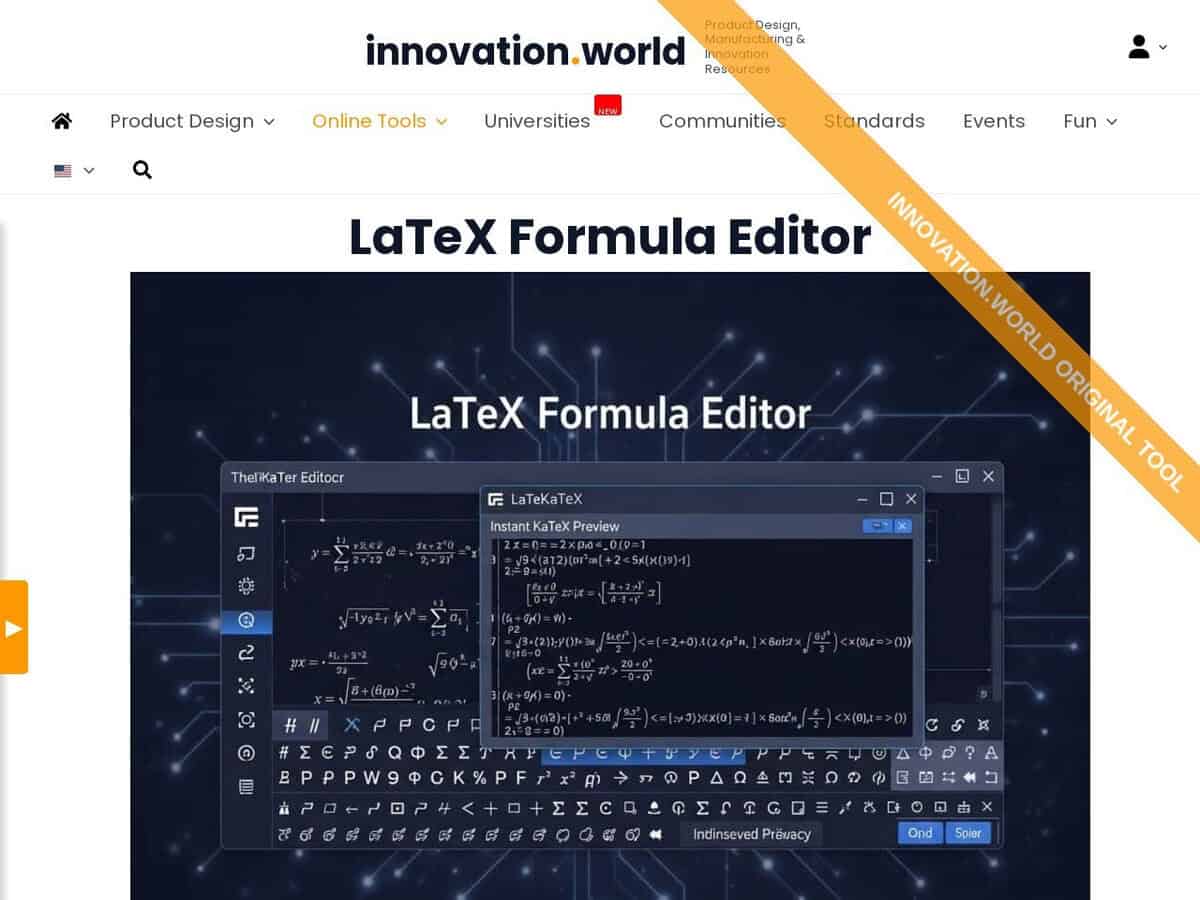
| 范围: The editor is limited to LaTeX math formulas in the browser, with an instant preview rendered by KaTeX. It handles single formulas, not complete documents. | 范围: Overleaf is a full online LaTeX editor with real-time collaboration, version control and hundreds of templates. It is meant for whole documents, so it is heavier than a formula-only tool. | 范围: MathType is an equation editor that works inside Word, PowerPoint, Google Docs, Google Slides and WPS. It also integrates with learning management systems, XML editors and HTML editors. | 范围: The equation tool is built into Word and other Office applications, so formulas live inside the document being written. |
| Input method: Formulas are typed as LaTeX code. Toolbar snippets insert fractions, roots, sums, integrals, limits, matrices, cases and aligned equations, and drop-down menus insert Greek letters. | Input method: Content is written as LaTeX source in a document project. | Input method: Formulas are built from a visual toolbar with 500+ symbols, including matrices and multiline equations. An AI handwriting tool converts handwritten math on touch devices, and a ChemType toolbar covers chemistry formulas. | Input method: Word accepts linear input in UnicodeMath or LaTeX, started with Alt+=. LaTeX input is available only in Word for Microsoft 365, other Office applications accept UnicodeMath only, and \begin{} and \end{} are not supported, so matrices use \matrix{}. |
| 成本和获取途径: The editor is free. The formula is rendered in the browser and nothing is transmitted to the site. Full-size images and downloads are free but require registration. | 成本和获取途径: The free plan allows one editor collaborator and about 24 hours of project history, and it has no Git integration. Paid plans add full history, Git and GitHub sync, and track changes in some tiers. | 成本和获取途径: A 30-day free trial of MathType for Office Tools is offered, followed by a paid licence. | |
| Export and file handling: The tool imports and exports .tex files and has a Copy button for the LaTeX markup. A LaTeX engine or import tool is needed to reuse the exported code elsewhere. | | | |