Free Markdown to HTML Converter compared with Pandoc, Typora and Dillinger| 免费 Markdown 转 HTML 转换器 | 潘多克 | Typora | Dillinger |
|---|
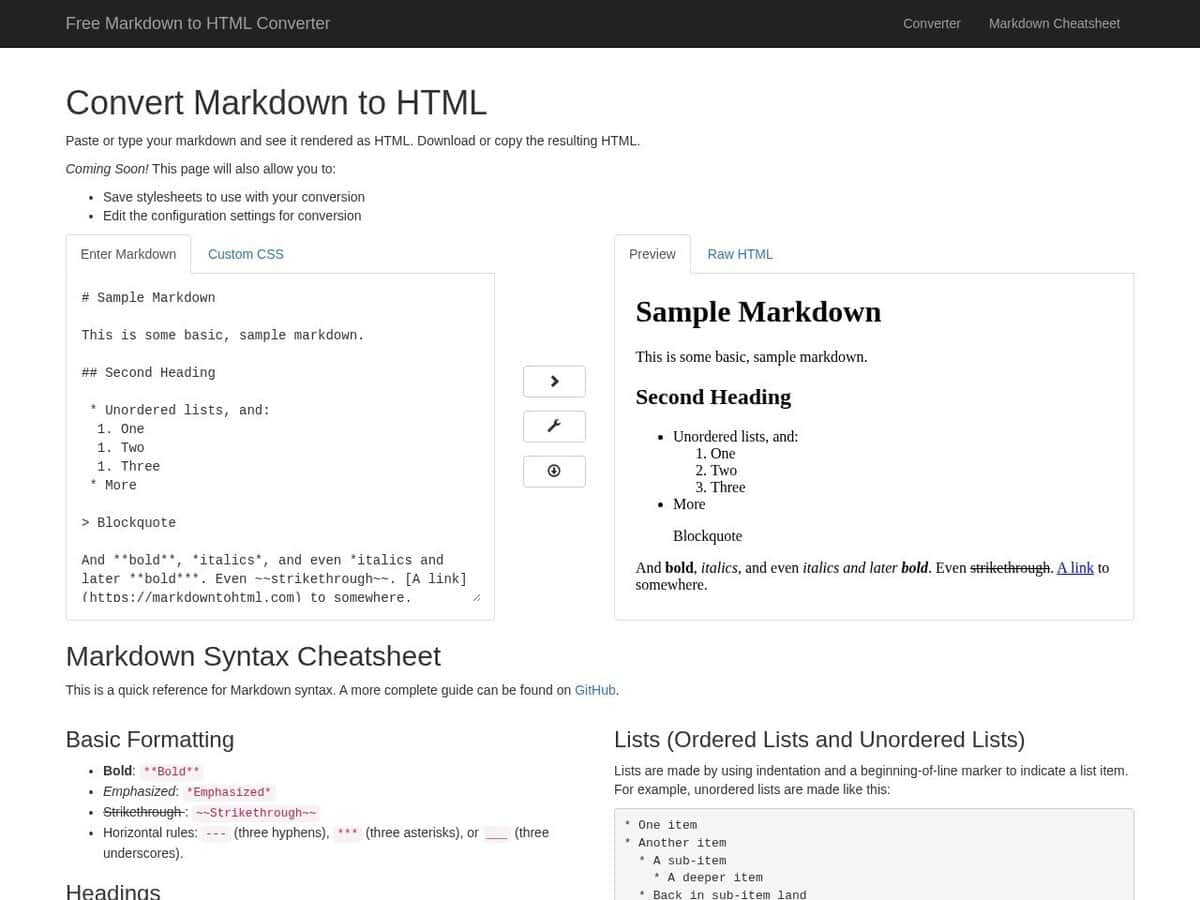
| Output and scope: You paste Markdown and get the rendered HTML, which you can copy or download, with a Custom CSS panel for styling. It converts to HTML only. | Output and scope: Readers parse the input into an abstract syntax tree and writers produce the target format, so Markdown can become HTML, LaTeX, Word (docx), EPUB, ODT, JATS and others. Conversions from more expressive formats can be lossy. | Output and scope: A live-preview editor. It exports to PDF (with bookmarks), DOCX, OpenOffice, LaTeX, MediaWiki and EPUB, and also imports some of these. | Output and scope: A browser editor with live preview that exports raw Markdown, styled HTML or PDF. It also connects to GitHub, Dropbox, Google Drive, OneDrive and Bitbucket through OAuth. |
| Markdown flavour: The page does not name a flavour. Listed syntax includes fenced code blocks with highlighting, strikethrough, reference-style links and nested lists. | Markdown flavour: The documentation lists markdown (Pandoc extended), markdown_strict, markdown_mmd, markdown_phpextra, commonmark, commonmark_x and gfm. You choose the variant with the -f option. | | |
| Automation and openness: The page states no API and does not say whether the project is open source or whether conversion runs in the browser or on a server. | Automation and openness: The command line reads files or stdin and writes to stdout. Lua filters (-L) and JSON filters (-F) modify the syntax tree in between. It is free software under the GPL. | | Automation and openness: The project is open source on GitHub. Drafts are auto-saved in browser local storage, and core editing works offline after the first load. Cloud sync needs a third-party account. |
| 成本和平台: Free to use online. No input size or usage limit is stated on the page. | 成本和平台: Free software, run from the command line on your own machine. | 成本和平台: Paid licence with a 15-day free trial, covering up to 3 devices. Builds exist for macOS, Windows and Linux. | 成本和平台: Free, with no signup or installation required. |