Online Favicon Generator compared with Favicon.io, Favicon-Generator.org and Canva| Online Favicon Generator (RealFaviconGenerator) | Favicon.io | Favicon-Generator.org | Canva |
|---|
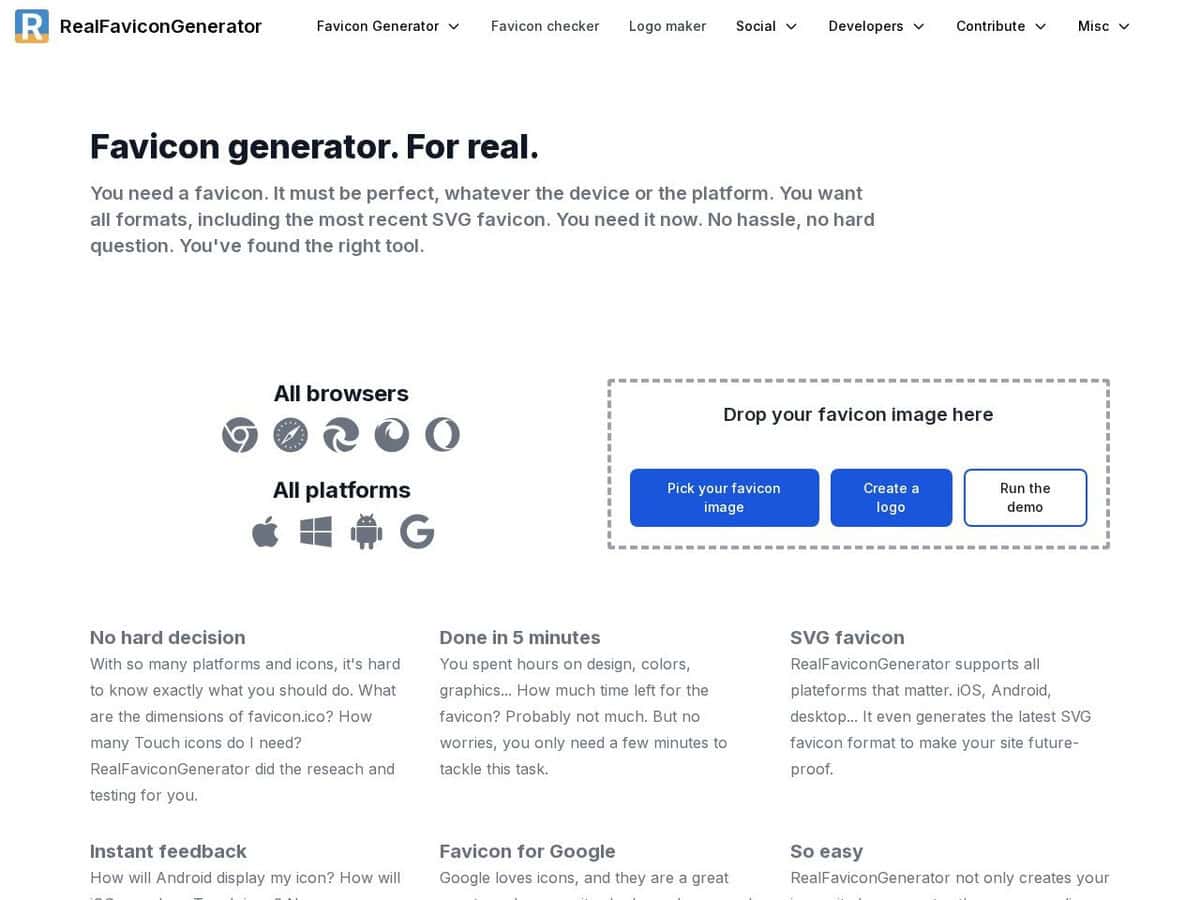
| 범위: Creates favicons for browsers, platforms and devices (Chrome, Safari, Edge, Firefox, Opera, Apple, Windows, Android), with HTML markup and setup instructions. Per platform adjustments are possible before generating. | 범위: Three generators (image, text, emoji), an SVG to favicon converter and a favicon checker. | 범위: Converts an uploaded PNG, JPG or GIF to favicon.ico and app icons for web, Android, Microsoft and iOS, plus a small online editor and a public gallery. | 범위: A general design tool. Its favicon page offers templates and a drag-and-drop editor to design a square icon. |
| Output package: SVG and PNG favicons, Apple Touch icons, favicon.ico, and the HTML link tags to paste in the head section. | Output package: One ZIP with favicon.ico, 16 x 16 and 32 x 32 PNG, a 180 x 180 Apple Touch icon, 192 x 192 and 512 x 512 Android Chrome icons and a site.webmanifest. | Output package: A favicon.ico file, app icons and HTML link tags. The page carries a 2014 to 2019 copyright notice, so check the output against current requirements. | Output package: One-click conversion to SVG, PNG or JPG. Recommended sizes on the page are 16, 32 and 48 px. It does not state that it produces a manifest or HTML tags. |
| Checking existing sites: A favicon checker shows how a favicon appears on different platforms and gives technical details. You can also inspect any URL, which suits comparison work. | Checking existing sites: Includes a favicon checker for testing existing sites. | | Checking existing sites: Not offered. |
| Framework and build support: The page lists plain HTML, React, Next.js, Ruby on Rails, Node, Node CLI, Gulp, Grunt and ASP.NET Core. | | | |
| Cost and openness: The page does not state a price and links to a GitHub repository whose licence is not stated on the page. | Cost and openness: Free, with advertisements and an optional donation link. The licence of generated files is not stated, so read the terms. | Cost and openness: Price not stated. A login offers premium features that are not described. | Cost and openness: A free plan and a paid Pro plan, as listed on the Canva pricing page. Whether export is free was not stated on the favicon page. |
| 언제 선택해야 할까요? Choose it when you need a complete, current package including manifest and markup from one logo, with a preview per platform. | 언제 선택해야 할까요? Choose it for a quick package from an image, a few letters or an emoji. | 언제 선택해야 할까요? Choose it for a fast ICO conversion with an editor, accepting that the page looks dated. | 언제 선택해야 할까요? Choose it when the icon itself still has to be designed and no markup is needed. |