APCAコントラスト計算機
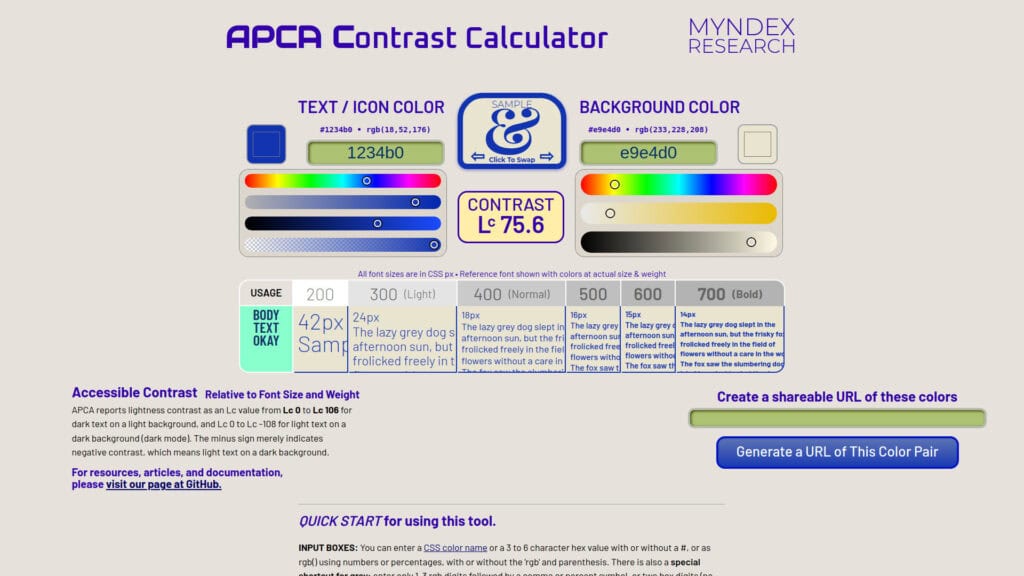
The Accessible Perceptual Contrast Algorithm, aka APCA, Contrast Calculator computes Lc, a perceptual contrast value from the Accessible Perceptual Contrast Algorithm, for a pair of text and background colors. The algorithm is being developed as a candidate for the contrast method of future WCAG versions.Unlike the WCAG 2 contrast ratio, APCA takes polarity and text size and weight into account. A light text on a dark background and the opposite no longer give the same value, which matches how the eye reads text more closely.Designers use it to judge the readability of an interface beyond a pass or fail threshold. Usability and accessibility specialists use it to check difficult cases […]
ウェブコンテンツアクセシビリティガイドライン(WCAG)クイックリファレンス
The WCAG Quick Reference is a customizable list of the WCAG 2.2 success criteria, with the techniques and common failures that apply to each. You filter by conformance level, technology and topic.Unlike the specification text, it is built for use during design and review. Each criterion links to the sufficient and advisory techniques, so a requirement turns directly into a check or a fix.Designers and developers use it as a working checklist while building and reviewing interfaces. Usability engineers and product managers use it to scope accessibility work and to document conformance.
UXの法則
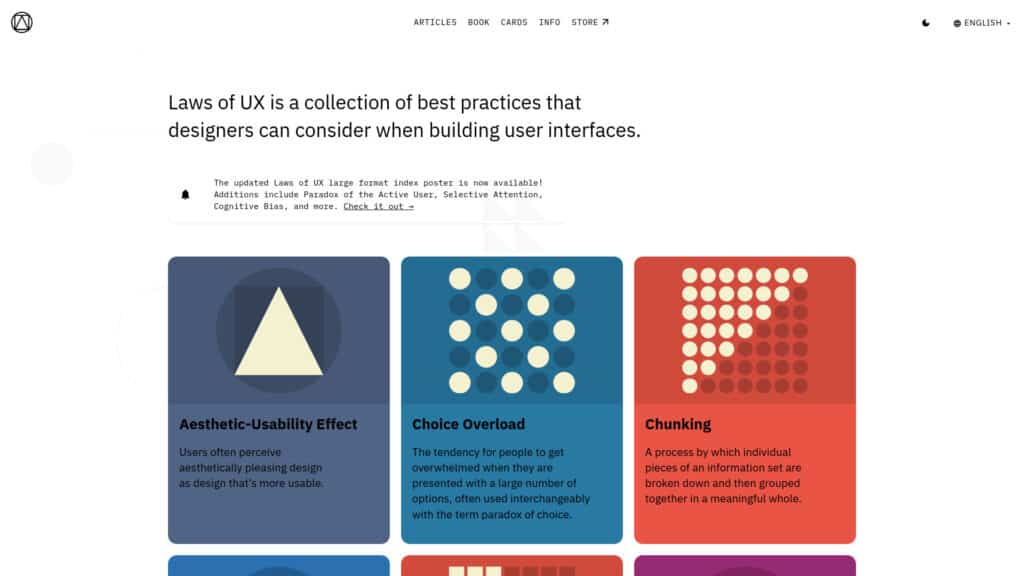
Laws of UX is a collection of principles from psychology and design that affect how people use interfaces, such as Fitts Law, Hick Law, Miller Law and Jakob Law. Each entry has a definition, an example and the key takeaways.The entries are short and consistent, which makes the site practical in a design review. It names the principle behind a problem, so a team can argue from a shared reference instead of personal taste.Designers and usability evaluators use it to justify interface decisions and to structure a heuristic review. Product developers and engineers get a compact introduction to the human factors behind a GUI.Our view: both nice and Lean … […]
OSHAコンピュータワークステーションeツール
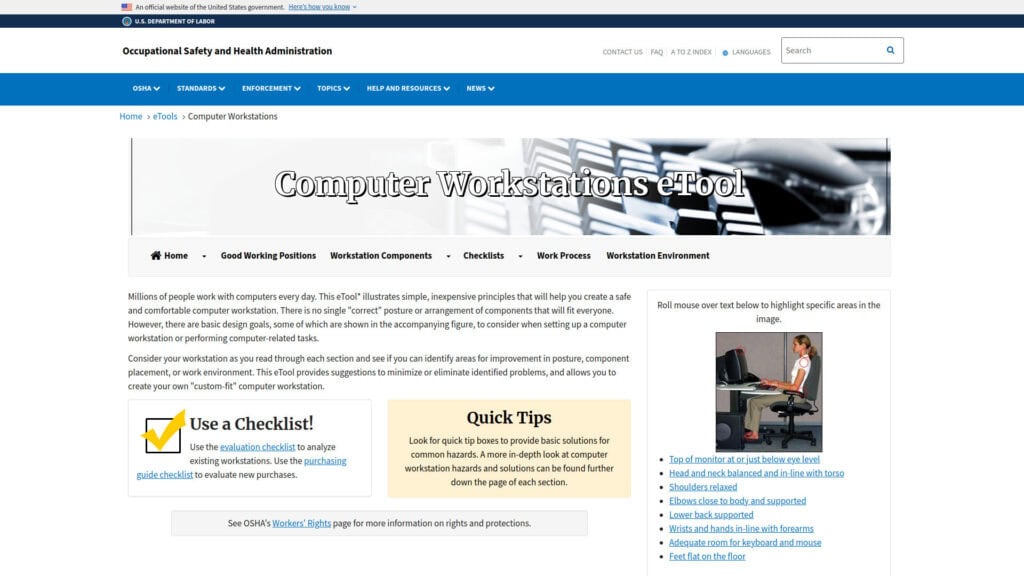
The OSHA Computer Workstations eTool is an interactive guide to setting up a workstation. It covers the chair, keyboard, mouse, monitor, work surface and other equipment, with posture illustrations and checklists.It gives a reference for good practice from a regulatory agency, with concrete recommendations for each element. The guide also covers work processes and environmental factors such as lighting.Ergonomists, safety managers and facility engineers use it to audit and set up workstations. Product developers designing furniture, input devices or displays use it as a reference for the postures their products must support.
グンターの宇宙ページデータベース
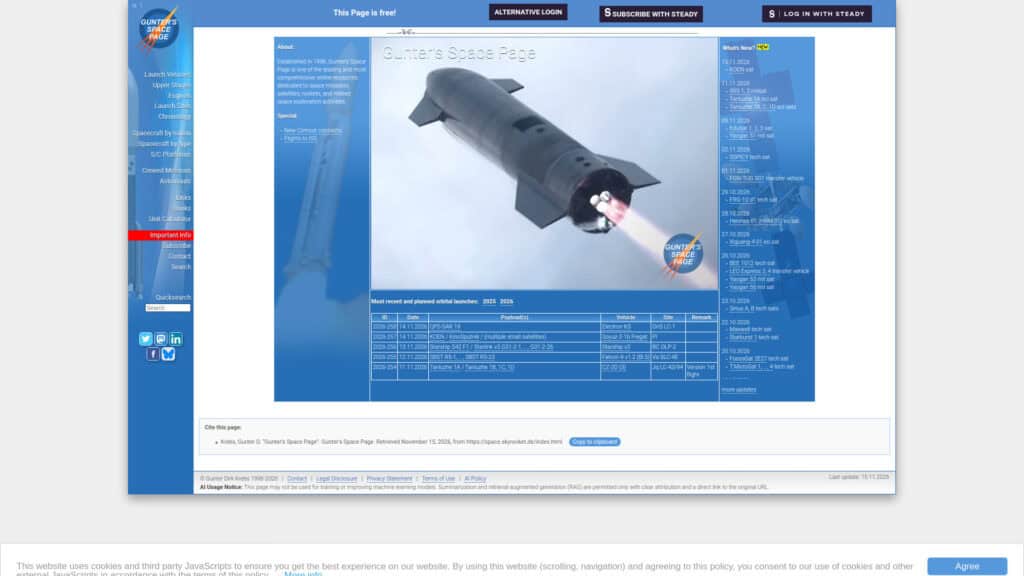
Gunter Space Page is a database of spacecraft, satellites, launch vehicles and launch sites compiled by Gunter Krebs. It gives technical data, mission histories, launch dates and descriptions for a large number of space programs.It is a single source for comparing launchers and satellites by mass, orbit, manufacturer and mission type. The pages link vehicles, payloads and launches, which makes the history of a program easy to follow.Aerospace engineers and analysts use it for benchmarking and mission research. Product developers and scientists in the space sector use it to find existing platforms and payloads for a concept.
NASA Eyes:太陽系のインタラクティブな3Dビュー
NASA Eyes on the Solar System is a real-time 3D visualization of planets, moons, asteroids, comets and spacecraft using NASA mission data. You can move through time and view the solar system from different viewpoints.Spacecraft are shown at their actual position and trajectory, with information about each mission. This makes orbital geometry and mission timelines easy to understand without special software.Engineers and scientists use it to explain mission geometry and to check where a spacecraft is relative to a target. Educators and product developers in the space sector use it for communication and demonstrations.
天空を飛ぶ衛星
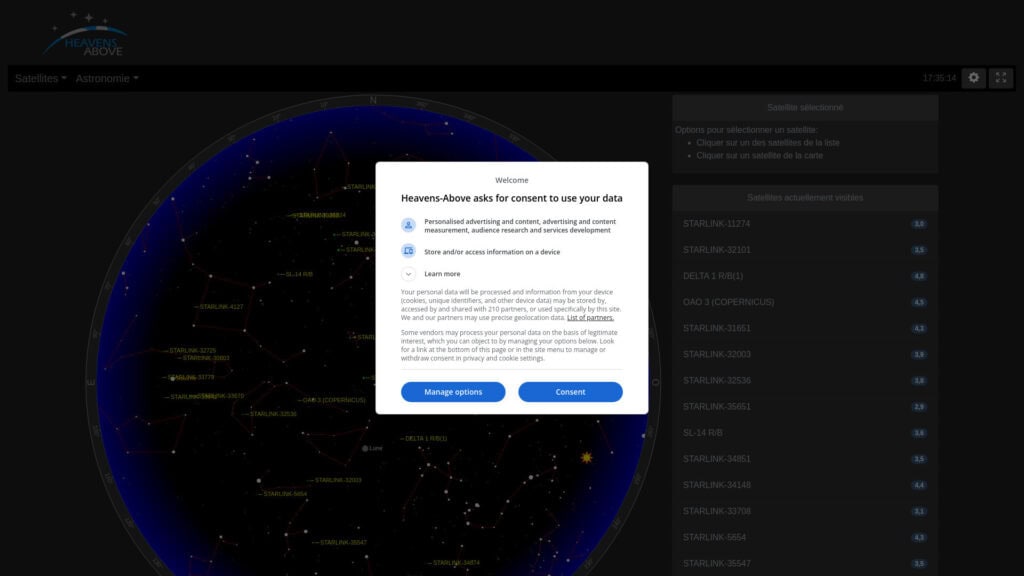
Heavens-Above predicts satellite passes and provides sky charts for a chosen observing location. It lists visible passes of the International Space Station and other satellites, with times, direction and brightness.The predictions are tailored to your location and time, which makes the information immediately usable for observation. Pages for individual satellites give orbit and identification data.Scientists and amateur astronomers use it to plan observations of satellites and passes. Engineers working on space systems use it as a quick way to follow the orbit of a satellite and to verify visibility.
MarkmapオンラインMarkdownからマインドマップへのコンバーター
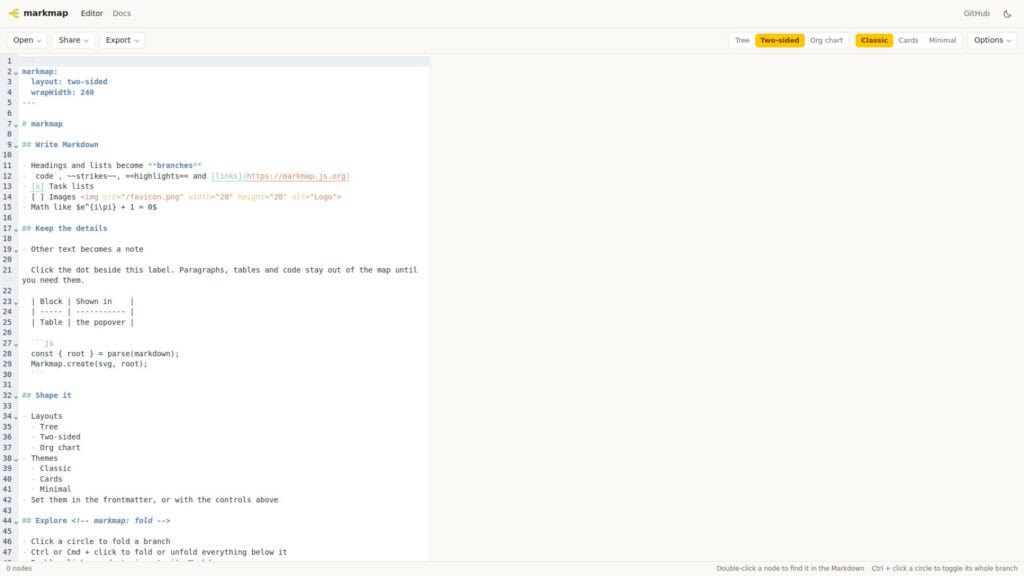
Markmap converts Markdown into an interactive mind map. Headings and list levels become branches, and the map can be zoomed, folded and exported. The text stays the source of truth, so the mind map can be edited in any editor and stored with other documents. The approach is faster than dragging nodes when the structure is already in notes. Engineers and scientists use it to turn meeting notes, requirement lists and literature outlines into a visual overview. Product developers use it to structure a brainstorm quickly and share the result.
tldraw ホワイトボード

tldraw is an infinite canvas whiteboard that runs in the browser. It offers shapes, arrows, freehand drawing, text, images and frames, and a canvas can be shared by link for collaboration.It is quick to start and has few menus, which keeps the focus on sketching. The open source library behind it is used in other applications.Product developers and engineers use it for brainstorming sessions, system sketches and quick diagrams. Designers use it for early layouts and flows, and remote teams use it as a shared space for ideation.
Canvanizer ビジネスキャンバスツール
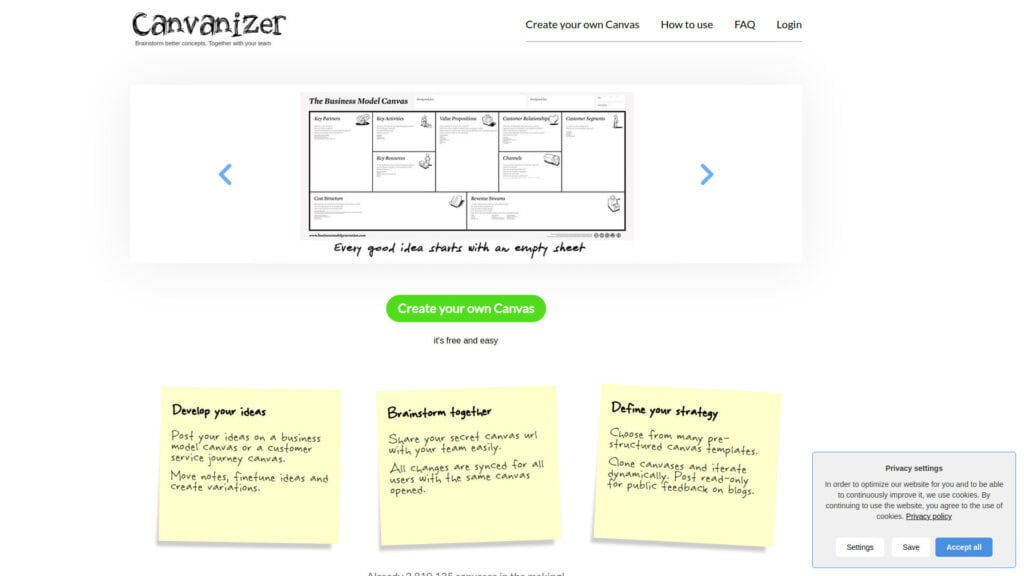
Canvanizer offers canvas templates such as the Business Model Canvas, the Lean Canvas and the Value Proposition Canvas. Each block is filled with sticky notes in the browser, and a canvas can be shared by link.The templates make the structure of a business idea visible on one page. Several people can work on the same canvas, which supports workshops and remote ideation.Product developers and innovation teams use it to describe and test a business idea early. Engineers who move from a technical concept to a product use it to organize customers, value and costs.