Google翻訳
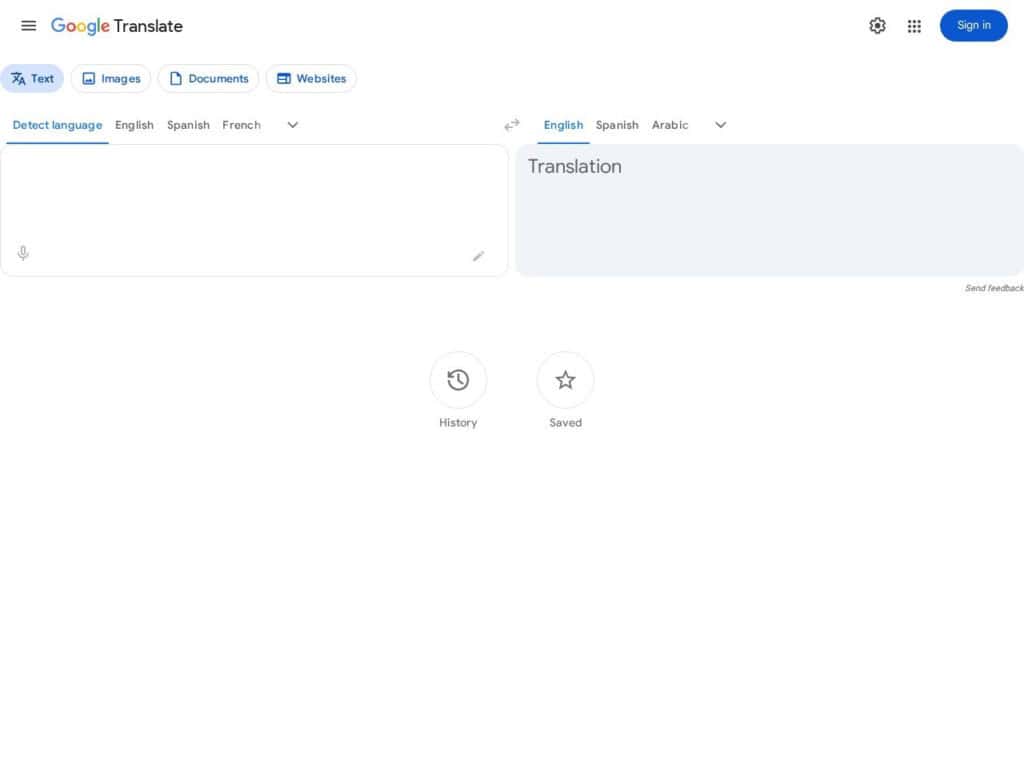
Should we mention this ? … but works good, has the most language pairs (…) Still recommended to have English in from or to, and be more careful if translating directly from non-English to non-English languages. Has also an API for developers (paid).
盗作検出ツール:盗作チェッカー
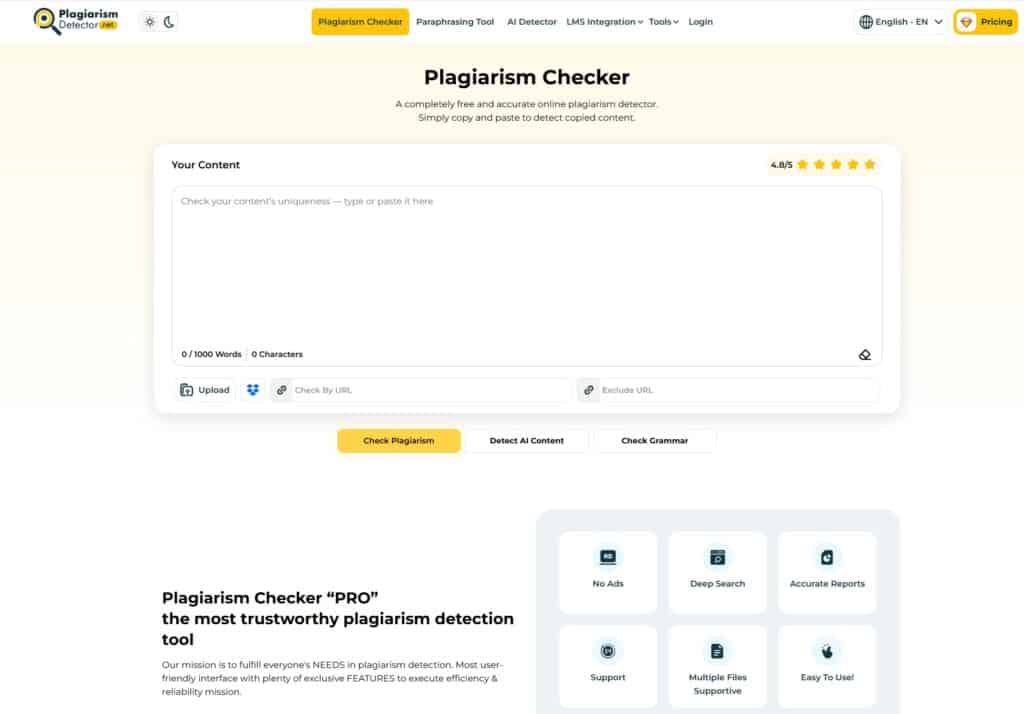
One more plagiarism checker that works well from what we could test. Not super fast (but that can be expected if many sources), but free up to a search of 1000 words, and provides one or more links to the sources and some plagia score. A metasearch engine, that uses smartly the input combined in various ways. The report can be downloaded either in pdf or word format. Free if you mind not clicking on several ads lying around the buttons …
ビジュアルシソーラスマインドマップ

Search 145k+ English words connected to each other by meaning (same, similar, opposite ..) expandable at will, and presented as a nice mind map. This will help your creativity for research on terms, wordings, and texts, but not much on technical solutions finding (Ex: “metals” will not list all metals) One of the rarely paid services that we recommend in this directory, as the demo is great and already very useful.
AIテキスト検出器

You had manual writing tools, then recently AI automatic content writing tools, then plagiarism detectors … and now AI to detect AI writings! At least on the few trials we did …. indeed, it did detect humanly written texts and AI-generated tests. The story does not tell if it detects human texts because of the many mistakes inside and AI because of perfect grammar! Probably all parameters together. To be used by writers, anti-cheaters… or cheaters taking more precautions. Fast, free, and easy. Note that this was developed for GPT-2, not the latest version being GTP-3.
PDFに透かしを入れる無料オンラインツール

Get all the pages of your pdf watermarked in one go with your own text or image. Not the fanciest Graphical User Interface, but very efficient.Select your PDF, select a couple of options, and be ready to get all your pages watermarked.text, size, font … or your own imageexact positiontransparencyover or under the existing contentexact pages or allFree, No registration, No installation!
無料オンラインOCR
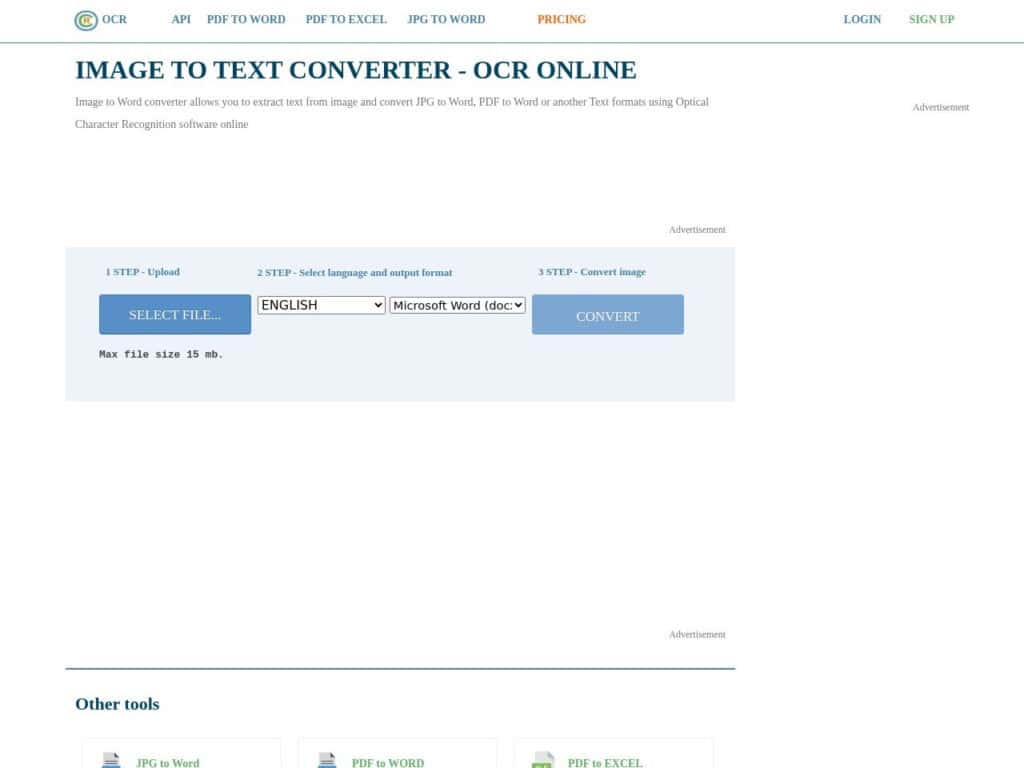
Just provide your scanned image or PDF (with images inside), select your language among 20+and desired output format and get within seconds your recognized text. From our tests, the service is very efficient providing you have at least a 200dpi source. You can upload images and files up to 25Mo on the free version which is more than enough for casual users. Registered users will get more, while paid users will get more services, selection possibilities and options. As always with all online services, be careful on the nature and confidentiality of documents you provide.
要約すると、このGPTはTLDRです。
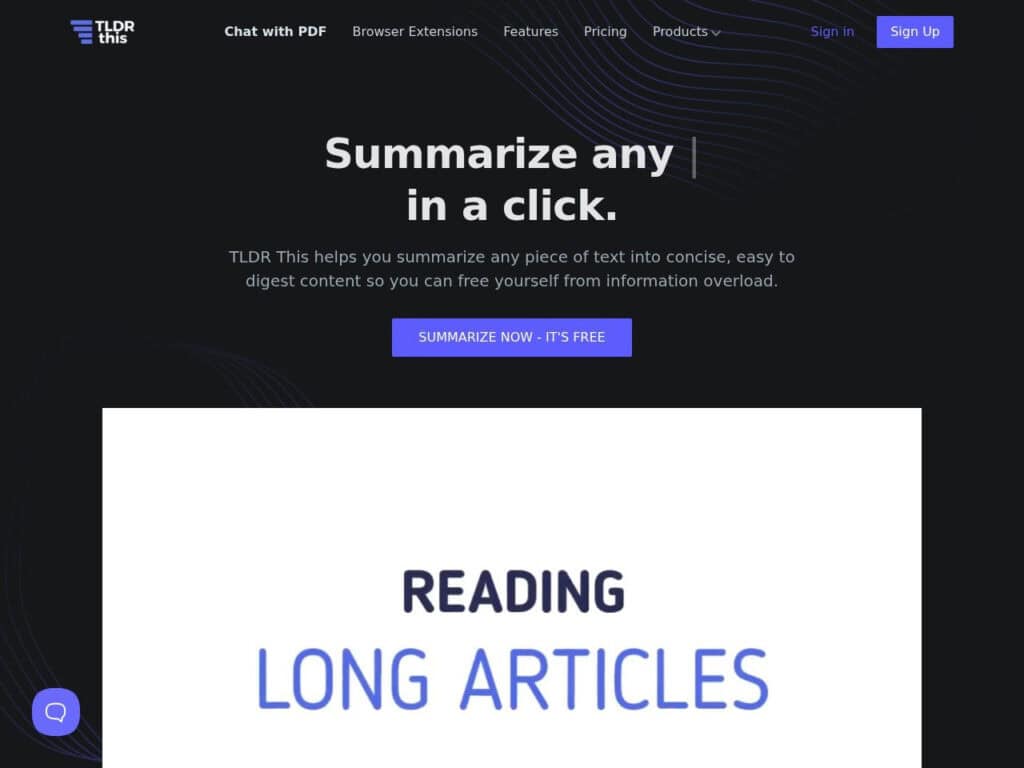
A nice free GPT service, good a summarizing many contents. Either file upload, remote URL, or copy/paste text is possible. It provides the results, so as already proposes some variants for new queries or related topics.
LaTex Playgroundの機能デモ
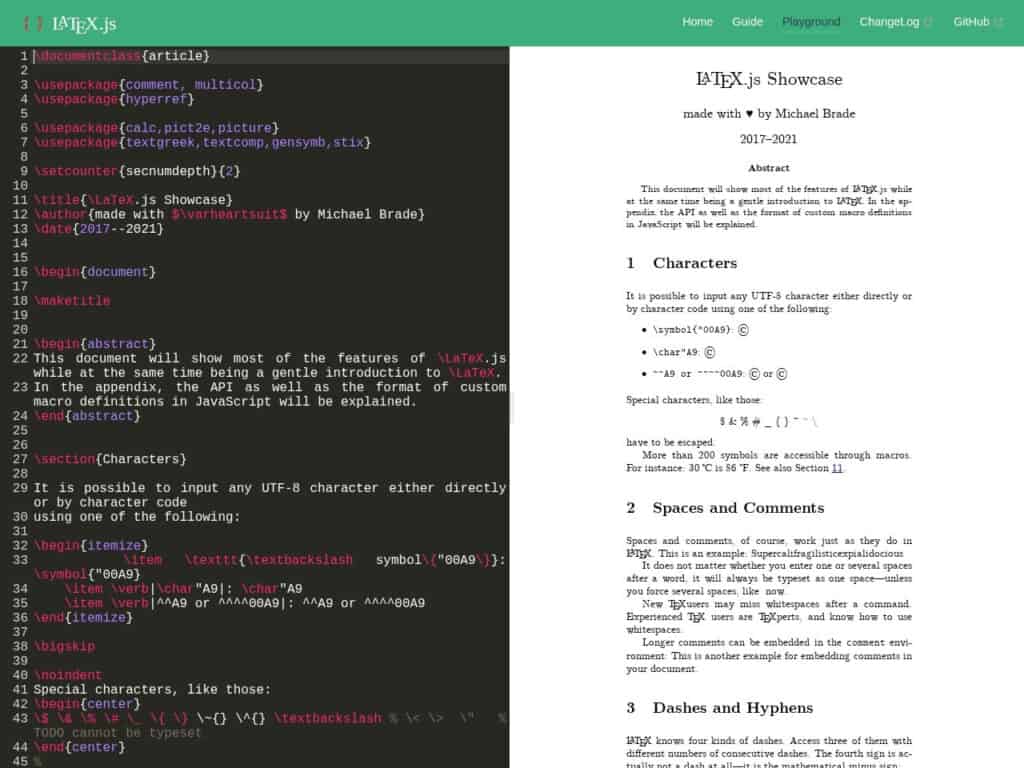
無料エディタを使えば、LaTeXのすべてのコマンドを使ってオンラインでテキストを作成できるだけでなく、提供されている非常に長いサンプルは、この言語とその可能性のすべてを完璧に概観できるものとなっています。
無料のMarkdownからHTMLへの変換ツール
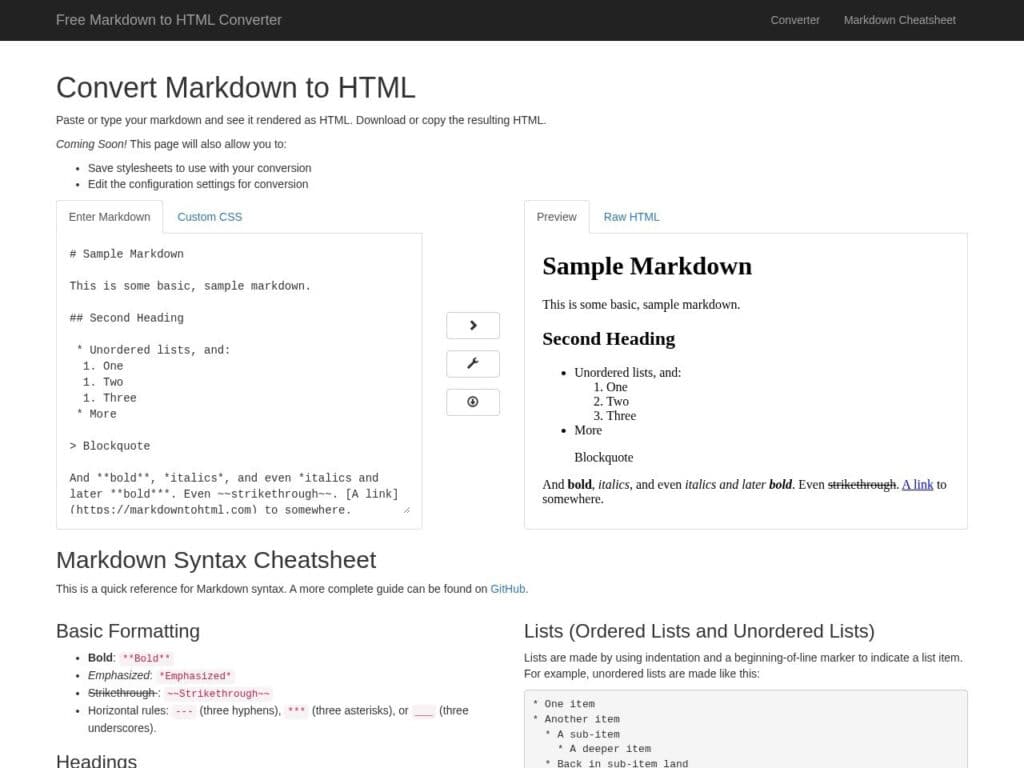
Just copy/paste your Markdown text and it will be converted into HMTL, providing you both the raw HTML and its preview. Simple and effective, just as the Markdown principle. In case you have not used it before, or used without even knowing it: Markdown is a lightweight markup language created by John Gruber in 2004, designed to be easy to read and write in plain text while allowing for simple formatting. It enables users to structure text using intuitive symbols—such as asterisks for bold or italics, hash signs for headings, and dashes or asterisks for lists—making it ideal for writing documentation, blog posts, and notes. Its simplicity and widespread support […]
文字列比較アルゴリズム(または文字列類似性)
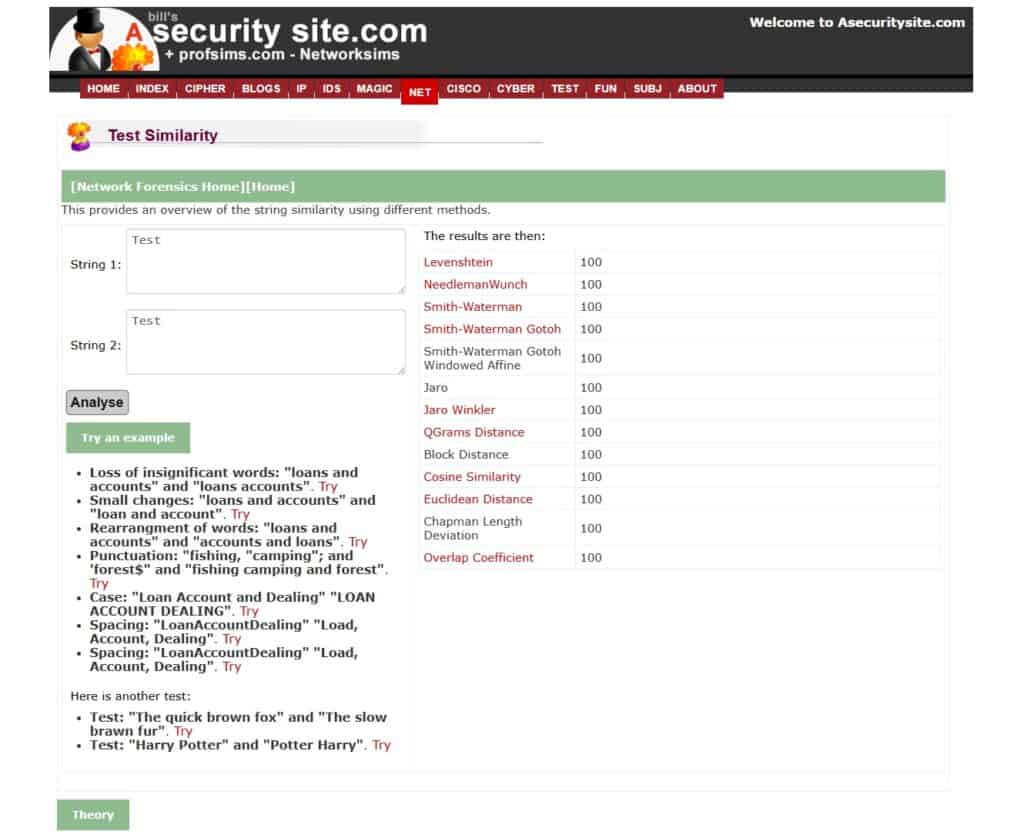
In coding, when ever you want to be smarter than comparing if 2 strings are perfectly equal ( “abc” == “abd” ? ) … like how much is the first string different from the 2nd (like if the user entered something with a typo) , you have the choices between several algorithms, each with pros and cons or made for special cases.Well, this site is exactly for this: provide two sample strings and it will apply several algorithms and tell you the differences. Depending on the strings you want to identify,, in a couple of tests, you know the best algorithm and threshold to apply for your case. It tests […]