Online Image Converter (CloudConvert) compared with Adobe Photoshop, XnConvert and Zamzar| Online Image Converter (CloudConvert) | Adobe Photoshop | XnConvert | Zamzar |
|---|
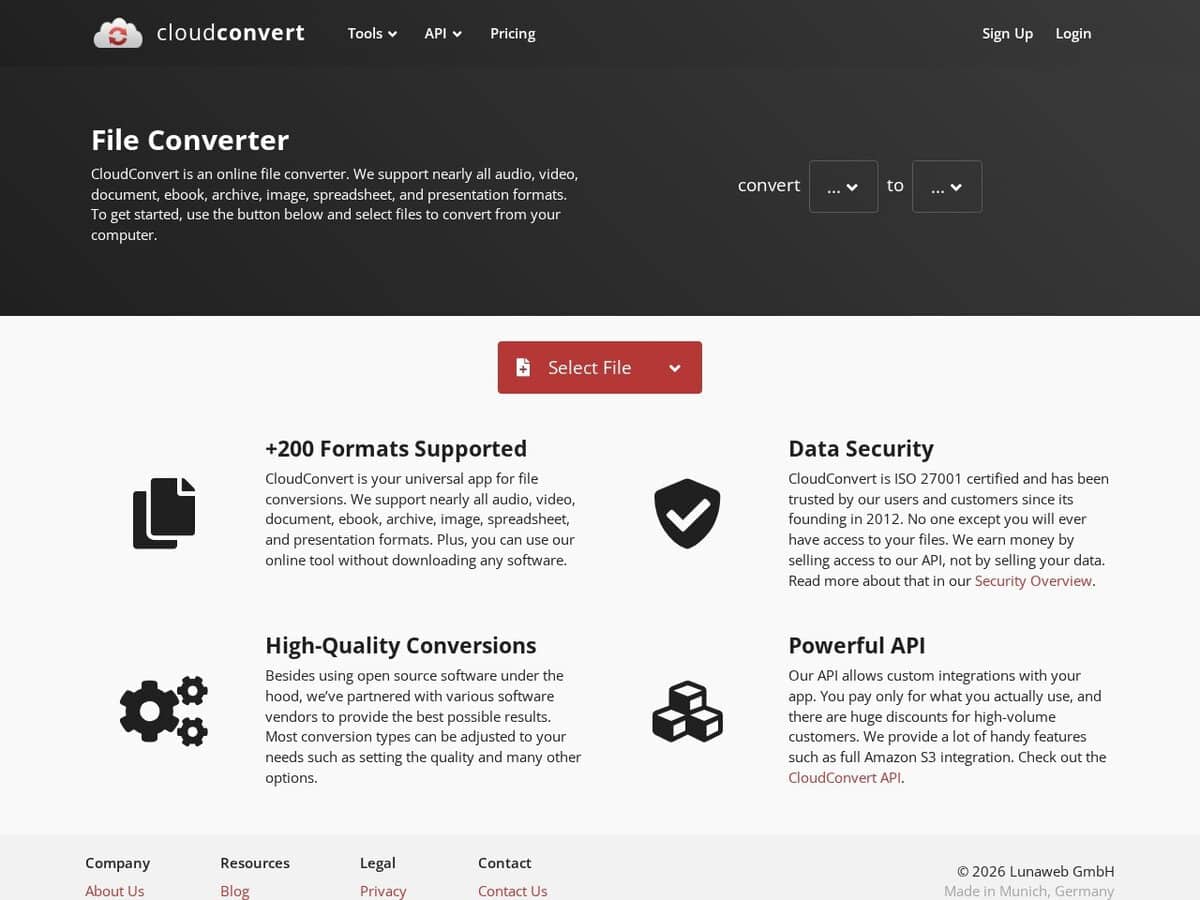
| Main use: CloudConvert is a browser-based converter for images, vector files, CAD files, documents, video and audio. It suits a quick format change without opening a design application. | Main use: Photoshop is a raster editing application. Converting a file means opening it and saving it again, which is slow for occasional format changes or for many files. | Main use: XnConvert is a desktop batch converter and editor. It applies chains of operations such as resize, crop, metadata edits and watermarks to whole folders. | Main use: Zamzar is also a browser-based converter for documents, images, audio and video. Its scope is close to CloudConvert, with a different quota and pricing model. |
| Format coverage: The site lists 212 formats in 11 categories, including 42 image formats, 10 vector formats and 3 CAD formats. This makes it useful for conversions such as AI to SVG. | | Format coverage: XnConvert reads more than 500 formats and writes about 70. It is aimed at image files, not at office or CAD documents. | Format coverage: Zamzar states more than 1100 supported formats on its home page. The breadth is higher than CloudConvert, though quality can differ between conversion paths. |
| Limits and cost model: The free plan gives 10 credits per day, a 1 GB file limit and 5 minutes of processing per job. A conversion costs about one credit per minute plus a base cost by type. Paid use is by credit package or monthly subscription. | Limits and cost model: Photoshop is sold by subscription, with a 7-day trial on individual plans. There is no permanent free tier. | Limits and cost model: XnConvert is free for private and educational use, including non-profit organizations. Company use needs a licence, sold per seat with volume discounts. | Limits and cost model: The free tier caps files at 50 MB, and larger files need a paid account to download the result. Free output is kept for 24 hours at most. |
| Automation: Every plan includes API access, with jobs built from import, convert and export tasks. Conversion can be built into a production pipeline. | | Automation: XnConvert saves presets, watches folders for new images and exports to NConvert for command-line use. Everything runs locally. | Automation: Zamzar sells a separate developer API. Its free Test plan has 100 credits and a 1 MB file limit, so regular use needs a paid plan. |
| Data handling and platform: Files are uploaded and deleted after processing under the retention policy. It works in any browser with nothing to install. | Data handling and platform: Photoshop runs on desktop, web and mobile. Files stay on the device unless saved to cloud storage. | Data handling and platform: Files stay on the machine. It runs on Windows, macOS and Linux, with mobile apps for Android and iOS. | Data handling and platform: Files are uploaded and stored for a limited time. Free files are removed after 24 hours, and users can delete them sooner. |